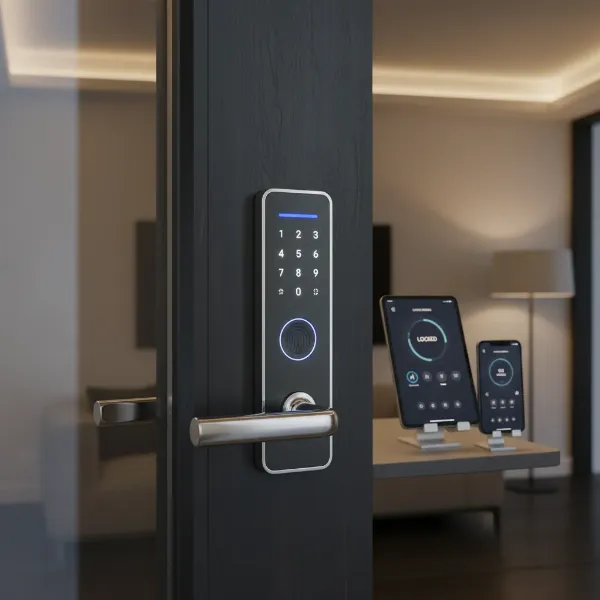
In an age where technology seamlessly integrates into every facet of our lives, the humble door lock has also undergone a significant transformation. No longer just a piece of metal and mechanism, smart door locks offer a compelling blend of convenience, enhanced security, and sophisticated control. But with numerous options flooding the market and a higher price tag, a crucial question arises: are smart door locks truly worth the investment for your home? This comprehensive review aims to dissect the functionalities, benefits, drawbacks, and practical considerations of smart door locks to help you make an informed decision about upgrading your home security.
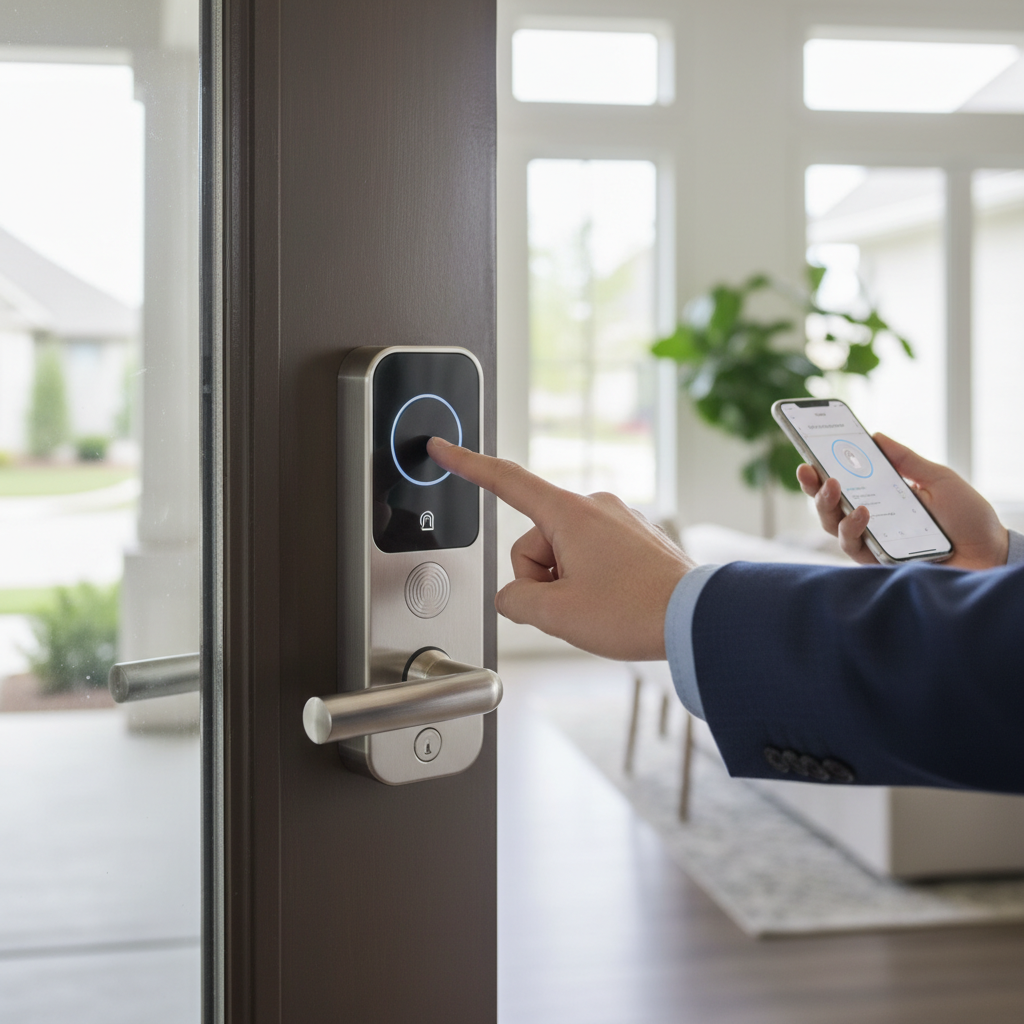
What is a Smart Door Lock? Why Should You Use One?
A smart door lock is an electronic locking device that can be controlled and monitored remotely via a smartphone app or other networked devices, moving beyond the limitations of traditional physical keys. These innovative locks integrate with your home’s ecosystem, providing keyless entry and a host of advanced features designed to modernize your security and streamline daily access.
The primary appeal of smart door locks lies in their multifaceted benefits. First, they offer enhanced security. Many models eliminate the traditional keyhole, making them immune to common break-in techniques like lock picking and bumping. They also provide real-time activity logs and instant tamper alerts directly to your smartphone, giving you peace of mind. Second, unmatched convenience is a major draw. Imagine never fumbling for keys again; with keyless entry options such as fingerprint recognition, PIN codes, or smartphone app control, access is effortless. Remote locking and unlocking from anywhere means you can let in guests or service providers even when you’re not home, and easily revoke access when it’s no longer needed. Lastly, their ability to integrate with smart home systems allows for automation, such as turning on lights when the door unlocks, further enhancing both security and daily comfort.
Common scenarios where smart locks prove invaluable include residential homes, particularly for busy families or individuals who frequently host guests. They are also ideal for vacation rentals, offering easy guest management and access control, and small offices needing flexible entry solutions.
Popular Types of Smart Door Locks
Smart door locks come in various forms, each offering distinct methods of operation and connectivity. Understanding these types is crucial for selecting the best fit for your specific needs and existing door hardware.
By Unlocking Method
The way you unlock your smart door is a defining feature, catering to different preferences and security requirements.
- Fingerprint Recognition: These locks use biometric technology to grant access with a simple touch, offering speed and eliminating the need for codes or keys. They are highly convenient for daily use.
- PIN Code/Keypad: Users enter a personalized numerical code on a physical keypad. Many allow for multiple user codes, some with temporary or scheduled access capabilities.
- Key Fob/Card: Similar to hotel room cards, these use RFID or NFC technology for a quick tap-to-unlock experience.
- Smartphone App: Control your lock directly from your phone via Bluetooth or Wi-Fi, offering remote locking/unlocking, monitoring, and settings management.
- Traditional Key Backup: Most smart locks still include a physical key override, providing a failsafe in case of battery failure or system malfunction.
- Facial Recognition: A more advanced and less common method, some high-end locks use facial scanning for access, adding an extra layer of biometric security.
|
Our Picks for the Best Smart door lock in 2026
As an Amazon Associate I earn from qualifying purchases.
|
||
| Num | Product | Action |
|---|---|---|
| 1 | TEEHO TE001 Keyless Entry Door Lock with Keypad - Smart Deadbolt Lock for Front Door with 2 Keys - Auto Lock - Easy Installation - Matte Black |

|
| 2 | eufy Security Smart Lock C30, Keyless Entry Door Lock, Built-in WiFi Keypad Deadbolt for Front Door, No Bridge Required, Easy Installation, App Remote Control, Reliable Power, BHMA Grade 3 |
|
| 3 | eufy Security Smart Lock C220, Fingerprint Keyless Entry Door Lock, Built-in Wi-Fi, App Remote Control, Front Door Smart Lock Deadbolt, 8Months Battery, Reliable Power, IP53 Waterproof, BHMA Grade 3 |
|
| 4 | Veise VE017 Fingerprint Smart Door Lock, App Control, 8-in-1 Keyless Entry, Auto Lock, Emergency Power Port, Electronic Touchscreen Keypad, Biometric Smart Locks for Front Door, Matte Black |
|
| 5 | TEEHO TE001 Keyless Entry Door Lock with Keypad - Smart Deadbolt Lock for Front Door with 2 Keys - Auto Lock - Easy Installation - Satin Nickel |
|
| 6 | Keypad Smart Door Lock with Knob, Yamiry Keyless Entry Digital Lock with Handle, Fingerprint Electronic Knob for Front Door |
|
| 7 | Philips WiFi Keypad Door Lock with Handle, Built-in WiFi, APP Remote Control, Voice & Fingerprint Unlock, Smart Locks for Front Door with Auto Lock, Digital Front Door Lock Set, Keyless Entry Deadbolt |
|
| 8 | Smart Door Handle Lock with Keypad: Yamiry Fingerprint Smart Knob - Keyless Entry Digital Lock for Front Door - Deadbolt with APP - Generate Passcode Remotely - DIY Installation |
|
| 9 | Philips Wi-Fi Door Lock, WiFi Smart Lock Keyless Entry Deadbolt for Front Door, Compatible with Alexa & Google Assistant, Remote Control, Built-in WiFi, APP Fingerprint Passcode Unlock, Auto Locking |
|
| 10 | Schlage Encode Smart Wi-Fi Deadbolt Lock with Touchscreen Keypad, Keyless Front Door Entry, App Control, Alexa, Google Home and Airbnb Compatible, Matte Black, BE489WB CEN 622 |
|
By Connectivity
Connectivity determines how your smart lock communicates with your smartphone and other smart home devices, influencing range and integration possibilities.
- Bluetooth: Connects directly to your smartphone when in close proximity. Ideal for basic app control but lacks remote access without a hub.
- Wi-Fi: Allows for remote control and monitoring from anywhere with an internet connection. Some Wi-Fi locks are standalone, while others require a gateway.
- Z-Wave/Zigbee: These require a compatible smart home hub (like Samsung SmartThings or Amazon Echo Plus). They create a mesh network, offering greater range and reliability while being energy-efficient.
- Matter/HomeKit: Emerging standards like Matter aim to unify smart home device communication across various platforms, while Apple HomeKit provides seamless integration for Apple users, often including Home Key functionality.
By Design
Smart locks are designed to integrate with different door types and existing hardware.
- Deadbolt Replacement: These replace your existing deadbolt, offering a complete smart lock solution while retaining your current handle. Many popular models fall into this category.
- Lever/Handle Lock: Some smart locks are integrated directly into the door handle, providing an all-in-one solution.
- Retrofit Locks: These are designed to attach to the interior side of your existing deadbolt, transforming it into a smart lock without altering the exterior appearance. They are often a good choice for renters or those who want a less invasive installation.
“Smart locks offer a unique blend of convenience and control that traditional locks simply cannot match. The ability to manage access remotely and receive real-time alerts fundamentally changes how we interact with our home security.” – Alex Chen, Smart Home Security Expert
Top Smart Door Lock Brands Compared
The smart lock market features a diverse array of manufacturers, each with their own strengths. Here’s a comparison of some leading brands:
| Brand | Price Range | Core Features | Security & Durability | Smart Home Compatibility | Notes |
|---|---|---|---|---|---|
| Yale | Mid-High | Keypad, App, Key Fob, HomeKit | Strong encryption, durable construction | HomeKit, Google, Alexa | Renowned for reliability, integrates with Nest. |
| Schlage | Mid-High | Keypad, App, Wi-Fi, Bluetooth | High-grade security ratings, robust build | Alexa, Google, HomeKit | Known for strong security and traditional aesthetics. |
| Kwikset | Mid | Keypad, App, Wi-Fi, Fingerprint | SecureScreen, SmartKey re-keying | Alexa, Google, HomeKit | Often easier DIY installation, budget-friendly options. |
| August | Mid-High | Retrofit, App, Bluetooth, HomeKit | DoorSense, activity feed, virtual keys | Alexa, Google, HomeKit | Focus on seamless integration, keeps existing exterior lock. |
| Lockly | High | Keypad (PIN Genie), Fingerprint, Facial | Patented peek-proof keypad, 3D fingerprint | Alexa, Google, HomeKit | Advanced biometrics, unique PIN Genie keypad. |
| Eufy | Mid | Fingerprint, Keypad, App, Wi-Fi | Built-in camera, strong encryption | Alexa, Google | Offers models with integrated cameras for added security. |
| Aqara | Mid | Fingerprint, Keypad, App, HomeKit | Secure local processing, robust design | HomeKit, Google, Alexa | Strong HomeKit integration, reliable sensors. |
| Philips | High | Fingerprint, Keypad, App, Facial | Premium materials, advanced biometric | Limited | Focus on design and high-end biometric features. |
| Xiaomi | Low-Mid | Fingerprint, Keypad, App | Basic security, affordable | Xiaomi Home | Budget-friendly, good entry point for smart locks. |
Best Smart Door Lock Models Currently Available
Choosing the “best” smart lock depends heavily on individual priorities, whether it’s budget, specific features, or smart home ecosystem compatibility. Here’s a comparison of some highly-rated models in 2024:
| Model | Price Range | Unlocking Methods | Special Features | Smart Home Integration | User Rating (out of 5) |
|---|---|---|---|---|---|
| Yale Assure Lock 2 | Mid-High | Keypad, App, Key, HomeKit Key | Compact design, auto-lock, DoorSense | HomeKit, Google, Alexa | 4.5 |
| Kwikset Halo Select | Mid | Fingerprint, Keypad, App, Key | Wi-Fi built-in, no hub needed, voice control | Alexa, Google, HomeKit | 4.4 |
| Aqara Smart Lock U100 | Mid | Fingerprint, Keypad, App, Key, NFC | HomeKey support, robust build, local processing | HomeKit, Google, Alexa | 4.6 |
| Lockly Visage Elite | High | Facial Rec., Fingerprint, Keypad (PIN Genie), App | 3D facial recognition, built-in camera, privacy keypad | HomeKit, Google, Alexa | 4.3 |
| Eufy Security C210 | Low-Mid | Fingerprint, Keypad, App, Key | Wi-Fi built-in, activity log, strong security features | Alexa, Google | 4.5 |
| TP-Link Tapo DL100 | Low | Keypad, App, Key, Wi-Fi | Easy DIY install, long battery life, voice control | Alexa, Google, SmartThings | 4.2 |
| Schlage Encode Plus | High | Keypad, App, Key, HomeKit Key | Built-in Wi-Fi, Apple Home Key, robust security | HomeKit, Google, Alexa | 4.6 |
[image-1|smart-door-lock-overview|An illustrative image showcasing various smart door lock features like fingerprint scanner, keypad, and smartphone app control, set on a modern front door.|
An illustrative image of a sleek, modern smart door lock installed on a contemporary dark wooden front door. The lock displays multiple access methods: a glowing fingerprint scanner, a clear digital keypad, and a smartphone screen showing the control app. The background is a slightly blurred, inviting home entrance with soft natural light, conveying a sense of security and technological advancement. The style should be clean and slightly futuristic.]
Guide to Choosing the Right Smart Door Lock
Selecting the ideal smart door lock requires careful consideration of your personal needs, budget, and the specifics of your home. A hasty decision could lead to compatibility issues or unmet expectations.
Assess Your Needs
Start by defining what you truly need from a smart lock. Are you looking for basic keyless convenience for yourself, or do you require advanced features like temporary access for guests, remote monitoring for a rental property, or robust security for a family home? Your use case (residential, office, Airbnb) will significantly narrow down your options.
Budget Considerations
Smart locks typically range from $100 to over $400. Factor in not just the upfront purchase price, but also potential installation costs if you opt for professional help, and any subscription fees for advanced cloud features (though many core features are subscription-free). While budget models offer great value, higher-end locks often provide more advanced features, better build quality, and enhanced security protocols.
Essential Features
Consider which unlocking methods are most important to you (fingerprint, keypad, app, facial recognition). Do you need remote access via Wi-Fi? Is integration with your existing smart home system (e.g., Apple HomeKit, Google Assistant, Amazon Alexa) a priority for automation? Look for features like auto-lock, tamper alarms, and access logs if security monitoring is key.
Door Compatibility
Before purchasing, measure your door’s thickness and check the backset (distance from the door’s edge to the center of the bore hole). Ensure the lock is compatible with your door type (e.g., standard wood, metal, glass) and existing deadbolt or handle setup. Retrofit locks are great for maintaining your current exterior aesthetic, while full replacement models offer a complete upgrade.
Brand Reputation & Support
Opt for reputable brands known for their security, reliability, and customer service. Check warranty periods and read user reviews for insights into product longevity and support quality. A strong warranty and responsive support can be invaluable if you encounter any issues.
Installation and Usage Tips for Smart Door Locks
While many smart locks are designed for DIY installation, proper setup and ongoing maintenance are crucial for optimal performance and longevity.
Installation Overview
Most smart locks are designed to replace a standard deadbolt and can often be installed with basic tools like a Phillips head screwdriver and a measuring tape. The general steps involve removing your old lock, installing the new deadbolt mechanism, attaching the exterior keypad/reader, securing the interior assembly, and connecting any wires. Always follow the manufacturer’s specific instructions, as procedures can vary by model. For those less comfortable with DIY, or for locks with more complex wiring or precise door alignment requirements, professional installation is a worthwhile investment.
Setting Up and Using Features
Once physically installed, the next step is typically to download the accompanying smartphone app and pair the lock via Bluetooth or Wi-Fi. From the app, you can program PIN codes, enroll fingerprints, manage user access, set up auto-lock timers, and configure smart home integrations. Take time to explore all the features your lock offers to maximize its utility.
Maintenance for Longevity
Consistent maintenance will ensure your smart lock functions reliably for years.
- Battery Management: Smart locks are battery-dependent. Most will provide low-battery alerts via the app or on the lock itself. Replace batteries promptly with the correct type (usually AA or AAA lithium for best performance) to avoid being locked out.
- Firmware Updates: Regularly check for and install firmware updates through the app. These updates often include security patches, bug fixes, and new features.
- Cleaning: Keep the keypad and fingerprint sensor clean from dirt and grime to ensure accurate readings. Use a soft, damp cloth and avoid harsh chemicals.
- Mechanical Check: Periodically check that the deadbolt operates smoothly and that the door frame’s strike plate is aligned correctly. Minor adjustments can prevent strain on the lock’s motor.
[image-2|smart-door-lock-installation|A close-up image showing hands installing a smart door lock onto a wooden door, highlighting the tools and process.|
A close-up, high-angle shot of hands (wearing protective gloves) carefully installing a smart door lock onto a light-colored wooden door. A screwdriver is visible, aligning components. The focus is on the intricate parts of the lock and the hands, suggesting a detailed and precise installation process. The background is slightly blurred to emphasize the task at hand, with warm, practical lighting.]
Common Smart Door Lock Problems and Solutions
Even the most advanced smart locks can encounter issues. Knowing how to troubleshoot common problems can save you time and frustration.
Battery Depletion
- Issue: The lock becomes unresponsive, or you ignore a low battery alert, leading to a lockout.
- Solution: Most smart locks have a backup power option (e.g., 9V battery terminals, USB-C port) or a physical key override. Always replace batteries as soon as you receive a low-battery warning and keep spare batteries on hand. Ensure you are using the correct battery type as recommended by the manufacturer.
Connectivity Issues
- Issue: The lock doesn’t respond to remote commands, or the connection to your smartphone/hub is intermittent.
- Solution: First, try restarting the smart lock, your Wi-Fi router, and your smart home hub (if applicable). Check the Wi-Fi signal strength at your door; thick walls or metallic objects can interfere. A Wi-Fi extender or moving your router closer might improve the connection. Ensure your lock’s firmware is up to date.
Unlocking Method Failure (e.g., Fingerprint, Keypad)
- Issue: The fingerprint sensor fails to recognize your print, or the keypad doesn’t respond to codes.
- Solution: For fingerprint issues, try re-enrolling your fingerprint and ensure the sensor is clean and dry. For keypads, double-check that you’re entering the correct code and that the keypad isn’t damaged. If codes are forgotten, most apps allow you to reset or create new ones.
Mechanical Malfunctions
- Issue: The latch bolt doesn’t extend, the handle gets stuck, or the door doesn’t close smoothly after smart lock installation.
- Solution: These often stem from misalignment during installation or obstructions. Check for anything blocking the deadbolt. Recalibrate the lock through the app if that’s an option. Sometimes, the strike plate on the door frame might need adjustment, or the door itself might have shifted. If the handle mechanism is faulty, it might indicate an installation error requiring re-alignment or professional assistance.
Hacking/Security Concerns
- Issue: As connected devices, smart locks can theoretically be vulnerable to digital intrusion.
- Solution: Purchase smart locks from reputable brands with strong encryption and a track record of security. Enable two-factor authentication (2FA) for your smart lock app and use strong, unique passwords. Regularly update your lock’s firmware, as manufacturers often release patches for discovered vulnerabilities.
[image-3|smart-door-lock-problem-solving|A person troubleshooting a smart door lock using a smartphone app, indicating common issues like battery or connectivity.|
A person’s hands are seen holding a smartphone, displaying a troubleshooting screen for a smart door lock app. The lock itself, a modern grey model, is partially visible on a white door in the background. The scene suggests a common domestic setting with soft, ambient lighting, focusing on the user interacting with technology to solve a problem.]
Conclusion
After weighing the numerous advantages against the potential drawbacks, it’s clear that smart door locks are a valuable investment for many modern homes. They offer unparalleled convenience through keyless entry and remote access, significantly enhance security with features like tamper alerts and customizable access, and integrate seamlessly into the growing smart home ecosystem. While the initial cost may be higher and reliance on batteries and network connectivity requires proactive management, the benefits of peace of mind and simplified living often outweigh these considerations.
The decision to install a smart door lock ultimately comes down to your lifestyle, security priorities, and comfort with technology. For those seeking to modernize their home security, gain greater control over access, and enjoy the effortless convenience of keyless living, a smart door lock is undeniably worth it. What smart features are most important for your home security?
Frequently Asked Questions
Are smart locks more secure than traditional ones?
In many ways, yes. Smart locks often eliminate keyholes, reducing vulnerability to lock picking and key bumping. They also offer features like tamper alarms, remote monitoring, and the ability to instantly change or revoke access codes, which traditional locks cannot. However, their electronic nature introduces new vulnerabilities like hacking, though reputable brands use strong encryption to mitigate these risks.
How long do smart lock batteries last?
Most smart lock batteries last between 6 to 12 months, depending on usage frequency, battery type, and environmental factors. Most locks provide low-battery warnings via their app or on the lock itself well in advance of depletion, allowing you ample time to replace them.
Can smart locks be hacked?
While any connected device carries some risk of hacking, reputable smart lock manufacturers employ robust encryption and security protocols to protect against cyber threats. It’s crucial to choose brands with a strong security reputation, enable two-factor authentication, use strong passwords, and regularly update your lock’s firmware to minimize this risk.
Do smart locks work without Wi-Fi?
Many smart locks offer basic functionality (like keypad or fingerprint entry, or Bluetooth control) without an active Wi-Fi connection. However, remote access, real-time alerts, and integration with broader smart home ecosystems typically require a Wi-Fi connection or a smart home hub.
What happens if my phone dies?
If your phone dies or is lost, you can still access your home through other methods. Most smart locks offer multiple entry options, including a physical key backup, a keypad for PIN codes, or a fingerprint reader. Some even have a temporary charging port (e.g., 9V battery terminals) to power the lock long enough for you to enter a code.
Are smart locks compatible with all doors?
Most smart locks are designed to fit standard residential doors and replace existing deadbolts. However, door thickness, backset, and the presence of specific existing hardware can affect compatibility. Always check the manufacturer’s specifications and measure your door dimensions before purchasing.
Is professional installation necessary?
Many smart locks are designed for DIY installation and come with clear instructions. If you’re comfortable with basic hand tools, you can likely install one yourself. However, for complex installations, specific door types, or if you prefer to ensure perfect alignment and functionality, professional installation is recommended.