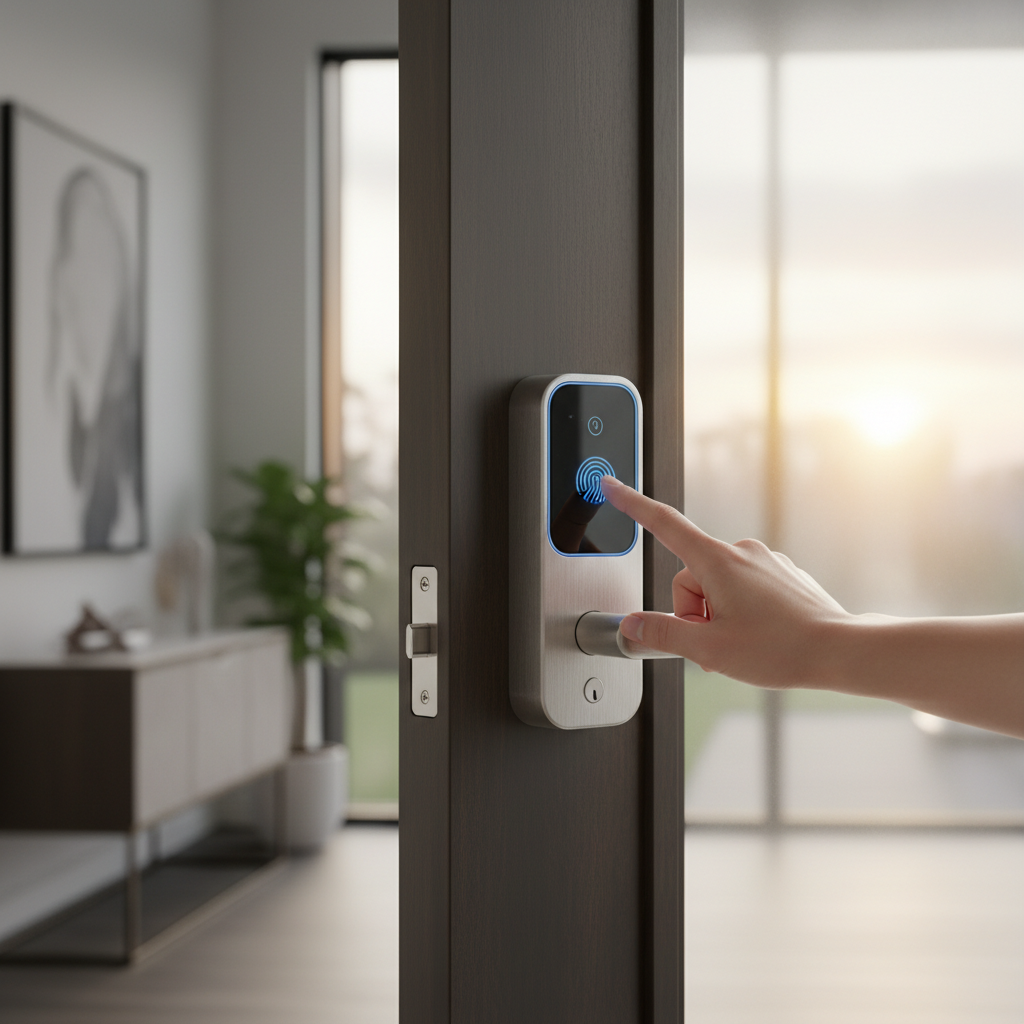
Imagine a life free from fumbling for keys or wondering if you remembered to lock the front door. Smart door locks have revolutionized home security and convenience, offering a glimpse into a truly connected lifestyle. But are these advanced devices genuinely a worthwhile investment, or simply another tech gadget? This comprehensive guide delves into the world of smart door locks, exploring their features, benefits, potential drawbacks, and helping you determine if an upgrade is the right choice for your home.
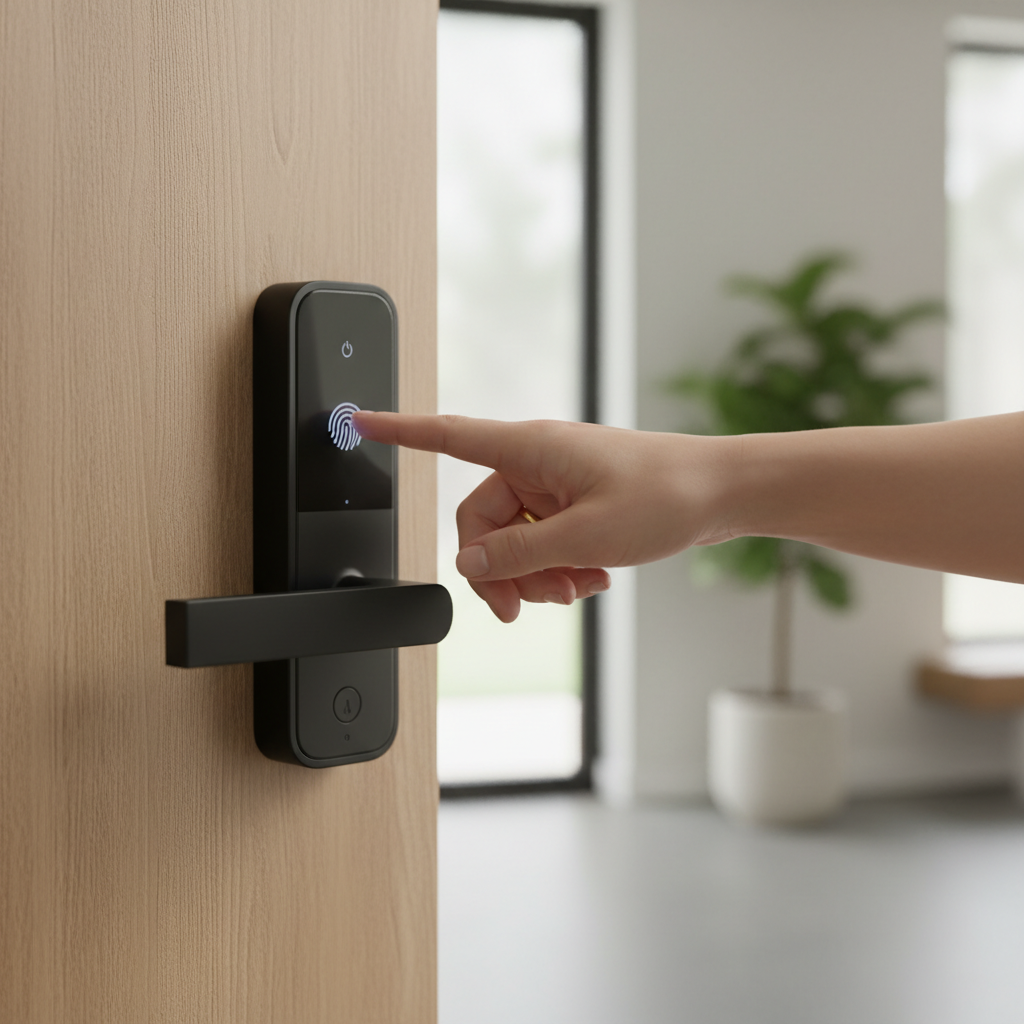
What is a Smart Door Lock? Why use it?
A smart door lock is an electronic mechanism that replaces traditional locks and keys, allowing you to secure and unlock your door using digital credentials rather than a physical key. These innovative devices typically connect to your home’s Wi-Fi or Bluetooth network, enabling control through a smartphone app, keypad, fingerprint, or even voice commands. Their core appeal lies in transforming conventional home access into a seamless, intelligent experience.
The primary advantages of integrating a smart door lock into your home are multifaceted, spanning enhanced security, unparalleled convenience, and remote management capabilities. Firstly, the convenience of keyless entry eliminates the hassle of carrying or potentially losing physical keys, offering access via a simple PIN code, fingerprint scan, or a tap on your smartphone. Secondly, smart locks significantly bolster security by providing real-time activity logs, tamper alarms, and the ability to issue temporary, time-restricted access codes for guests or service providers. This gives you complete oversight of who enters and exits your property. Finally, many smart locks integrate effortlessly with existing smart home ecosystems, allowing for automated actions like turning on lights or activating security cameras upon entry, creating a truly unified and responsive home environment. These features collectively offer peace of mind, knowing your home is secure and accessible on your terms, even when you’re miles away.
“Smart locks solve real problems that traditional locks cannot. You can create unique entry codes for guests, house sitters, dog walkers, or repair technicians and set those codes to expire after a specific time window, offering a level of control unparalleled by conventional systems.” – Joel Dhein, President of the National Crime Prevention Association.
[image-1|smart-door-lock-definition-benefits|A close-up of a modern smart door lock with a glowing keypad and a smartphone displaying a connected app, illustrating keyless entry and remote control.|
A sleek, modern smart door lock installed on a wooden door, featuring a backlit numeric keypad. A hand holds a smartphone next to it, with the screen showing a smart home app interface displaying “locked” status and an unlock button. The background is a warm, inviting home interior. Shot at eye-level, bright, realistic style.]
Popular Smart Door Lock Types on the Market
The smart door lock market offers a diverse range of products, categorized primarily by their unlocking methods, connectivity options, and design. Understanding these distinctions is crucial for selecting a lock that aligns perfectly with your lifestyle and home security requirements.
By Unlocking Method
Smart locks provide various ways to grant access, moving beyond the traditional physical key. The most common methods include:
- Fingerprint Recognition: Biometric scanners allow for swift, secure access with a simple touch. This method is highly convenient and eliminates the need to remember codes.
- Passcode Keypads: Users enter a unique numeric code on a touchscreen or physical keypad. This is popular for temporary access (e.g., for guests or deliveries) as codes can be easily changed or revoked.
- RFID Cards/Fobs: Proximity cards or key fobs can be tapped against the lock to gain entry, similar to hotel room keys.
- Smartphone App Control: The lock connects to a dedicated app on your smartphone, enabling you to lock, unlock, and manage settings remotely from anywhere with an internet connection.
- Voice Command: Integration with smart home assistants like Alexa or Google Assistant allows for hands-free locking and unlocking.
- Physical Key: Many smart locks retain a traditional keyhole as a backup, ensuring access during power outages or battery drain.
- Facial Recognition: Advanced models are starting to incorporate facial scanning for ultra-secure and effortless entry.
|
Our Picks for the Best Smart door lock in 2026
As an Amazon Associate I earn from qualifying purchases.
|
||
| Num | Product | Action |
|---|---|---|
| 1 | eufy Security Smart Lock C30, Keyless Entry Door Lock, Built-in WiFi Keypad Deadbolt for Front Door, No Bridge Required, Easy Installation, App Remote Control, Reliable Power, BHMA Grade 3 |

|
| 2 | Schlage Encode Smart Wi-Fi Deadbolt Lock with Touchscreen Keypad, Keyless Front Door Entry, App Control, Alexa, Google Home and Airbnb Compatible, Matte Black, BE489WB CEN 622 |
|
| 3 | Smart Door Handle Lock with Keypad: Yamiry Fingerprint Smart Knob - Keyless Entry Digital Lock for Front Door - Deadbolt with APP - Generate Passcode Remotely - DIY Installation |
|
| 4 | TEEHO TE001 Keyless Entry Door Lock with Keypad - Smart Deadbolt Lock for Front Door with 2 Keys - Auto Lock - Easy Installation - Matte Black |
|
| 5 | eufy Security Smart Lock C220, Fingerprint Keyless Entry Door Lock, Built-in Wi-Fi, App Remote Control, Front Door Smart Lock Deadbolt, 8Months Battery, Reliable Power, IP53 Waterproof, BHMA Grade 3 |
|
| 6 | TEEHO TE001 Keyless Entry Door Lock with Keypad - Smart Deadbolt Lock for Front Door with 2 Keys - Auto Lock - Easy Installation - Satin Nickel |
|
| 7 | Philips WiFi Keypad Door Lock with Handle, Built-in WiFi, APP Remote Control, Voice & Fingerprint Unlock, Smart Locks for Front Door with Auto Lock, Digital Front Door Lock Set, Keyless Entry Deadbolt |
|
| 8 | Philips Wi-Fi Door Lock, WiFi Smart Lock Keyless Entry Deadbolt for Front Door, Compatible with Alexa & Google Assistant, Remote Control, Built-in WiFi, APP Fingerprint Passcode Unlock, Auto Locking |
|
| 9 | Keypad Smart Door Lock with Knob, Yamiry Keyless Entry Digital Lock with Handle, Fingerprint Electronic Knob for Front Door |
|
| 10 | Veise VE017 Fingerprint Smart Door Lock, App Control, 8-in-1 Keyless Entry, Auto Lock, Emergency Power Port, Electronic Touchscreen Keypad, Biometric Smart Locks for Front Door, Matte Black |
|
By Connectivity
The way a smart lock communicates is vital for its functionality and integration with other smart devices.
- Bluetooth: Provides a direct, short-range connection to your smartphone, often used for auto-unlocking when you approach the door. While efficient for proximity, it generally doesn’t offer remote access without a bridge device.
- Wi-Fi: Allows direct connection to your home’s Wi-Fi network, enabling full remote control and monitoring from anywhere. This offers the most comprehensive smart home experience but can consume more battery power.
- Z-Wave & Zigbee: These are mesh networking protocols designed specifically for smart home devices, offering reliable, low-power communication over a longer range than Bluetooth. They require a compatible hub to connect to your home network.
- Matter/Thread: Emerging standards aiming to unify smart home device communication, promising improved interoperability, reliability, and security across different brands and ecosystems. Many newer locks are adopting Thread for enhanced battery life and responsiveness.
By Design
Smart locks also differ in how they physically integrate with your door.
- Full Replacement Locks: These locks completely replace your existing deadbolt and sometimes the handle set. They offer a clean, integrated look and often come with more advanced features.
- Retrofit Locks: Designed to fit over your existing deadbolt on the interior side of the door, allowing you to retain your original exterior hardware and keys. This is an excellent option for renters or those who prefer a less intrusive installation.
- Specific Door Types: Some locks are designed for particular door types, such as narrow stile doors, sliding doors, or multi-point locking systems, which require specialized hardware for proper function and security.
Comparing Leading Smart Door Lock Brands
Choosing the right smart door lock often begins with considering reputable brands known for quality and innovation. Several companies have established themselves as leaders in this competitive market, each offering unique strengths in terms of features, design, and ecosystem compatibility. The following table provides a snapshot of some top brands, highlighting their general offerings and what sets them apart.
| Brand | Price Range (Approx.) | Key Features | Security Rating (Typical) | Battery Life (Approx.) | Target User Segment |
|---|---|---|---|---|---|
| Kwikset | $150 – $300 | Wi-Fi/Bluetooth, auto-unlock, keypad, key backup | ANSI Grade 2 or 3 (some Grade AAA) | 6-12 months | Homeowners, tech-savvy users |
| Yale | $130 – $350 | Keypad, touchscreen, app control, Matter/HomeKit, key backup | ANSI Grade 2 or 3 | 6-12 months | Homeowners, renters (Assure series), Apple ecosystem users |
| Schlage | $180 – $350 | Wi-Fi, Bluetooth, keypad, fingerprint, Apple Home Key, key backup | ANSI Grade 1 or 2 | 6-12 months | High-security focus, HomeKit users, traditional aesthetic |
| August | $150 – $250 | Retrofit, auto-unlock, remote access, virtual keys, Wi-Fi bridge | ANSI Grade 2 | 6-10 months | Renters, existing deadbolt users, convenience-focused |
| Philips | $180 – $400 | Fingerprint, keypad, app control, sleek design | ANSI Grade 2 or 3 | 8-12 months | Design-conscious users, comprehensive features |
| Wyze | $70 – $130 | Budget-friendly, fingerprint, keypad, basic app control | ANSI Grade 3 | Up to 1 year | Budget-conscious, essential keyless entry |
| Level Lock | $230 – $350 | Invisible design, Matter, Apple Home Key, Bluetooth/Thread | ANSI Grade 2 | Up to 1 year | Minimalists, Apple ecosystem users, premium experience |
| Nuki | $170 – $250 | Retrofit, auto-unlock, Matter/Thread, virtual keys, key backup | ANSI Grade 2 or 3 | 6-12 months | European users, renters, retrofit installations |
| Ultraloq | $120 – $300 | Fingerprint, keypad, Wi-Fi, app, robust weather resistance | ANSI Grade 2 or 3 | 6-12 months | Feature-rich, multiple entry options, budget-friendly high-end |
| Eufy | $100 – $300+ | Fingerprint, keypad, app, integrated cameras (some models) | BHMA Certified (Grade 1-3) | 6-12 months | All-in-one security, value-focused, camera integration |
Top Smart Door Lock Models Comparison
Selecting a specific smart door lock model can be challenging given the array of options available. This comparison highlights some of the best-performing and most popular smart lock models, offering a detailed look at their features, connectivity, and ideal use cases. These models represent a good cross-section of the market, from budget-friendly choices to premium, feature-rich solutions.
| Model | Price (Approx. USD) | Unlock Methods | Connectivity | Special Features | Best For |
|---|---|---|---|---|---|
| Kwikset Halo Select | $233 | Key, Keypad, App, Voice, Auto-unlock | Wi-Fi or Thread | Auto-unlock (GPS/Bluetooth/Wi-Fi hybrid), ANSI AAA | Premium homeowners valuing seamless auto-entry |
| Wyze Lock Bolt | $66 | Fingerprint, Keypad, App (Bluetooth only) | Bluetooth 5.0 | Fast fingerprint reader, backlit keypad, no Wi-Fi | Budget-conscious users seeking essential keyless entry |
| Nuki Smart Lock | $199 | Key, App, Voice, Optional Keypad/Fingerprint | Bluetooth, Wi-Fi, Thread (Matter) | Retrofit installation, fast auto-unlock, virtual keys | Renters and DIY enthusiasts needing easy installation |
| Yale Assure Lock 2 | $170 – $240 | Keypad, App, Apple Home Key, Key backup (some) | Wi-Fi, Bluetooth, Thread (Matter) | Sleek design, wide range of options, HomeKit support | Users wanting versatility, Apple ecosystem integration |
| Level Lock+ | $329 | Key, App, Apple Home Key, Touch, RFID | Bluetooth, Thread (Matter) | Invisible design (fits inside door), Matter support | Minimalists, premium experience, Apple HomeKit users |
| Ultraloq U-Bolt Pro | $120 – $150 | Fingerprint, Keypad, App, Key, Shake-to-open | Wi-Fi, Bluetooth | High IP65 weather resistance, easy “eKey” sharing | Feature-rich, multiple entry options, robust build |
[image-2|top-smart-lock-models-comparison|A side-by-side comparison of several smart door locks, showcasing diverse designs, keypads, and fingerprint scanners, emphasizing model variety.|
A horizontal shot of four distinct smart door lock models lined up, each with different designs: one with a sleek touchscreen, another with a prominent fingerprint scanner, a minimalist cylindrical one, and a traditional-looking one with an integrated keypad. The lighting is even, against a clean, modern background, in a product photography style.]
How to Choose the Right Smart Door Lock
Selecting the perfect smart door lock involves a thoughtful evaluation of your personal needs, budget, and the specific characteristics of your home. It’s not just about getting the latest technology, but finding the right fit for your daily life.
Assess Your Security Needs & Lifestyle
Start by considering who will be using the lock and how. For a busy family, quick fingerprint access and remote monitoring might be paramount. If you frequently host guests or rent out your property, the ability to issue temporary, time-restricted access codes is invaluable. Conversely, a simple keyless keypad might suffice if you live alone in a low-risk area. Think about whether you need activity logs to track entry and exit, or if integration with other smart home devices like security cameras and alarms is important for your comprehensive home security strategy.
Consider Your Budget
Smart locks typically come with a higher upfront cost compared to traditional deadbolts, ranging from under $100 for basic models to over $300 for premium, feature-rich options. While the initial investment might seem significant, consider the long-term value, such as eliminating locksmith fees for rekeying or replacing lost keys. Factor in potential installation costs if you plan to hire a professional, and the ongoing expense of batteries or subscription fees for certain cloud-based features.
Key Features & Smart Home Integration
Identify the essential features you can’t live without. Do you prioritize fingerprint unlocking for speed, or a keypad for shared access? Is remote control via a smartphone app a must-have, or is local Bluetooth control sufficient? If you already have a smart home ecosystem (e.g., Apple HomeKit, Amazon Alexa, Google Home), ensure your chosen lock is compatible for seamless integration and automation. Features like auto-locking, tamper alarms, and two-factor authentication can further enhance both convenience and security.
Door Compatibility
Before purchasing, meticulously check your door’s specifications. Factors like door thickness, backset (the distance from the edge of the door to the center of the bore hole), and mortise requirements are critical for a proper fit. Not all smart locks are universal, and some are designed for specific door types (e.g., single-panel, sliding, or multi-point doors). Retrofit locks are ideal for maintaining existing hardware, while full replacement models offer more aesthetic integration. Always measure carefully and consult the lock’s compatibility guidelines to avoid installation issues.
Brand Reputation & Support
Opt for smart lock brands with a strong reputation for reliability, security, and customer support. Research product reviews, warranty offerings, and the availability of technical assistance. A reputable brand is more likely to provide timely firmware updates (crucial for security) and responsive help if you encounter any issues down the line. Investing in a well-supported product ensures long-term peace of mind and functionality.
Installation and Maintenance Guide for Smart Door Locks
Installing and maintaining your smart door lock correctly is essential for both its functionality and your home’s security. While some installations can be a DIY project, others may benefit from professional expertise.
Preparing for Installation
Before you begin, gather all necessary tools. A standard Phillips-head screwdriver is usually sufficient for most smart locks, though some might require a tape measure, chisel, or drill bits if minor modifications to your door are needed. Critically, ensure your door is compatible with the chosen lock by checking its thickness, backset, and the type of existing lock hardware. Reading the entire instruction manual thoroughly before starting is paramount, as each model can have unique steps and requirements. Having a helper can also make the process smoother, especially when aligning components.
Basic Installation Steps
Most smart lock installations involve a few core steps:
- Remove Existing Hardware: Unscrew and take off your old deadbolt or lockset from both sides of the door.
- Install New Deadbolt/Latch: Insert the new latch or deadbolt mechanism into the door edge, ensuring it aligns correctly with the strike plate on the door frame.
- Mount Exterior Keypad/Assembly: Place the exterior portion of the smart lock onto the door, threading any connecting cables through the bore hole.
- Install Interior Assembly: Attach the interior component, connecting the cables and securing it with screws. Ensure the lock is level and the deadbolt operates smoothly without binding.
- Insert Batteries: Install the recommended batteries into the interior unit.
- Test Mechanically: Manually operate the lock to ensure the deadbolt extends and retracts fully and smoothly.
- Software Setup: This usually involves downloading the manufacturer’s app, pairing the lock via Bluetooth or Wi-Fi, and following on-screen prompts to set up user codes, fingerprints, and other smart features.
Remember, if you encounter any difficulties or feel unsure during the physical installation, it’s always best to consult a professional locksmith to ensure optimal security and functionality.
Setting Up & Using Features
Once physically installed, the digital setup is key to unlocking your smart lock’s potential. Through the companion app, you can:
- Create User Codes: Assign unique PINs to family members, guests, or service providers, often with custom schedules or expiration dates.
- Register Biometrics: Enroll fingerprints or facial scans for quick access.
- Configure Auto-Lock/Unlock: Set the lock to automatically secure the door after a set period or unlock when your smartphone is within range (geofencing).
- Manage Remote Access: Grant or revoke access from anywhere, and view activity logs to see who entered and when.
- Integrate with Smart Home: Link your lock to other smart devices or voice assistants for unified control and automation routines.
Maintenance Tips
Regular maintenance helps prolong the life and reliability of your smart lock.
- Battery Management: The most crucial tip is to replace batteries regularly, typically every 6-12 months, or as soon as the low battery indicator appears. Many locks provide warnings well in advance. Always keep a spare set of the correct battery type on hand.
- Cleaning: Periodically wipe down the keypad and exterior with a soft, dry cloth to remove dust and grime. Avoid harsh chemicals that could damage the electronics.
- Check Mechanical Parts: Ensure the deadbolt and latch operate smoothly. If you notice any sticking, a non-greasy graphite lubricant can be used on the internal mechanism.
- Firmware Updates: Regularly check the manufacturer’s app for firmware updates. These updates often include security patches and performance improvements, keeping your lock secure and functioning optimally.
- Physical Alignment: Periodically check that the door and frame are still properly aligned. Misalignment can cause the deadbolt to jam and prevent proper locking.
Common Problems and Troubleshooting Smart Door Locks
Even the most advanced smart locks can encounter issues. Understanding common problems and how to troubleshoot them can save you frustration and ensure your home remains secure.
Battery Depletion
- Symptoms: The lock becomes unresponsive, delayed in operation, beeps continuously, or fails to lock/unlock electronically. Your app might show a low battery warning.
- Solution: This is the most frequent issue. Replace all batteries with new, high-quality alkaline ones immediately. Ensure they are inserted correctly according to polarity (+/-) indicators. Consider using lithium batteries if recommended by the manufacturer, as they can offer longer life. Always have a backup traditional key to avoid being locked out.
Connectivity Glitches
- Symptoms: The lock fails to connect to your smartphone app, doesn’t respond to remote commands, or has an unsteady connection.
- Solution:
- Check Connection: Ensure your Wi-Fi router is working and your phone is within Bluetooth range.
- Restart Devices: Power cycle your smart lock (remove and reinsert batteries), restart your Wi-Fi router, and restart your smartphone.
- Update Software: Verify that both the lock’s firmware and the companion app on your phone are updated to the latest versions.
- Reduce Interference: Thick walls, metal doors, or other wireless devices can interfere with signals. Try moving your router closer or repositioning the lock if possible.
- Reconnect: In your phone’s Bluetooth settings or the smart lock app, remove the lock and then reconnect it, ensuring you enter correct credentials.
- Factory Reset: As a last resort, perform a factory reset (refer to your manual for specific steps) and set up the lock from scratch. This will erase all programmed data.
Access Method Failures
- Symptoms: The lock doesn’t recognize your fingerprint, the keypad doesn’t respond, or entered codes are rejected.
- Solution:
- Incorrect Code/Fingerprint: Double-check the PIN or ensure your finger is clean and properly positioned on the scanner. Repeated incorrect attempts can trigger temporary lockouts.
- Keypad Issues: Clean the keypad with a dry cloth to remove any dust or residue that might be affecting responsiveness.
- Re-enroll: If a specific fingerprint or user code consistently fails, try deleting and re-enrolling it through the app.
Mechanical Malfunctions
- Symptoms: The deadbolt jams, the latch doesn’t extend or retract smoothly, or the door feels stuck.
- Solution:
- Check for Obstructions: Look for any physical debris or foreign objects blocking the latch or deadbolt.
- Door Alignment: Verify that the door and door frame are properly aligned. A misaligned door can prevent the deadbolt from engaging correctly. Adjust hinges or the strike plate if necessary.
- Lubrication: Apply a non-greasy graphite lubricant to the internal mechanism to improve smooth operation. Avoid oil-based lubricants, which can attract dust.
Software & Firmware Issues
- Symptoms: Unexpected behavior, features not working as intended, or general instability.
- Solution:
- Update Firmware/App: Ensure all software is current. Manufacturers frequently release updates to fix bugs and improve performance.
- Factory Reset: If issues persist after updates and other troubleshooting, a factory reset can resolve deep-seated software glitches by restoring the lock to its original settings. Remember to back up any data and be prepared to reconfigure everything.
[image-3|troubleshooting-smart-lock-problems|A smartphone screen displaying troubleshooting steps for a smart lock, with icons for battery, Wi-Fi, and a wrench, indicating common issues and solutions.|
A hand holding a smartphone with a smart lock troubleshooting guide on the screen. The screen shows icons for a low battery, a disconnected Wi-Fi symbol, and a wrench for mechanical issues. The background is a slightly blurred, modern home interior, suggesting a user actively resolving a problem. Top-down, editorial style.]
Conclusion
Smart door locks offer a compelling blend of convenience, enhanced security, and seamless integration into the modern smart home. The ability to manage access remotely, eliminate physical keys, and monitor your entryway provides a significant upgrade over traditional locking systems. While the initial investment is higher and they come with a reliance on technology and batteries, the practical benefits for busy individuals, families, and property owners often outweigh these considerations. As technology continues to evolve, smart locks are becoming more secure, reliable, and accessible, making them a genuinely worthwhile addition for those seeking a smarter way to protect their home.
Are you ready to embrace the future of home security and unlock a new level of convenience?
Câu Hỏi Thường Gặp
How do smart locks enhance home security?
Smart locks enhance security through features like keyless entry, activity logs, and remote monitoring. They can send alerts for tampering attempts and often integrate with security cameras. Some models eliminate traditional keyholes, making them immune to common lock-picking methods. Ultimately, a smart lock provides greater control and awareness over who accesses your home.
Can smart locks work without Wi-Fi or Bluetooth?
Yes, many smart locks can function without Wi-Fi or Bluetooth if they support alternative entry methods such as physical keys, keypads, or RFID cards. However, remote access, smartphone app control, and