In today’s interconnected world, safeguarding our homes has evolved beyond simple deadbolts and loud sirens. With a myriad of smart home security options available, homeowners often find themselves at a crossroads: should they invest in a smart door lock, a comprehensive alarm system, or perhaps a combination of both? This decision isn’t merely about convenience; it’s about understanding the distinct functionalities, benefits, and limitations each system offers to truly protect what matters most.
Understanding Smart Door Locks and Alarm Systems
The first step in making an informed decision is to clearly define what each security solution entails. While both aim to enhance home safety, they approach it from different angles.
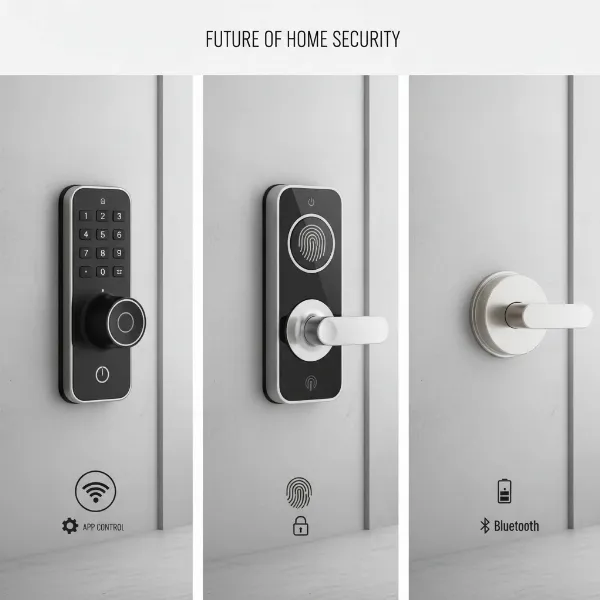
A Smart Door Lock is an electronic locking mechanism that allows you to secure your doors remotely or automatically. Unlike traditional locks, smart locks often incorporate keyless entry methods such as PIN codes, biometric scans (fingerprints or facial recognition), smartphone apps, or voice commands. They typically connect to your home network via Wi-Fi, Bluetooth, Z-Wave, or Zigbee, enabling remote control and monitoring. These devices focus primarily on controlling access to your entry points, offering convenience and a modern approach to securing individual doors.
A Home Alarm System, whether traditional or smart, is designed for comprehensive intrusion detection and deterrence. Traditional systems often involve professionally installed sensors on doors, windows, and motion detectors, connected to a control panel. When triggered, they typically sound a loud siren and can notify a monitoring center. Smart alarm systems expand on this by integrating with various sensors (motion, glass break, environmental), cameras, and often offer mobile app control, real-time alerts, and automation features. Their primary purpose is to detect unauthorized entry or unusual activity across your entire property and alert you or a monitoring service.
Core Functionality: A Head-to-Head Comparison
The fundamental difference between smart door locks and alarm systems lies in their core functionality: one is about access control, the other about intrusion detection.
Access Control vs. Intrusion Detection
|
Our Picks for the Best Smart door lock in 2026
As an Amazon Associate I earn from qualifying purchases.
|
||
| Num | Product | Action |
|---|---|---|
| 1 | TEEHO TE001 Keyless Entry Door Lock with Keypad - Smart Deadbolt Lock for Front Door with 2 Keys - Auto Lock - Easy Installation - Satin Nickel |

|
| 2 | Smart Door Handle Lock with Keypad: Yamiry Fingerprint Smart Knob - Keyless Entry Digital Lock for Front Door - Deadbolt with APP - Generate Passcode Remotely - DIY Installation |
|
| 3 | Keypad Smart Door Lock with Knob, Yamiry Keyless Entry Digital Lock with Handle, Fingerprint Electronic Knob for Front Door |
|
| 4 | eufy Security Smart Lock C220, Fingerprint Keyless Entry Door Lock, Built-in Wi-Fi, App Remote Control, Front Door Smart Lock Deadbolt, 8Months Battery, Reliable Power, IP53 Waterproof, BHMA Grade 3 |
|
| 5 | Veise VE017 Fingerprint Smart Door Lock, App Control, 8-in-1 Keyless Entry, Auto Lock, Emergency Power Port, Electronic Touchscreen Keypad, Biometric Smart Locks for Front Door, Matte Black |
|
| 6 | Schlage Encode Smart Wi-Fi Deadbolt Lock with Touchscreen Keypad, Keyless Front Door Entry, App Control, Alexa, Google Home and Airbnb Compatible, Matte Black, BE489WB CEN 622 |
|
| 7 | Philips WiFi Keypad Door Lock with Handle, Built-in WiFi, APP Remote Control, Voice & Fingerprint Unlock, Smart Locks for Front Door with Auto Lock, Digital Front Door Lock Set, Keyless Entry Deadbolt |
|
| 8 | eufy Security Smart Lock C30, Keyless Entry Door Lock, Built-in WiFi Keypad Deadbolt for Front Door, No Bridge Required, Easy Installation, App Remote Control, Reliable Power, BHMA Grade 3 |
|
| 9 | Philips Wi-Fi Door Lock, WiFi Smart Lock Keyless Entry Deadbolt for Front Door, Compatible with Alexa & Google Assistant, Remote Control, Built-in WiFi, APP Fingerprint Passcode Unlock, Auto Locking |
|
| 10 | TEEHO TE001 Keyless Entry Door Lock with Keypad - Smart Deadbolt Lock for Front Door with 2 Keys - Auto Lock - Easy Installation - Matte Black |
|
Smart Door Locks excel at managing who can enter and exit your home. They provide granular control over access, allowing you to grant temporary digital keys to guests or service providers, revoke access instantly, and track entry and exit times through activity logs. This makes them ideal for daily convenience, rental properties, or homes with frequent visitors. However, a smart lock primarily secures a single entry point and does not inherently detect motion inside the house or secure windows.
Alarm Systems, conversely, are built for intrusion detection. They deploy a network of sensors across your property to detect unauthorized breaches, such as a forced window, an opened door (other than the main smart-locked entry), or motion within a specific area. Their strength lies in providing a perimeter defense and internal surveillance, designed to deter intruders with sirens and alert you or a professional monitoring service if a breach occurs.
Monitoring and Alerts
Both systems offer monitoring and alerts, but with different scopes. Smart door locks can send real-time notifications to your smartphone when the door is locked, unlocked, or if tampering is detected. This self-monitoring capability puts the responsibility of response on the homeowner.
Alarm systems, especially those with professional monitoring, offer 24/7 oversight. Trained operators verify alarms and can dispatch emergency responders, providing peace of mind even when you are unable to respond to alerts yourself. Smart alarm systems also offer self-monitoring via mobile apps, providing real-time alerts for various sensor triggers, including environmental hazards like smoke or carbon monoxide.
Integration Capabilities
Modern security is increasingly about interconnectedness. Smart door locks are designed to integrate seamlessly with broader smart home ecosystems, including smart lights, thermostats, and, significantly, alarm systems. For instance, a smart lock can be programmed to disarm your alarm system when you unlock the door upon arrival or to arm it automatically when you lock up and leave.
Alarm systems, particularly smart ones, serve as a central hub for various security devices. They can integrate with smart cameras, video doorbells, and often, smart door locks, creating a unified security network. This allows for automation scenarios, such as lights turning on when an alarm is triggered or receiving a live video feed if a smart lock detects suspicious activity.
Key Benefits and Limitations of Each System
Each system brings unique advantages and disadvantages, making them suitable for different security needs and preferences.
Advantages of Smart Door Locks
Smart door locks offer a blend of convenience and enhanced access control.
- Convenience and Keyless Entry: Eliminate the need for physical keys with PIN codes, biometrics, or smartphone access. This is especially beneficial for busy individuals, families, or those who frequently lose keys.
- Remote Access Control: Lock or unlock your door from anywhere using a smartphone app, allowing you to grant access to trusted individuals even when you’re not home.
- Activity Monitoring: Keep track of who enters and exits your home and when, with detailed access logs and real-time notifications. This is invaluable for managing family members, pet sitters, or deliveries.
- Temporary Access: Generate time-limited or single-use access codes for guests or service personnel, which automatically expire, enhancing security.
- Aesthetic Integration: Many smart locks are designed to blend seamlessly with modern home aesthetics, offering a sleek, technological upgrade without compromising curb appeal.
- Auto-Lock Protection: Smart locks can be set to automatically lock after a specified period or when you leave a predefined area, ensuring your home is always secured, even if you forget.
Limitations of Smart Door Locks
Despite their advantages, smart door locks have specific limitations.
- Limited Perimeter Security: They primarily secure only the door they are installed on, offering no protection against breaches through windows or other entry points.
- Power Reliance: Smart locks require batteries or electric power. A dead battery or power outage can leave you locked out or compromise functionality, although most models include a physical key override or emergency power options.
- Vulnerability to Hacking: Like any connected device, smart locks can be vulnerable to hacking if not properly secured with strong passwords and regular software updates.
- Installation Complexity: While many are DIY-friendly, some smart locks may require more complex installation or compatibility checks with existing door types and thickness.
Advantages of Alarm Systems
Alarm systems provide comprehensive, layered security for your entire property.
- Comprehensive Perimeter Protection: With sensors on all entry points and motion detectors, alarm systems offer wide-ranging coverage against intrusions.
- Professional Monitoring: Many systems offer 24/7 professional monitoring, ensuring a rapid response from trained operators who can dispatch emergency services.
- Strong Deterrent: Visible alarm signs, cameras, and audible sirens can act as powerful deterrents, making burglars less likely to target your home. Studies suggest that homes with alarms are significantly less likely to experience a burglary.
- Variety of Sensors: Beyond intrusion, modern alarm systems can include environmental sensors for smoke, carbon monoxide, and water leaks, offering all-around home protection.
- Insurance Discounts: Homes equipped with professionally monitored alarm systems often qualify for significant discounts on homeowner’s insurance premiums.
Limitations of Alarm Systems
Alarm systems also come with their own set of drawbacks.
- Installation Complexity and Cost: Professionally installed systems can have higher upfront costs and may involve contracts, especially for monitored services. DIY options are available but may require more technical comfort.
- Potential for False Alarms: Pets, user error, or sensor malfunctions can trigger false alarms, which can be a nuisance and may sometimes incur fines from local authorities.
- Subscription Costs: Professional monitoring typically requires ongoing monthly fees, adding to the long-term cost of ownership.
- Dependency on Communication: Traditional systems relying on landlines can be vulnerable if lines are cut. Smart alarm systems mitigate this with cellular backup and Wi-Fi connectivity.
- Lack of Access Control Convenience: While they detect entry, traditional alarm systems don’t offer the granular access control features of smart locks, such as temporary digital keys or activity logs for specific users.
When to Choose One Over the Other (or Both)
Deciding between a smart door lock and an alarm system, or opting for both, depends largely on your specific needs, lifestyle, budget, and security priorities.
Scenarios Favoring Smart Door Locks
If your primary concerns are convenience, flexible access management, and basic door security, a smart door lock might be sufficient. This is particularly true for:
- Renters: Who may have limitations on installing full alarm systems.
- Individuals/Families: Desiring keyless entry, remote access for trusted visitors, and activity tracking for their main entry points.
- Small Businesses/Vacation Rentals: Where managing access for multiple users and monitoring entry times is crucial.
Scenarios Favoring Alarm Systems
An alarm system is the better choice for those prioritizing comprehensive property protection, intrusion deterrence, and professional emergency response. Consider an alarm system if you have:
- High-Value Homes or Extensive Properties: Requiring broad coverage across multiple entry points and interior spaces.
- Concerns about Break-ins: In areas with higher crime rates where a strong deterrent and rapid response are essential.
- A Need for Professional Monitoring: To ensure that alarms are verified and emergency services are dispatched even when you’re away or unable to respond.
- Desire for Environmental Monitoring: Such as smoke, carbon monoxide, or flood detection.
The Power of Integration: Combining Both for Superior Security
For the most robust home security, the optimal solution often lies in integrating both a smart door lock and an alarm system. This hybrid approach combines the granular access control and convenience of smart locks with the comprehensive detection and monitoring capabilities of an alarm system.
“A truly secure home leverages layered protection. Smart locks handle the ‘who and when’ of entry, while a comprehensive alarm system addresses the ‘if and where’ of unauthorized access across your entire property.” – Admin, reviewpado.com
When integrated, these systems can work in concert:
- Unlocking your smart door lock can automatically disarm your alarm system.
- Locking your smart door as you leave can automatically arm your alarm and even trigger smart lighting to simulate occupancy.
- If an alarm is triggered, smart locks can be programmed to automatically unlock to facilitate rapid evacuation or allow emergency responders swift entry.
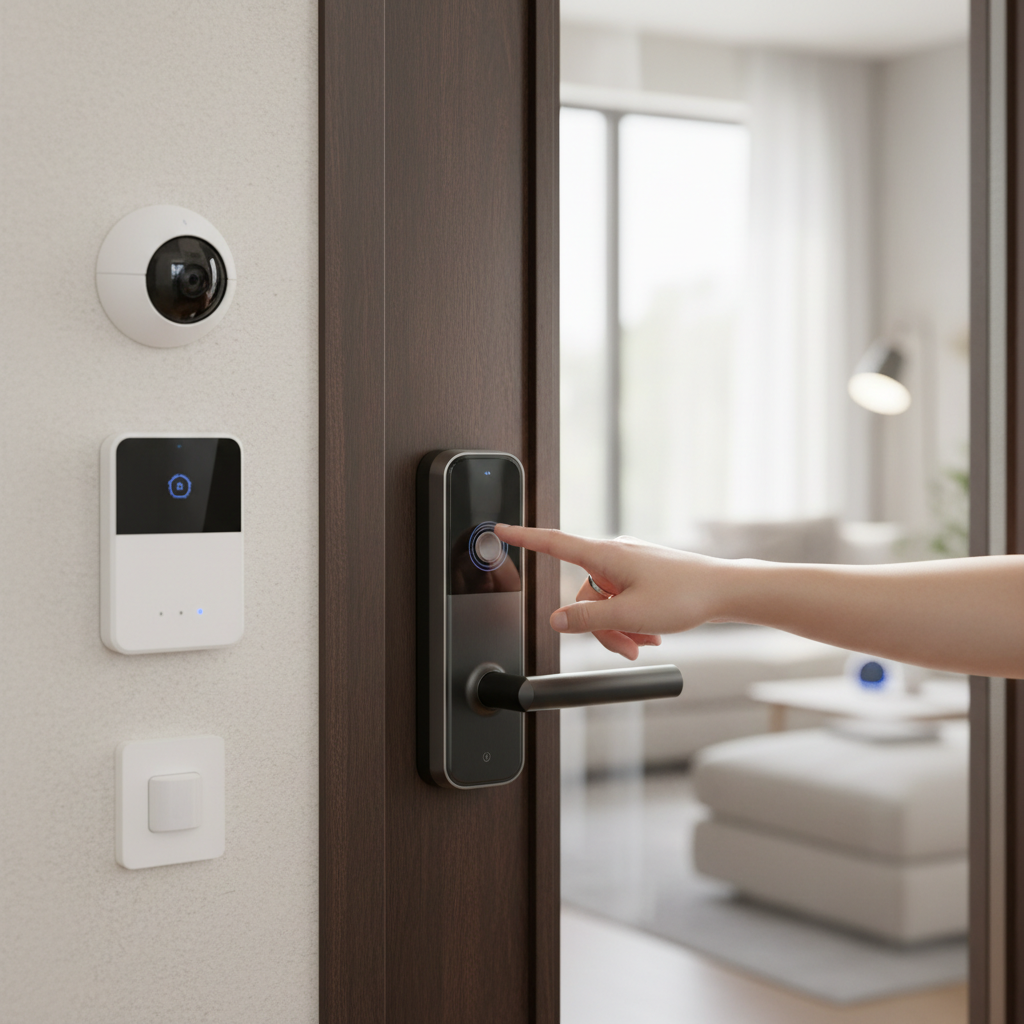
- Video doorbells and security cameras integrated with your alarm system can provide visual verification of who is at your door before you remotely unlock it with your smart lock.
Top Features to Look for in Each System
When selecting your security components, knowing which features are most impactful can guide your choice.
For Smart Door Locks
- Biometric Access: Fingerprint scanners or facial recognition for swift and secure keyless entry.
- Remote Control & Monitoring: Ability to lock/unlock and check door status from anywhere via a smartphone app.
- Temporary Access Codes: Easily generate and manage time-sensitive digital keys for guests.
- Tamper Alarms: Built-in alarms that sound if the lock is physically attacked or tampered with.
- Auto-Lock Feature: Automatically secures the door after a set period or upon leaving.
- Battery Life & Backup: Long-lasting battery and clear indicators for low battery, often with physical key overrides or emergency power terminals.
- Encryption and Security Protocols: Robust encryption (e.g., S2 security for Z-Wave) to protect against digital vulnerabilities and hacking.
- Connectivity Options: Wi-Fi for direct internet access, Bluetooth for local control, or Z-Wave/Zigbee for integration with smart home hubs.
For Alarm Systems
- Variety of Sensors: Door/window sensors, motion detectors, glass break sensors, and environmental sensors (smoke, CO, flood).
- 24/7 Professional Monitoring: A service that contacts emergency responders upon alarm verification.
- Cellular Backup: Ensures the system remains connected even if Wi-Fi or landline internet is down.
- Mobile App Control: Arm/disarm, receive alerts, and view camera feeds remotely.
- Integration with Smart Home Devices: Compatibility with smart locks, cameras, and other smart home platforms for unified control.
- Tamper-Proof Design: Systems designed to resist physical attacks or attempts to disable them.
- Siren Decibel Level: A loud siren is a critical deterrent.
- Video Surveillance Integration: Seamless connectivity with security cameras, including live view and recorded footage.
Installation, Maintenance, and Cost Considerations
Understanding the practicalities of owning these systems is crucial for long-term satisfaction.
Installation
- Smart Door Locks: Many smart locks are designed for DIY installation, often retrofitting existing deadbolts. However, some advanced models or specific door types may benefit from professional installation to ensure proper alignment and functionality.
- Alarm Systems: Traditional, professionally monitored alarm systems typically require professional installation, which can be complex due to wiring and sensor placement. DIY smart alarm systems offer easier installation, often involving wireless sensors that you can place yourself, but still require careful planning for optimal coverage.
Maintenance
- Smart Door Locks: Primary maintenance involves regularly replacing or recharging batteries. Keeping firmware and associated apps updated is also essential for security and performance.
- Alarm Systems: Maintenance for alarm systems includes regularly checking sensor functionality, replacing batteries in wireless sensors, and ensuring the control panel and communication methods (Wi-Fi, cellular) are operational. Professional systems may include periodic check-ups from the service provider.
Cost
- Smart Door Locks: Generally have a lower initial cost, ranging from under $100 to $400, depending on features and brand. There are usually no ongoing subscription fees unless you opt for specific cloud storage or advanced features from the manufacturer.
- Alarm Systems: Can have higher upfront costs, especially for professionally installed systems, which may range from $400 to over $1000 for equipment and installation. Monthly monitoring fees for professional services typically range from $30 to $60. DIY smart alarm systems often have lower upfront hardware costs (e.g., $200-$500 for a basic kit) and may offer more flexible or no-contract monitoring options.
Common Issues and Troubleshooting When Using Smart Door Locks and Alarm Systems
Like all technology, smart security devices can encounter issues. Knowing how to troubleshoot common problems can minimize disruption and maintain your home’s security.
Smart Door Lock Problems
- Sudden Battery Drainage: Check battery life indicators regularly and replace batteries proactively. Extreme temperatures can also affect battery performance.
- Forgotten Passcode or Lost Fob: Most smart locks offer multiple entry methods (app, physical key override). Ensure you have a backup key or can reset codes via the app.
- Fingerprint Reader Malfunction: Clean the sensor and ensure your finger is clean and dry. Re-registering fingerprints may resolve persistent issues.
- Connectivity Issues (Wi-Fi/Bluetooth): Ensure your home Wi-Fi network is stable and the lock is within range of the router or smart home hub. Restarting the lock or router can often help.
- App Glitches: Ensure your smart lock’s app and firmware are up to date. Reinstalling the app may also fix minor issues.
Alarm System Problems
- False Alarms: This is a common issue. Ensure all sensors are correctly installed and positioned. Pets are a frequent cause of false motion alarms, so consider pet-immune sensors. Regularly test your system.
- Sensor Malfunctions: If a specific sensor isn’t detecting activity, check its battery (for wireless sensors) and ensure it’s securely attached and properly aligned.
- Communication Errors: If your system isn’t communicating with the monitoring center or your app, check your internet connection, cellular backup status, and ensure the main control panel is online.
- Keypad Not Responding: Check the power supply to the keypad and ensure it’s not in a tamper state. A system reset might be necessary.
- System Not Arming/Disarming: Ensure all doors and windows are closed, and no sensors are reporting an “open” status. Check for any error messages on your control panel or app.
Conclusion
Choosing the right home security solution, whether a smart door lock, an alarm system, or a blend of both, depends on your individual needs and lifestyle. Smart door locks offer unparalleled convenience and precise access control for entry points, providing a modern, keyless experience. On the other hand, comprehensive alarm systems deliver robust intrusion detection and deterrence across your entire property, often with the added peace of mind of professional monitoring.
For optimal security, integrating a smart door lock with a sophisticated alarm system creates a powerful, layered defense. This hybrid approach allows you to enjoy the benefits of remote access management alongside comprehensive intrusion detection and rapid emergency response. By carefully evaluating your priorities—be it convenience, extensive coverage, or budget—you can make an informed decision to protect your home effectively.
Which aspects of smart home security are most critical for your sense of safety and convenience?
Frequently Asked Questions
What is the main difference between a smart door lock and an alarm system?
A smart door lock primarily manages access to a specific door, offering keyless entry and remote control, whereas an alarm system provides comprehensive intrusion detection across your entire property using various sensors and often includes professional monitoring.
Can a smart door lock replace a traditional alarm system?
No, a smart door lock cannot fully replace a traditional alarm system. While it enhances door security and convenience, it does not offer the same level of perimeter detection, internal motion sensing, or professional monitoring that a comprehensive alarm system provides for your entire home.
Do I need both a smart door lock and an alarm system?
For optimal home security, combining a smart door lock with an alarm system is often recommended. This integration offers layered protection, blending the convenience and access control of smart locks with the comprehensive intrusion detection and deterrence of an alarm system.
What are the most important features of a good smart door lock?
Key features for a good smart door lock include multiple keyless entry options (PIN, biometric, app), remote control and monitoring, temporary access code capabilities, robust security encryption, reliable battery life with a backup option, and integration with smart home platforms.
What should I look for in a home alarm system?
A strong home alarm system should offer comprehensive sensor coverage (doors, windows, motion), reliable communication methods (Wi-Fi, cellular backup), options for 24/7 professional monitoring, easy-to-use mobile app control, and integration capabilities with other smart home devices like cameras and smart locks.
Is professional installation necessary for these devices?
Professional installation is often recommended for comprehensive alarm systems to ensure optimal sensor placement and system configuration. While many smart door locks and DIY smart alarm systems can be self-installed, professional installation can guarantee correct setup and functionality.
How much does a smart home security setup typically cost?
The cost of a smart home security setup varies. Smart door locks generally cost $100-$400 upfront with no ongoing fees. Alarm systems can range from a few hundred dollars for DIY kits to over $1000 for professionally installed systems, often accompanied by monthly monitoring fees of $30-$60.