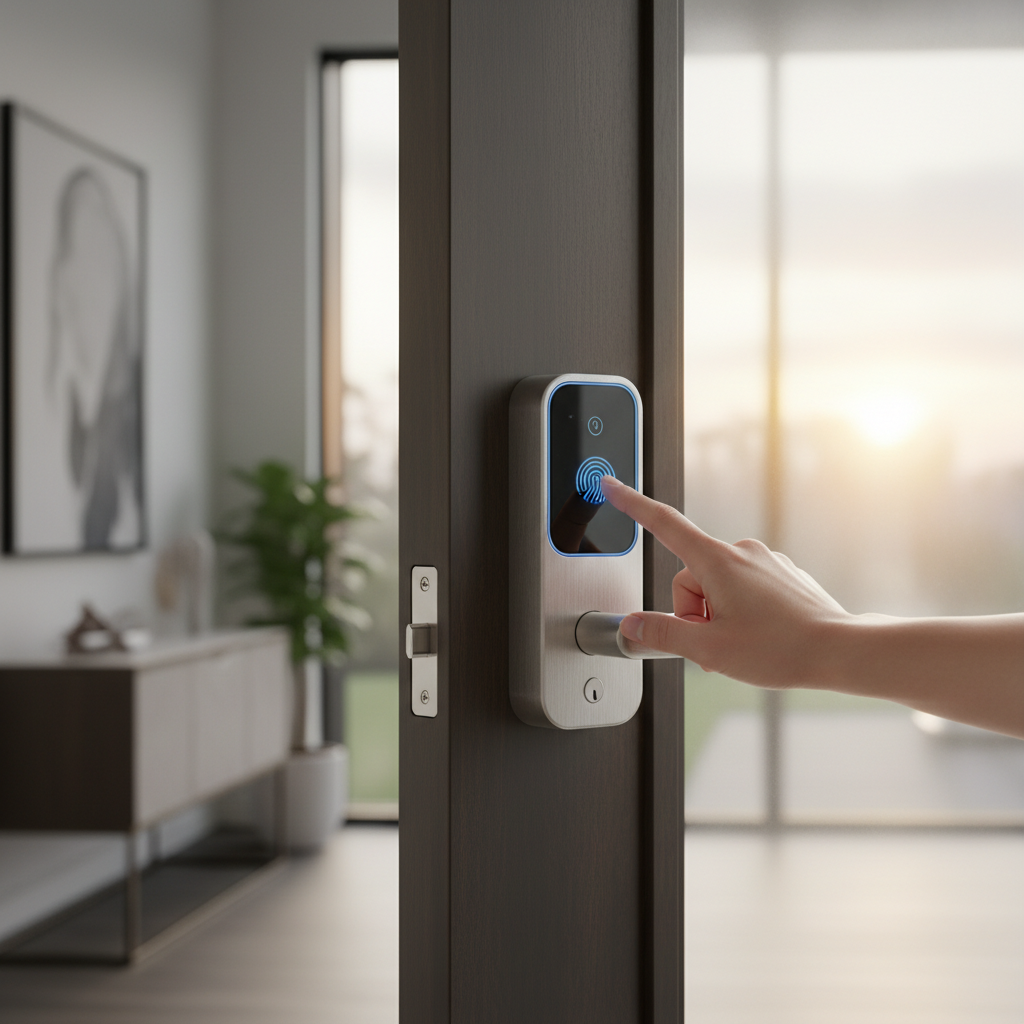
Securing a workspace goes beyond traditional locks and keys in today’s dynamic business environment. Smart door locks have emerged as a pivotal technology, offering a blend of robust security, unparalleled convenience, and flexible access management essential for modern offices, co-working spaces, and commercial facilities. If you’re an administrator or business owner grappling with lost keys, frequent staff changes, or the need for granular access control, embracing smart lock technology could be the strategic investment your workplace needs. This comprehensive guide will navigate you through the world of smart door locks, helping you identify the perfect solution to enhance security, streamline operations, and boost productivity.
What is a Smart Door Lock? Why Use It?
A smart door lock is an electronic mechanism designed to replace conventional locks and keys, offering advanced security and access control through digital means. These innovative devices leverage connectivity like Bluetooth or Wi-Fi, allowing users to operate them via a smartphone app, keypad, biometric scanners, or even access cards. [cite: 5-3, 5-5] Unlike traditional locks that are prone to physical vulnerabilities, smart locks provide a sophisticated layer of protection and management.
The shift towards smart door locks in commercial settings is driven by several compelling benefits:
- Enhanced Security: Smart locks utilize advanced encryption and authentication methods to prevent unauthorized entry, often incorporating features like tamper alarms, door-force sensors, and auto-locking after failed attempts. Many models offer real-time monitoring and comprehensive audit trails, allowing administrators to track and review all access events. Biometric locks, which use unique identifiers like fingerprints or facial recognition, offer the highest level of security, making unauthorized access exceedingly difficult. [cite: 2-2, 2-3, 3-3, 4-2, 5-1]
- Unrivaled Convenience: Say goodbye to fumbling for keys. Smart locks offer keyless entry through multiple methods, including smartphone apps, personalized PIN codes, RFID cards, or biometric scans. This streamlines daily operations, eliminates the hassle of physical key management, and reduces the risk of lost or duplicated keys. [cite: 2-2, 2-3, 2-5, 3-3, 4-2, 5-1]
- Remote Management and Audit Trails: For businesses, especially those with multiple locations or a hybrid workforce, the ability to manage access remotely is invaluable. Administrators can instantly grant, revoke, or update access permissions from a smartphone or centralized dashboard, create time-scheduled access for contractors or cleaners, and monitor entry and exit times. This level of control provides critical data for security, compliance, and operational insights. [cite: 2-1, 2-2, 2-3, 3-3, 4-1, 4-2]
- Seamless Integration: Modern smart locks are designed to integrate with broader security ecosystems, including security cameras, alarm systems, CCTVs, and building management systems. This integration enables richer workflows, such as automatically unlocking doors during a fire alarm or logging visitor entries verified through a video intercom. [cite: 2-2, 2-3, 5-1]
- Cost and Time Savings: Eliminating physical keys significantly reduces the costs and time associated with rekeying locks when keys are lost or employees leave. Smart locks also provide a scalable solution, making it straightforward to add or reconfigure access points as your business grows. [cite: 2-1, 3-3]
Smart locks are ideal for various workplace scenarios, from securing individual private offices and meeting rooms to managing access in high-traffic co-working spaces, warehouses, and even educational institutions. [cite: 2-1, 5-1]
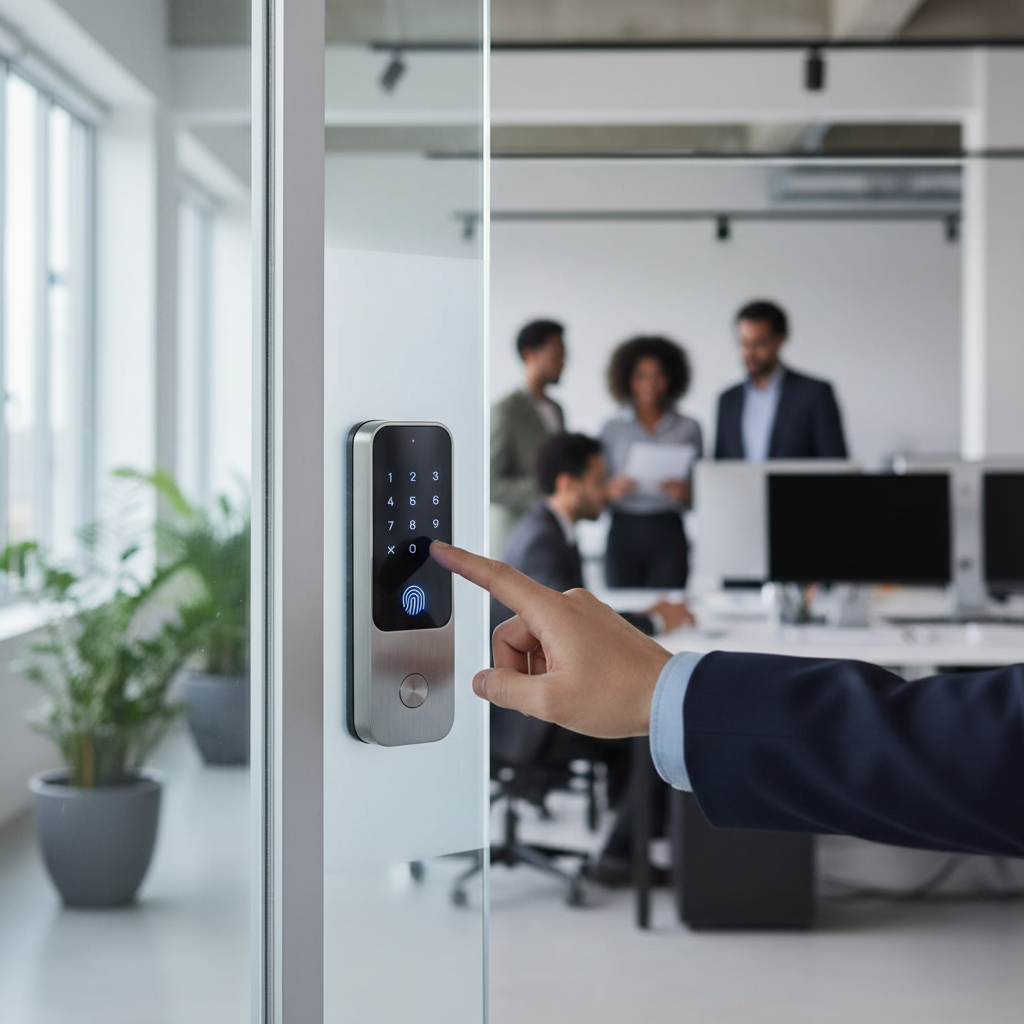
[image-1|smart-lock-office-building|Smart door lock enhancing security and access in a modern office building environment|
A sleek, modern smart door lock installed on a wooden office door with a glass panel, set within a contemporary office lobby. The lock features a keypad and a fingerprint scanner, with a subtle glow around the buttons. The background shows a bright, professional office space with soft ambient lighting. Realistic, professional, medium shot.]
Common Types of Smart Door Locks on the Market
Smart door locks come in various configurations, each offering distinct advantages for different workspace needs. Understanding these types is crucial for making an informed decision.
By Unlocking Method
The way users gain entry is a primary differentiator for smart locks:
- Fingerprint/Biometrics: Offering high security and rapid access, biometric locks use unique identifiers like fingerprints, or even facial or palm vein recognition. These are excellent for restricting access to sensitive areas. [cite: 2-1, 2-2, 3-2, 3-4, 5-2]
- PIN Code/Keypad Entry: A widely adopted method, keypad locks allow entry via a numeric code. They are perfect for temporary access, guest management, and easily updating or revoking permissions. [cite: 2-1, 2-2, 3-2, 3-4, 5-2]
- RFID/Access Cards/Fobs: These provide convenient, touchless entry for employees, often used in larger corporate environments where card-based systems are already in place for other building functions. [cite: 2-1, 2-2, 3-2, 3-4, 5-2]
- Smartphone App (Bluetooth, Wi-Fi): Digital keys managed via a smartphone app offer remote control capabilities, real-time notifications, and access logging. Bluetooth-only options work offline but have limited range, while Wi-Fi provides broader remote functionality. [cite: 2-1, 2-2, 3-2, 3-4, 5-2]
- Mechanical Key Backup: An indispensable feature for any smart lock, a traditional keyhole ensures access during power outages or unexpected technical glitches. [cite: 3-4, 5-2]
|
Our Picks for the Best Smart door lock in 2026
As an Amazon Associate I earn from qualifying purchases.
|
||
| Num | Product | Action |
|---|---|---|
| 1 | eufy Security Smart Lock C30, Keyless Entry Door Lock, Built-in WiFi Keypad Deadbolt for Front Door, No Bridge Required, Easy Installation, App Remote Control, Reliable Power, BHMA Grade 3 |

|
| 2 | Keypad Smart Door Lock with Knob, Yamiry Keyless Entry Digital Lock with Handle, Fingerprint Electronic Knob for Front Door |
|
| 3 | TEEHO TE001 Keyless Entry Door Lock with Keypad - Smart Deadbolt Lock for Front Door with 2 Keys - Auto Lock - Easy Installation - Matte Black |
|
| 4 | TEEHO TE001 Keyless Entry Door Lock with Keypad - Smart Deadbolt Lock for Front Door with 2 Keys - Auto Lock - Easy Installation - Satin Nickel |
|
| 5 | Schlage Encode Smart Wi-Fi Deadbolt Lock with Touchscreen Keypad, Keyless Front Door Entry, App Control, Alexa, Google Home and Airbnb Compatible, Matte Black, BE489WB CEN 622 |
|
| 6 | Smart Door Handle Lock with Keypad: Yamiry Fingerprint Smart Knob - Keyless Entry Digital Lock for Front Door - Deadbolt with APP - Generate Passcode Remotely - DIY Installation |
|
| 7 | Philips WiFi Keypad Door Lock with Handle, Built-in WiFi, APP Remote Control, Voice & Fingerprint Unlock, Smart Locks for Front Door with Auto Lock, Digital Front Door Lock Set, Keyless Entry Deadbolt |
|
| 8 | Veise VE017 Fingerprint Smart Door Lock, App Control, 8-in-1 Keyless Entry, Auto Lock, Emergency Power Port, Electronic Touchscreen Keypad, Biometric Smart Locks for Front Door, Matte Black |
|
| 9 | eufy Security Smart Lock C220, Fingerprint Keyless Entry Door Lock, Built-in Wi-Fi, App Remote Control, Front Door Smart Lock Deadbolt, 8Months Battery, Reliable Power, IP53 Waterproof, BHMA Grade 3 |
|
| 10 | Philips Wi-Fi Door Lock, WiFi Smart Lock Keyless Entry Deadbolt for Front Door, Compatible with Alexa & Google Assistant, Remote Control, Built-in WiFi, APP Fingerprint Passcode Unlock, Auto Locking |
|
By Connectivity
The connectivity method dictates how a smart lock communicates and integrates with other systems:
- Wi-Fi: Provides direct internet access, enabling real-time remote control and monitoring from anywhere. However, it typically consumes more battery power. [cite: 3-3, 4-4]
- Bluetooth: Operates offline, with a limited range, often using a manager’s phone as a secure bridge to push changes or pull logs. This “offline-first” design can offer enhanced cybersecurity by limiting direct internet exposure. [cite: 3-3, 4-4]
- Z-Wave/Zigbee: These require a dedicated hub to connect, integrating seamlessly with broader smart home or building automation systems, making them robust for multi-device environments. [cite: 3-3]
- Offline-first vs. Always-online: Businesses must consider whether they need constant real-time visibility (always-online Wi-Fi) or prefer the resilience and reduced cyber exposure of an offline-first solution that functions locally and syncs when a manager is nearby. [cite: 4-4, 5-5]
By Design
Smart locks are also available in designs tailored for specific door types:
- Deadbolts: Many smart locks are designed to retrofit existing deadbolts, simplifying installation.
- Lever Locks: Combining a handle and lock, these are common in commercial properties for their ease of use. [cite: 3-3]
- Cylindrical Locks: A popular choice for standard office doors, known for their user-friendliness and enhanced security over mechanical key locks. [cite: 2-2, 5-2]
- Storefront Locks: Specialized smart locks are available for aluminum and glass storefront doors, which historically have been challenging to outfit with smart access systems. [cite: 2-3, 2-4]
Comparing Leading Smart Door Lock Brands
When selecting a smart door lock for your workspace, several brands stand out for their commercial-grade offerings and features relevant to businesses. While specific models vary, here’s a general comparison of prominent brands focusing on their suitability for office environments:
| Feature/Brand | Yale | Schlage | SALTO | Dormakaba | Lockly |
|---|---|---|---|---|---|
| Focus | Residential & Commercial (e.g., Assure Lock 2) | Strong commercial presence (e.g., NDEB Wireless Lock) | Enterprise-grade access control | Industrial/Commercial security | Residential & light commercial, high-security features |
| Access Methods | Keypad, App, Apple HomeKey, Fob, Mechanical Key | Keypad, App, Card, Mechanical Key | Card (RFID/NFC), Mobile Key, Biometrics (some models) | Keypad, Card (RFID), App, Mechanical Key | Keypad (Pincode Shift), Fingerprint, App, Mechanical Key, Voice |
| Connectivity | Wi-Fi (via module), Bluetooth, Z-Wave, Zigbee | Wi-Fi (via hub/module), Bluetooth | Cloud-based (online) or Offline via mobile | Networked (via gateways), Standalone | Wi-Fi (via hub), Bluetooth |
| Management | Yale Home App, integrated with major smart home platforms, audit logs | Engage app, remote management via cloud, audit trails | Comprehensive software (e.g., SALTO KS), real-time monitoring, audit trails | Enterprise access control software, robust user management | Lockly App, Pincode Shift for hack-proof keypads, audit logs |
| Durability | Known for sturdy construction, ANSI Grade 1 (select models) | Highly durable, designed for high-traffic commercial use, ANSI Grade 1 | High-grade materials, designed for heavy-duty commercial applications | Robust, heavy-duty commercial construction | Durable, often bulky design for added security |
| Security | Secure encryption, auto-locking, DoorSense | Strong encryption, tamper alerts, robust physical design | Advanced encryption, strong physical security, real-time alerts | High-level security, anti-tamper, compliance with commercial standards | 3D Fingerprint, Pincode Shift, secure app communication, AES encryption |
| Cost | Mid to High-end (for commercial versions) | Mid to High-end | High-end (enterprise solutions) | High-end (enterprise solutions) | Mid to High-end |
[image-2|comparison-smart-locks-brands|A comparative illustration of smart door lock brands suitable for commercial use, highlighting their features and design|
An infographic style illustration comparing 3-4 distinct smart door lock designs (e.g., sleek modern, robust industrial, glass door specific) each representing a different brand. Key features like fingerprint, keypad, and app icon are subtly integrated. The background is clean and organized, suggesting a comparison table. Editorial, clean, bright studio lighting.]
Comparison Table of Best Smart Door Lock Models Today
Choosing the “best” model depends heavily on your specific workspace needs. Here’s a comparison of some highly-regarded smart lock models, emphasizing features beneficial for commercial environments. This table includes locks that offer a strong balance of security, functionality, and manageability for offices.
| Model | Price Range (Approx.) | Unlocking Methods | Special Features for Workspaces | User Reviews (General) |
|---|---|---|---|---|
| Yale Assure Lock 2 | $150 – $250 | Keypad, App, Apple Home Keys, Fob, Key | Local audit trail (DoorSense), remote access, auto-lock, integration with major smart home platforms. [cite: 1-1, 1-4] | Easy installation, reliable functionality, mixed feedback on Wi-Fi connectivity. [cite: 1-1, 1-4, 1-5] |
| Lockly Secure Pro | $250 – $400 | Pincode (Pincode Shift), Fingerprint (3D), App, Key | Patented “Pincode Shift” hack-proof keypad, 3D fingerprint sensor, temporary access codes, audit logs. [cite: 1-2, 1-5] | High security, accurate fingerprint reader, large but secure. [cite: 1-2, 1-5] |
| Aqara Smart Lock U100 | $180 – $220 | Keypad, Fingerprint, App, NFC, Key | Matter & Thread support, compact keypad, good for guests & workers with varied access. [cite: 1-2, 1-5] | Praised for Matter compatibility and design, some prefer other keypads. [cite: 1-2, 1-5] |
| Schlage NDEB Wireless Lock | $500+ | Card, App, Bluetooth, Key | Designed for commercial use, offline-first, robust audit trails, scalable access management. [cite: 2-5, 5-5] | Highly reliable for commercial settings, strong build quality, good for retrofits. [cite: 2-5, 5-5] |
| Centrios Cylindrical Lock | $300 – $500 | App, Bluetooth, Card, Key | Commercial-grade build, offline-first resilience, cloud management for multiple locations, flexible plans. [cite: 4-4, 5-5] | User-friendly app, reliable for small/medium businesses, good for quick retrofits. [cite: 2-5, 4-4, 5-5] |
| Verkada AL54 Wireless Lock | $800+ | Card, App | Fully networked, integrates into Verkada’s ecosystem (cameras, alarms), real-time visibility. [cite: 2-5] | High-end solution for organizations invested in Verkada platform, comprehensive management. [cite: 2-5] |
Guide to Choosing the Right Smart Door Lock for Your Workspace
Selecting the ideal smart door lock for your workspace involves a careful assessment of various factors to ensure it meets both your security demands and operational needs.
Determine Usage Needs
Start by defining the specific requirements of your workspace. Is it a small office, a bustling co-working hub, or a multi-site corporate facility? [cite: 5-2]
- Office Environment: Consider the number of employees, contractors, and visitors who need access.
- Restricted Areas: For sensitive data rooms or storage facilities, higher security biometrics or multi-factor authentication might be necessary.
- High-Traffic vs. Low-Traffic Doors: Entrance doors will require more durable, heavy-duty locks (ANSI/BHMA Grade 1 recommended), while internal office doors might suffice with simpler options. [cite: 3-3, 4-2]
- Temporary Access: Do you need to grant time-sensitive access to cleaners, vendors, or temporary staff? Features like temporary PIN codes and remote access scheduling are crucial. [cite: 4-1, 5-2]
Projected Budget
Smart lock prices vary significantly, typically ranging from $250 to over $1000 per unit, not including installation or potential subscription fees for advanced cloud-based management software. [cite: 2-2, 2-3, 4-2, 4-4, 5-2] Factor in not just the upfront cost but also any recurring charges for remote management platforms or data storage.
Essential Features
Prioritize features that align with your security and operational goals:
- Multiple Access Methods: A versatile lock offering keypad, fingerprint, card, and smartphone app access ensures flexibility for all users and scenarios. [cite: 3-2, 3-4, 5-2]
- Remote Management & User Management: The ability to add/remove users, set access schedules, and monitor entry logs from anywhere is paramount for business efficiency. [cite: 2-2, 3-2, 3-3, 3-4, 4-1, 4-2, 5-4]
- Activity Logs & Alerts: Real-time notifications for unauthorized attempts or entry events, coupled with detailed historical reports, provide invaluable insights for security audits and compliance. [cite: 3-2, 3-3, 4-2, 5-4]
- Integration Capabilities: Ensure compatibility with existing security cameras, alarms, or building management systems for a cohesive security infrastructure. [cite: 5-1]
- Auto-locking: This feature provides peace of mind by automatically securing the door after a set period, preventing accidental unsecuring. [cite: 4-4, 5-1]
- Durability and Security Rating: Look for locks with an ANSI/BHMA Grade 1 rating, the highest standard for commercial durability and security. [cite: 3-2, 5-2]
Check Door Type and Thickness
Not all smart locks fit all doors. Confirm compatibility with your existing door hardware and frame.
- Common Door Types: Most offices use cylindrical locks. Heavier-duty openings may require mortise locks. Glass storefronts and gates often need specialized readers for electric strikes or magnetic locks. [cite: 2-2, 2-3, 3-2, 4-2, 4-4, 5-2]
- Exterior vs. Interior: Exterior doors will need weather-rated locks, while fire-rated openings must comply with specific safety listings. Always “walk the site” to understand your door types before purchasing. [cite: 4-2, 4-4]
Choose a Reputable Brand with Good Warranty & Support
For commercial applications, reliability and long-term support are critical. Opt for established brands known for durable hardware, robust security protocols, and excellent customer service. A solid warranty and accessible technical support can save significant headaches down the line.
Installation and Usage Guide for Smart Door Locks
While professional installation is recommended for commercial setups, many smart locks are designed for relatively straightforward installation, often replacing existing deadbolts.
Prepare Necessary Tools
Typically, you’ll need basic tools such as:
- Screwdrivers (Phillips and flathead)
- Measuring tape
- Drill (if new holes are required, or for specific lock types)
- Pencil
Basic Installation Steps
- Remove Existing Lock: Carefully remove your current deadbolt or handle set.
- Install New Components: Follow the manufacturer’s instructions meticulously. This usually involves installing the strike plate, latch mechanism, exterior keypad/scanner, and interior assembly.
- Connect Wires (if applicable): Some locks may require connecting internal wiring.
- Test Mechanism: Before fully securing, test the mechanical function of the lock to ensure the deadbolt extends and retracts smoothly.
Setup and Usage Instructions
- Install Mobile App: Download the manufacturer’s mobile app to your smartphone or tablet.
- Pair Lock: Follow the app’s instructions to pair your smart lock via Bluetooth or Wi-Fi.
- Admin Setup: Establish administrative access, setting up master PINs, fingerprints, or other primary credentials.
- Add Users: Register employees, contractors, and other authorized personnel, assigning unique PINs, fingerprints, or virtual keys.
- Configure Features: Set up auto-locking schedules, temporary access codes, real-time alerts, and integrate with any other smart systems.
Maintenance Tips to Extend Lock Lifespan
- Regular Battery Checks: Smart locks typically run on AA batteries. Check battery levels regularly (e.g., monthly) and replace them every 6-12 months with high-quality alkaline batteries to avoid sudden lockouts. [cite: 1-1, 1-2, 1-4, 2-2, 2-4]
- Clean Sensors: For fingerprint readers or keypads, periodically wipe them with a soft, dry cloth to prevent dust and grime buildup from affecting performance.
- Firmware Updates: Ensure the lock’s firmware and the mobile app are always up-to-date. Updates often include security patches and performance improvements.
- Door Alignment: Periodically check that your door and frame remain aligned. Misalignment can put stress on the lock mechanism, leading to premature wear or operational issues.
[image-3|install-smart-lock-office|A technician installing a smart door lock on an office door, highlighting the process of upgrading security|
A close-up, eye-level shot of a professional technician carefully installing a modern smart door lock onto a white office door. The technician’s hands are visible, holding tools like a screwdriver. The lock’s components are partially visible, showing its sleek design. The background is a slightly blurred, clean office interior. Realistic, professional, well-lit.]
Common Issues and Troubleshooting When Using Smart Door Locks
Even the most reliable smart locks can encounter occasional issues. Knowing how to troubleshoot common problems can minimize downtime and frustration in a busy workspace.
Sudden Battery Drain
This is one of the most frequent problems. Smart locks can drain batteries unexpectedly if there’s a circuit fault, a short circuit, or if the lock is consistently used in poor Wi-Fi conditions (causing it to search for a signal frequently). [cite: 1-1, 1-4]
- Solution: Regularly check battery levels through the app and replace them every 6-12 months. Use high-quality alkaline batteries (avoid rechargeable ones, as they may provide lower voltage). If the battery drains quickly, check for corrosion in the battery compartment or a warm battery, which could indicate a short circuit. Many commercial smart locks include an emergency power input (often USB-C) to power the lock temporarily if batteries die completely. [cite: 1-1, 1-4, 2-4]
Forgotten Password or Lost Card
In a commercial setting with multiple users, forgotten PINs or lost access cards are inevitable.
- Solution: Utilize the smart lock’s administrative override features. Most systems allow administrators to reset PINs, issue new cards, or grant temporary access from the mobile app or web dashboard. Always ensure there’s a mechanical key backup stored securely off-site for critical situations. [cite: 1-1, 2-2, 2-3, 3-2]
Fingerprint Not Recognized
Fingerprint readers can sometimes be finicky.
- Solution: Ensure the user’s finger is clean, dry, and positioned correctly on the sensor. External factors like strong sunlight or a dirty sensor can interfere with recognition. If the issue persists for registered users despite these checks, it may indicate a system fault or low battery. Recalibrating the sensor through the app or a system reset might be necessary. [cite: 1-1, 1-2]
Connection Error
Problems with Wi-Fi or Bluetooth connectivity can render remote features inoperable. [cite: 1-2, 1-4, 2-2]
- Solution:
- Check Range: Ensure the smart lock is within effective range of your Wi-Fi router or Bluetooth device.
- Update Software: Verify that both the smart lock’s firmware and its companion app are up-to-date.
- Re-pair: If necessary, try unpairing and re-pairing the lock with the app or hub.
- Interference: Minimize interference from other wireless devices near the lock.
- Network Stability: For Wi-Fi locks, ensure your office network is stable and robust.
Other Common Issues:
- Lock Not Responding: This can often be due to a completely drained battery, loose battery contacts, or a software glitch. Replacing batteries or a soft reset can often resolve this. [cite: 1-4, 2-4]
- Unresponsive Keypad: Similar to fingerprint issues, a dirty keypad or low battery can cause unresponsiveness. Multiple incorrect attempts might also trigger a temporary lockout. [cite: 1-2, 2-2]
- Mechanical Malfunctions: A jammed deadbolt due to misalignment, internal wear, or obstruction can prevent proper locking/unlocking. Regular maintenance and recalibration can help. [cite: 2-2, 2-3]
- Auto-Lock Not Engaging: Check that the auto-lock timer is correctly set in the app and that the door sensor (if present) is functioning properly. Sometimes this feature is disabled by default. [cite: 2-4]
“Smart locks are not just a convenience; they are a critical operational tool for modern businesses. Understanding their features, how to integrate them, and basic troubleshooting can dramatically improve security and efficiency.” – Alex Chen, Lead Security Systems Integrator
Conclusion
Choosing the right smart door lock for your workspace is a strategic decision that profoundly impacts security, operational efficiency, and overall peace of mind. By moving beyond outdated traditional key systems, businesses can embrace the power of keyless entry, remote management, and comprehensive audit trails, ensuring that access control is both robust and flexible. The ability to instantly grant or revoke permissions, monitor entry activity, and integrate with existing security infrastructure makes a smart door lock an indispensable asset in today’s demanding business environment.
Careful consideration of your specific needs—from the type of access required and the physical characteristics of your doors to your budget and the importance of expert support—will guide you to the perfect solution. Investing in a high-quality smart door lock ensures your workspace remains secure, accessible, and poised for future growth. Are you ready to upgrade your workspace security to meet the demands of tomorrow?
Frequently Asked Questions
What are the main advantages of smart locks over traditional locks for offices?
Smart locks offer keyless entry, remote management of access permissions, real-time activity logs, and enhanced security features like tamper alerts. They eliminate the hassle and security risks associated with physical keys, significantly improving operational efficiency and control for offices. [cite: 2-3, 3-3, 5-1]
Can smart locks be integrated with existing office security systems?
Yes, many modern smart locks are designed to integrate with existing security ecosystems such as CCTV, alarm systems, and building management platforms. This allows for a unified security solution, enabling automated responses and a more comprehensive overview of your workspace’s security status. [cite: 2-2, 2-3, 5-1]
How secure are smart locks against cyber threats?
Commercial smart locks employ advanced encryption protocols and authentication methods to protect against unauthorized access. While any connected device carries some risk, reputable brands prioritize cybersecurity with regular firmware updates. Choosing offline-first locks can also reduce cyber exposure. [cite: 2-2, 4-4, 5-5]
What happens if a smart lock’s battery dies or there’s a power outage?
Most smart locks are equipped with a mechanical key override, allowing manual entry even if the battery is depleted or power is lost. Many also provide low-battery warnings via their apps or audible alerts, and some feature emergency power inputs (e.g., USB-C) for temporary power. [cite: 1-1, 1-2, 1-4, 2-4]
Are smart locks suitable for glass storefront doors in commercial properties?
Yes, specialized smart locks are