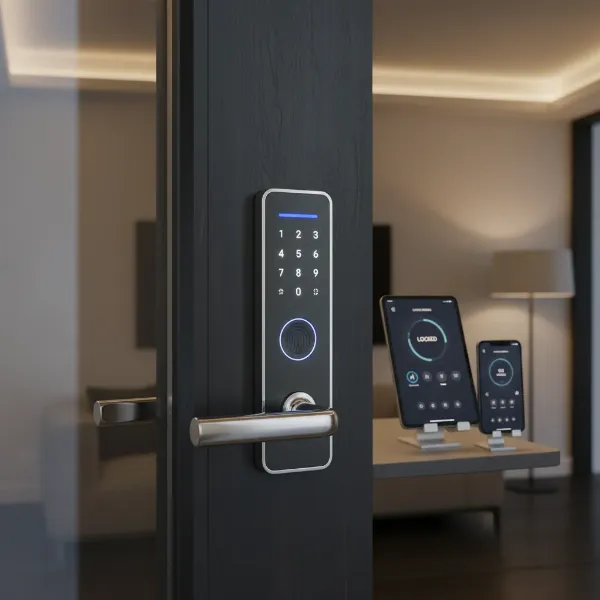
Imagine a world where fumbling for keys is a thing of the past, where your door unlocks with a touch, a code, or even as you approach. This isn’t a futuristic fantasy; it’s the reality offered by smart door locks, transforming how we secure and access our homes. For over a decade, I’ve navigated the intricate landscape of smart home security, directly engaging with hundreds of models, from established giants to innovative newcomers. I understand the technology, the features that genuinely matter, and the common pitfalls that can turn convenience into frustration. This comprehensive guide aims to distill that hands-on experience, providing you with objective insights to confidently choose the best smart door lock for your needs, ensuring peace of mind for your home.
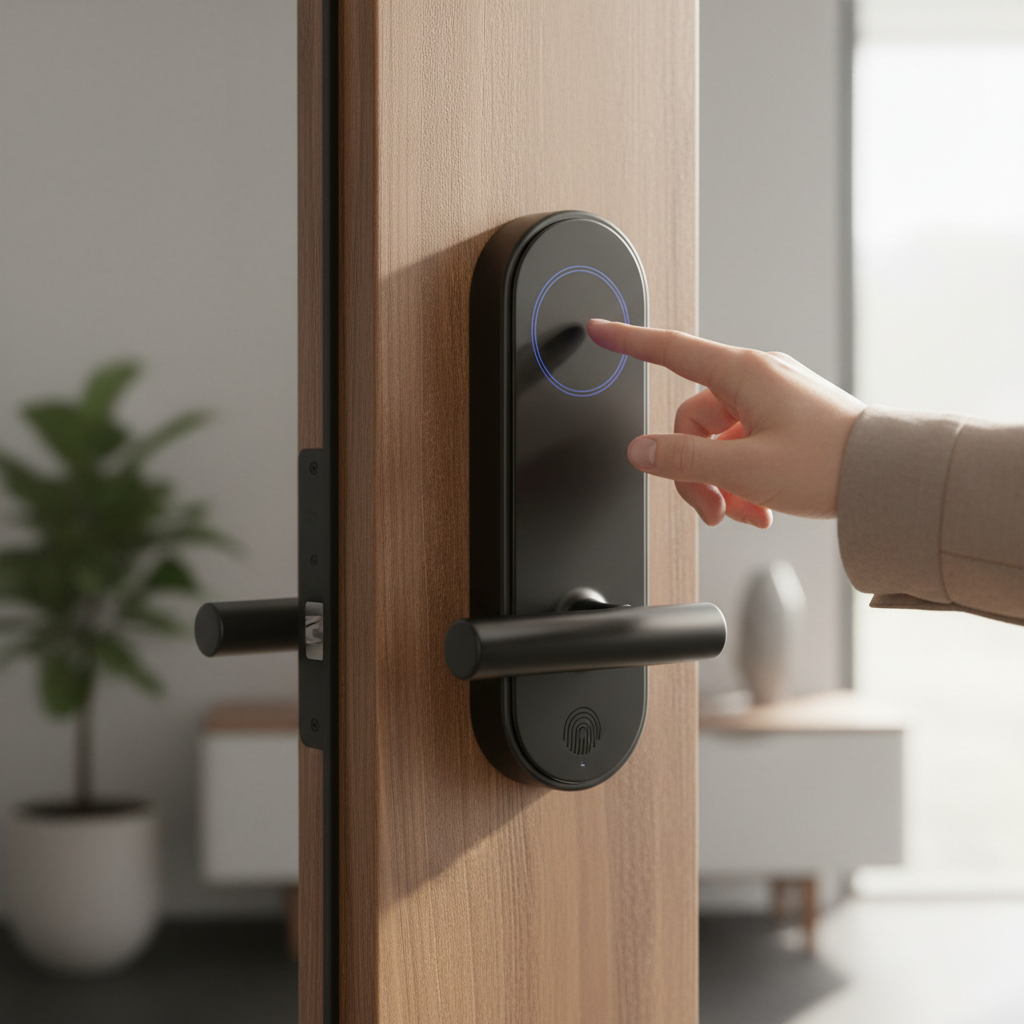
What is a Smart Door Lock and Why Should You Use One?
A smart door lock is an electromechanical locking device that allows you to control access to your home using a smartphone app, biometric data, keypads, or other connected technologies, often integrating with a broader smart home system. Unlike traditional locks that rely solely on physical keys, smart locks introduce a new dimension of security and convenience. These devices replace the manual lock/unlock action with motorized operation, making them electronic or digital-mechanical locks.
The primary benefits of integrating a smart door lock into your home are multifold. Firstly, enhanced security is a significant draw, with features like activity logs to track who enters and exits, tamper alerts, and the ability to remotely verify if your door is locked. Secondly, unparalleled convenience eliminates the need for physical keys; you can unlock your door with a fingerprint, a numerical code, a tap of your smartphone, or even a voice command. For families, guests, or service providers, you can grant temporary or scheduled access remotely. Lastly, remote management offers peace of mind, allowing you to lock or unlock your door from anywhere in the world, provided you have an internet connection, making it ideal for checking on your home while away or letting someone in when you’re not there. Common use cases extend from residential homes and apartments to rental properties and even small offices, where flexible access control is invaluable.
Popular Smart Door Lock Types on the Market
The smart door lock market offers a diverse range of options, categorized by their unlocking methods, connectivity protocols, and design. Understanding these types is crucial for selecting a lock that aligns with your lifestyle and home infrastructure.
By Unlocking Method
Smart locks provide various ways to gain entry, moving beyond the conventional key:
- Fingerprint (Biometric): These locks use a built-in scanner to read your fingerprint, offering quick, secure, and keyless access. They are highly convenient, eliminating the need to remember codes or carry devices.
- Keypad (Passcode): Users enter a pre-set numerical code on a touchscreen or physical keypad. This method is excellent for multiple users, allowing you to create unique, temporary codes for guests or service personnel.
- Card/Fob: Access is granted by tapping a dedicated key card or fob against the lock’s reader. Popular in hotels and offices, this method is also finding its way into residential settings for straightforward entry.
- Smartphone App: Control your lock directly from a dedicated mobile application. This typically includes locking, unlocking, checking status, managing users, and viewing activity logs, often with remote capabilities if connected to Wi-Fi.
- Traditional Key (Mechanical Override): Many smart locks retain a physical keyway as a backup, ensuring you can always enter your home in case of power failure, battery drain, or electronic malfunction.
- Voice Control: Integrating with virtual assistants like Amazon Alexa, Google Assistant, or Apple Siri, these locks allow you to lock or unlock your door using voice commands.
- Geofencing: Some advanced locks can detect when your smartphone enters a defined virtual boundary around your home, automatically unlocking the door as you approach.
|
Our Picks for the Best Smart door lock in 2026
As an Amazon Associate I earn from qualifying purchases.
|
||
| Num | Product | Action |
|---|---|---|
| 1 | eufy Security Smart Lock C220, Fingerprint Keyless Entry Door Lock, Built-in Wi-Fi, App Remote Control, Front Door Smart Lock Deadbolt, 8Months Battery, Reliable Power, IP53 Waterproof, BHMA Grade 3 |

|
| 2 | Veise VE017 Fingerprint Smart Door Lock, App Control, 8-in-1 Keyless Entry, Auto Lock, Emergency Power Port, Electronic Touchscreen Keypad, Biometric Smart Locks for Front Door, Matte Black |
|
| 3 | Keypad Smart Door Lock with Knob, Yamiry Keyless Entry Digital Lock with Handle, Fingerprint Electronic Knob for Front Door |
|
| 4 | TEEHO TE001 Keyless Entry Door Lock with Keypad - Smart Deadbolt Lock for Front Door with 2 Keys - Auto Lock - Easy Installation - Matte Black |
|
| 5 | Schlage Encode Smart Wi-Fi Deadbolt Lock with Touchscreen Keypad, Keyless Front Door Entry, App Control, Alexa, Google Home and Airbnb Compatible, Matte Black, BE489WB CEN 622 |
|
| 6 | TEEHO TE001 Keyless Entry Door Lock with Keypad - Smart Deadbolt Lock for Front Door with 2 Keys - Auto Lock - Easy Installation - Satin Nickel |
|
| 7 | Smart Door Handle Lock with Keypad: Yamiry Fingerprint Smart Knob - Keyless Entry Digital Lock for Front Door - Deadbolt with APP - Generate Passcode Remotely - DIY Installation |
|
| 8 | Philips Wi-Fi Door Lock, WiFi Smart Lock Keyless Entry Deadbolt for Front Door, Compatible with Alexa & Google Assistant, Remote Control, Built-in WiFi, APP Fingerprint Passcode Unlock, Auto Locking |
|
| 9 | Philips WiFi Keypad Door Lock with Handle, Built-in WiFi, APP Remote Control, Voice & Fingerprint Unlock, Smart Locks for Front Door with Auto Lock, Digital Front Door Lock Set, Keyless Entry Deadbolt |
|
| 10 | eufy Security Smart Lock C30, Keyless Entry Door Lock, Built-in WiFi Keypad Deadbolt for Front Door, No Bridge Required, Easy Installation, App Remote Control, Reliable Power, BHMA Grade 3 |
|
By Connectivity
The way your smart lock communicates with other devices and the internet defines its capabilities:
- Bluetooth: Provides a direct, short-range connection between your lock and your smartphone. While fast and energy-efficient for local control, remote access usually requires a separate Wi-Fi bridge or hub.
- Wi-Fi: Locks with built-in Wi-Fi connect directly to your home network, enabling remote control from anywhere with an internet connection. This often consumes more battery power but offers maximum convenience.
- Z-Wave/Zigbee: These are low-power wireless protocols designed specifically for smart home devices, creating a mesh network. They typically require a compatible smart home hub (like SmartThings or Hubitat) to facilitate remote access and integration with other smart devices.
- Matter: An emerging open-source standard aiming to unify smart home devices across different ecosystems (Apple Home, Google Home, Alexa). Matter-compatible locks promise enhanced interoperability and easier setup.
By Design
Smart locks come in various designs to suit different door types and aesthetic preferences:
- Deadbolt Smart Locks: These are the most common type, replacing your existing deadbolt with a smart mechanism. They often maintain a traditional exterior appearance while hiding the technology inside.
- Lever Handle Smart Locks: An all-in-one solution that replaces both the handle and the locking mechanism. While convenient, lever locks are generally less secure than deadbolts for main entry points.
- Mortise Smart Locks: Often found in apartments or commercial settings, mortise locks feature a multi-point locking system within the door itself, offering a very high level of security.
- Retrofit Smart Locks: These unique locks attach to the inside of your existing deadbolt, keeping your original exterior hardware and keys. They are an excellent option for renters or those who prefer a discreet smart upgrade.
Comparing Leading Smart Door Lock Brands
Choosing a smart door lock involves considering key brands, each with its strengths. Below is a comparative overview of some of the leading manufacturers in the market, highlighting their typical offerings across several criteria.
| Feature / Brand | Samsung | Yale | Philips | Xiaomi | Kwikset | Schlage | August | Ultraloq | Level |
|---|---|---|---|---|---|---|---|---|---|
| Price Range | High | Mid-High | Mid-High | Low-Mid | Mid-High | Mid-High | Mid-High | Mid-High | High |
| Unlocking Methods | FP, Keypad, App, Key, NFC | Keypad, App, Key, NFC, Voice | FP, Keypad, App, Key | FP, Keypad, App, Key, NFC | FP, Keypad, App, Key, Voice | Keypad, App, Key, Voice | App, Key, Voice, Geofencing | FP, Keypad, App, Key, Voice, NFC | App, Key, Key Fob, Touch, Home Key |
| Connectivity | Wi-Fi, Bluetooth, Zigbee | Wi-Fi, Bluetooth, Z-Wave, Matter | Wi-Fi, Bluetooth | Wi-Fi, Bluetooth, Zigbee | Wi-Fi, Bluetooth, Matter | Wi-Fi, Bluetooth, HomeKit | Wi-Fi, Bluetooth | Wi-Fi, Bluetooth | Bluetooth, Wi-Fi, HomeKit, Matter |
| Smart Home Integration | SmartThings, Alexa, Google Home | Alexa, Google Home, Apple HomeKit, SmartThings | Alexa, Google Home | Xiaomi Home, Alexa, Google Home | Alexa, Google Home, HomeKit, SmartThings | Alexa, Google Home, HomeKit | Alexa, Google Home, HomeKit, SmartThings | Alexa, Google Home, SmartThings | HomeKit, Alexa, Google Home, SmartThings |
| Security Features | Tamper alarm, activity log, privacy mode | Auto-lock, DoorSense (August), activity log, tamper alarm | Anti-dismantle alarm, virtual password, privacy mode | Anti-pry alarm, fake password, activity log | Intrusion detection, auto-lock, rekeying | Auto-lock, activity log, tamper alarm | DoorSense, auto-lock, activity log | Anti-peep keypad, dual locking | Invisible design, activity log |
| Design Aesthetics | Modern, sleek, often visible keypad | Traditional to modern, compact keypads | Minimalist, often touch-sensitive | Minimalist, discreet | Varied, mainstream | Classic, robust, stylish finishes | Retrofit, discreet interior | Modern, often robust keypad/FP | Ultra-minimalist, invisible |
| Durability & Build | High-quality materials | Industry-standard, robust | Durable, weather-resistant | Good for price point | Solid, reliable | Very high, commercial-grade options | Good, focuses on interior component | Robust, weather-resistant | Premium, hidden mechanics |
| Support & Warranty | Good | Excellent | Good | Varies by region | Strong | Excellent | Good | Good | Excellent |
Top Smart Door Lock Models Reviewed
Selecting from the myriad of smart lock options can be daunting. Here’s a comparison of some of the best smart door lock models available today, highlighting their unique strengths.
| Model | Price (Approx.) | Unlocking Methods | Key Features | User Rating (Out of 5) | Best For |
|---|---|---|---|---|---|
| Level Lock+ | $329 | App, Key, Key Fob, Touch, Home Key | Discreet design (fits in existing deadbolt), Apple Home Key support, seamless smart home integration with HomeKit, Alexa, Google Home, Matter compatibility. | 4.5 | Minimalist design, Apple HomeKit users, premium experience. |
| Eufy Smart Lock Touch | $260 | Fingerprint, Keypad, App, Key | Fast fingerprint access, reliable app controls, excellent value, supports Wi-Fi (with bridge), robust security, built-in alarm. | 4.6 | Quick fingerprint access, strong security, good value. |
| Schlage Encode Plus | $319 | Keypad, App, Key, Voice, Apple Home Key | Built-in Wi-Fi (no hub needed), Apple Home Key support, remote access, up to 100 access codes, works with Alexa/Google Assistant. | 4.4 | Apple Home Key users, comprehensive features, reliability. |
| Yale Assure Lock 2 | $170 – $270 | Keypad, App, Key, Apple Home Keys (select models) | Compact design, excellent app, multiple smart home platform compatibility, Auto-Lock, guest access. | 4.3 | Versatile, compact design, strong smart home integration. |
| Ultraloq U-Bolt Pro (6-in-1) | $200 | Fingerprint, Keypad, App, Key, Voice, Shake to Open | Multiple unlocking options, geofencing, auto-lock/unlock, robust build, integrates with Alexa/Google Assistant. | 4.5 | Versatile access, robust security, Airbnb hosts. |
| August Wi-Fi Smart Lock (4th Gen) | $190 | App, Key (existing), Voice, Geofencing | Retrofit design (uses existing deadbolt), auto-unlock, DoorSense (open/closed status), virtual keys, works with major smart home platforms. | 4.2 | Renters, subtle upgrade, maintaining existing keys, auto-unlock. |
| Kwikset Halo Touch | $220 | Fingerprint, App, Key, Voice | Built-in Wi-Fi (no hub), fast fingerprint reader, remote access, up to 250 access codes, intrusion detection, auto-lock. | 4.3 | Direct Wi-Fi, quick fingerprint, robust features. |
Guide to Choosing the Right Smart Door Lock
Selecting the ideal smart door lock requires a careful assessment of your personal needs, your home’s characteristics, and your budget. Here’s a structured approach to help you make an informed decision.
Determine Your Usage Needs
Start by considering who will be using the lock and how. Is it for a family home where convenience for multiple users and children is key? You might prioritize fingerprint readers or easy keypad access. For a rental property or Airbnb, features like remote code management, activity logs, and temporary access scheduling are essential. If it’s for a small office, robust audit trails and multi-user management become paramount. Understanding these scenarios will narrow down features considerably.
Set Your Budget
Smart locks vary widely in price, from budget-friendly options under $150 to premium models exceeding $300. Decide on a realistic budget, remembering that higher-priced locks often come with more advanced features, better build quality, and superior smart home integration. However, excellent functionality can still be found in mid-range options.
Identify Essential Features
Prioritize the features that are non-negotiable for you:
- Keyless entry: Do you prefer fingerprint, keypad, or smartphone app access?
- Remote control: Is the ability to lock/unlock from anywhere a must-have, or is local Bluetooth control sufficient?
- Smart home integration: Do you want it to work seamlessly with your existing Alexa, Google Home, or Apple HomeKit ecosystem?
- Security alerts: Are tamper alarms, auto-lock features, or activity logs important for your peace of mind?
- Backup options: Ensure it has a reliable mechanical key override or a port for emergency power.
Check Door Type and Thickness
Before purchasing, measure your door’s specifications. Most smart locks are designed for standard deadbolt bore holes (typically 1 ½” or 2 ⅛” diameter), a backset of 2 ⅜” or 2 ¾”, and door thickness between 1 ⅜” and 2 ¼”. Some locks, especially retrofit models, have specific compatibility requirements. Confirming these measurements prevents installation headaches.
Choose a Reputable Brand with Good Support
Opt for brands known for their reliability, security, and customer service. Established names like Schlage, Yale, Kwikset, and August generally offer better product longevity, regular firmware updates, and accessible technical support. A strong warranty indicates the manufacturer’s confidence in their product and provides protection against defects.
Smart Door Lock Installation and Usage Guide
Installing a smart door lock is often a straightforward DIY project, usually requiring only basic tools. However, careful attention to detail during both the physical installation and digital setup phases ensures optimal performance and security.
Prepare Necessary Tools
Most smart lock installations can be completed with a Phillips head screwdriver. For some installations, particularly if you’re modifying your door, you might need a flathead screwdriver, a hammer, or even a drill and drill bits. Always check the specific requirements outlined in your lock’s instruction manual. Ensure your door meets the compatibility criteria for bore hole size, backset, and thickness before you begin.
Basic Installation Steps
The process typically involves replacing your existing deadbolt with the smart lock components:
- Remove Your Old Lock: Unscrew and remove your current deadbolt from both the door edge and the door faces.
- Install the New Latch/Deadbolt Mechanism: Slide the new latch assembly into the hole on the edge of the door, ensuring the “UP” mark faces correctly. Secure it with the provided screws.
- Mount the Exterior Keypad/Assembly: Feed the connecting cable from the exterior part through the main bore hole to the interior side of the door. Position the keypad (if applicable) and secure it to the door using the mounting screws, ensuring it’s level.
- Connect the Interior Assembly: Attach the cable from the exterior assembly to the interior assembly’s circuit board. Align the tailpiece into the deadbolt mechanism, then mount the interior assembly to the door, securing it with screws.
- Power On and Test: Insert the required batteries (usually AA) into the interior assembly. The lock will typically perform an auto-handing process to determine door orientation. Manually test the deadbolt with the thumbturn, physical key, and initial app setup to ensure smooth operation.
Setup and Usage Instructions
Once physically installed, the digital setup is crucial:
- Download the App: Install the manufacturer’s official smartphone app.
- Pair Your Lock: Follow the in-app instructions to pair your smartphone with the lock, typically via Bluetooth or by scanning a QR code.
- Connect to Wi-Fi (if applicable): If your lock has Wi-Fi capabilities, connect it to your home network through the app for remote access.
- Calibrate and Handing: The app will guide you through calibration and door handing processes to ensure the lock operates correctly.
- Set Up Access Codes/Fingerprints: Create your master code, add user codes, and register fingerprints (for biometric locks).
- Integrate with Smart Home: Connect your lock to your preferred smart home ecosystem (Alexa, Google Home, HomeKit) for voice control and automation.
Maintenance Tips
To prolong your smart lock’s lifespan:
- Replace Batteries Regularly: Don’t wait for a low battery alert. Most locks provide warnings; replace batteries proactively, typically every 6-12 months.
- Keep it Clean: Regularly wipe down keypads and fingerprint sensors to prevent dust and grime buildup, which can affect responsiveness.
- Update Firmware: Install firmware updates as they become available to ensure optimal security, performance, and new features.
- Check Alignment: Periodically ensure your door and frame remain aligned to prevent the deadbolt from jamming or causing excessive motor strain.
Common Issues and Troubleshooting When Using Smart Door Locks
Even the most advanced smart door locks can encounter issues. Knowing how to diagnose and troubleshoot common problems can save you time and maintain your home’s security.
Sudden Battery Drain
This is a frequent concern for smart lock users. If your lock’s batteries deplete much faster than expected (e.g., in weeks instead of months), it could indicate a circuit fault or a short circuit within the lock, sometimes accompanied by hot batteries.
- Solution: Replace batteries with high-quality ones. If the issue persists, especially if batteries get hot, contact the manufacturer’s support as it may require repair or replacement of internal components. Always know where your lock’s emergency backup power port (often for a 9V battery) or mechanical key override is located.
Forgetting Passcodes or Losing Key Fobs
Digital entry methods offer convenience but come with the risk of forgetting codes or misplacing access devices.
- Solution: Utilize the companion smartphone app to reset or retrieve passcodes. For lost key fobs or cards, immediately revoke their access through the app. In emergencies, the physical backup key is your most reliable option.
Lock Not Recognizing Fingerprints
If your biometric lock struggles to identify fingerprints, it can be frustrating and hinder quick access.
- Solution: Ensure your finger and the sensor are clean and dry. Dirt, moisture, or even lotions can interfere with recognition. Try re-registering your fingerprint in the app. If the problem continues, the sensor itself might be faulty or require a reset of the lock’s settings.
Lock Connectivity Issues
Problems with Wi-Fi or Bluetooth connectivity can prevent remote control, smart home integration, and proper app functionality.
- Solution:
- Check Connection: Verify your home Wi-Fi network is stable and your router is functioning. For Bluetooth, ensure your smartphone is within range.
- Restart Devices: Power cycle your smart lock (by removing and reinserting batteries), restart your smartphone, and even restart your Wi-Fi router.
- Update Software: Ensure both the smart lock’s firmware and its companion app are updated to the latest versions.
- Reduce Interference: Other wireless devices, thick walls, or large metal objects near the lock can disrupt signals. Try repositioning Wi-Fi extenders or reducing nearby electronic clutter.
- Realign Lock: Physical misalignment of the lock’s components can sometimes manifest as connectivity issues if the motor struggles to operate, leading to communication errors.
If troubleshooting steps don’t resolve the issue, consult the manufacturer’s support or user manual. “The right smart lock should blend seamlessly into your daily life, offering convenience without compromising security, but knowing how to handle the occasional glitch is just as important as choosing the right model,” says Sarah Miller, a smart home technology expert.
Conclusion
Embracing a smart door lock is a significant step towards enhancing your home’s security and convenience. We’ve explored everything from the fundamental benefits and diverse types available to detailed comparisons of leading brands and models, alongside practical advice for installation and troubleshooting. The ideal smart lock is one that perfectly aligns with your specific needs—whether it’s for a bustling family home requiring multi-access options, a rental property needing flexible remote management, or simply the desire for a seamless, keyless entry experience.
While the upfront investment and initial setup may seem daunting, the long-term advantages of peace of mind, improved accessibility, and streamlined home management are undeniable. With continuous advancements in technology, smart door locks are becoming more secure, user-friendly, and integrated than ever before. Don’t let the technical jargon deter you; by focusing on what truly matters to you, you can unlock a smarter, safer future for your home. Are you ready to make the switch and experience the freedom of a truly smart entryway?
Frequently Asked Questions
What is the average battery life of a smart door lock?
Most smart door locks typically use AA batteries and can last anywhere from 6 to 12 months, depending on usage frequency, connectivity type (Wi-Fi drains faster than Bluetooth), and environmental factors. Many models provide low battery alerts through their app.
Can smart locks be hacked?
While any connected device carries some risk, reputable smart lock brands employ strong encryption and security protocols to minimize hacking vulnerabilities. Using strong, unique passwords, keeping firmware updated, and utilizing multi-factor authentication significantly enhances security.
Do all smart locks require a Wi-Fi connection?
No, not all smart locks require Wi-Fi. Many operate primarily via Bluetooth for local control, meaning you need to be within range to operate them with your smartphone. For remote access from anywhere, a Wi-Fi connection or a separate Wi-Fi bridge/hub is usually necessary.
Can I still use a traditional key with a smart lock?
Most smart locks offer a mechanical key override, allowing you to use a physical key as a backup. This is a crucial feature for ensuring access during power outages, battery failures, or electronic malfunctions.
Are smart locks compatible with all doors?
Smart locks are generally designed to fit standard deadbolt preparations. However, it’s essential to measure your door’s bore hole diameter, backset, and thickness to ensure compatibility before purchasing, as some doors or non-standard setups may require specific lock types or minor modifications.
What happens if my smart lock runs out of battery?
If your smart lock’s battery dies, most models have an emergency backup option. This often includes a mechanical key override, or a port (like a micro-USB or contacts for a 9V battery) to temporarily power the lock and gain entry.
Can I integrate my smart lock with my existing smart home system?
Yes, many smart locks are designed to integrate with popular smart home ecosystems like Amazon Alexa, Google Home, Apple HomeKit, and Samsung SmartThings. Check the lock’s specifications for compatibility with your preferred platform to enable voice control and home automation routines.