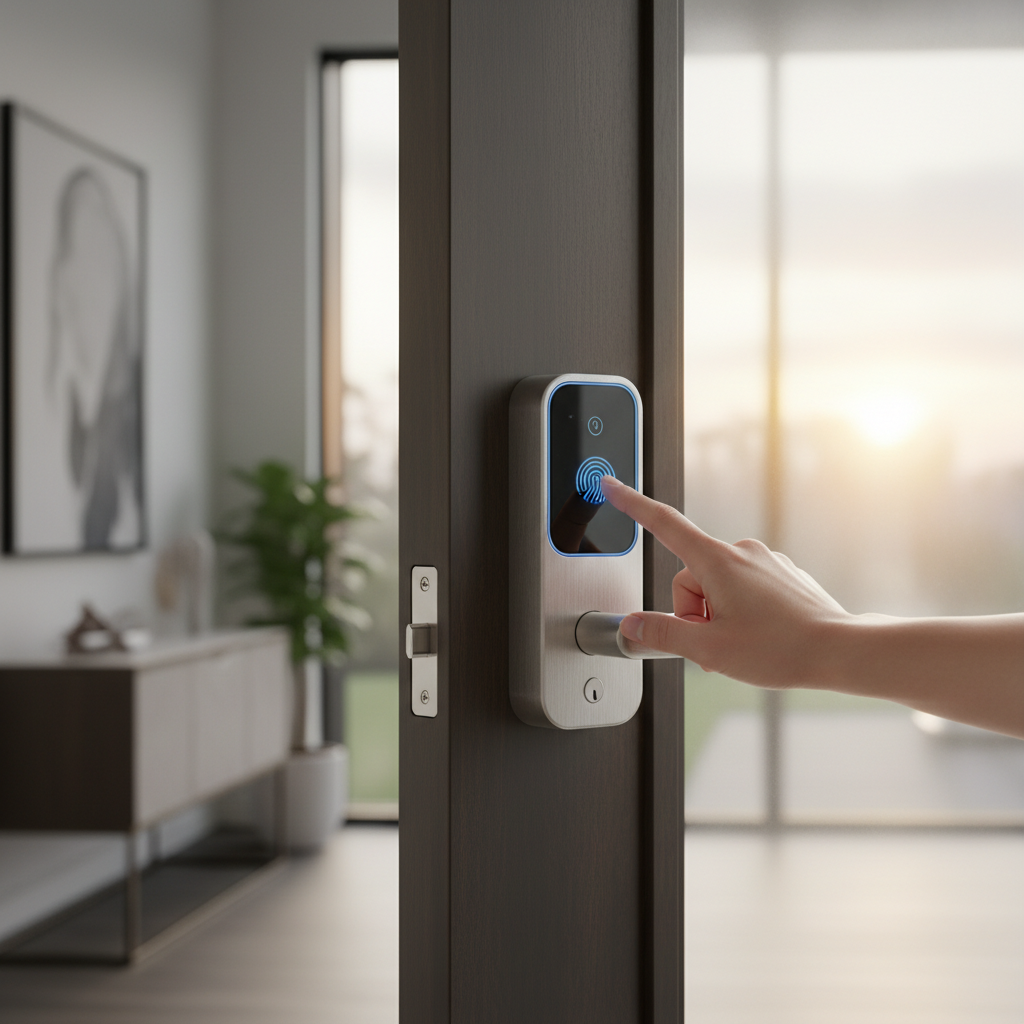
In today’s fast-paced agency environment, security and efficiency are paramount. Traditional keys can be a bottleneck, leading to time-consuming key management, security vulnerabilities, and logistical headaches, especially with high staff turnover, client visits, and diverse access needs. Imagine a system where you can grant or revoke access in seconds, monitor entry activity from anywhere, and never worry about lost keys again. This article will delve into the world of smart door locks specifically designed for busy commercial spaces, helping you choose and implement a solution that enhances security, streamlines operations, and provides unparalleled convenience for your agency.
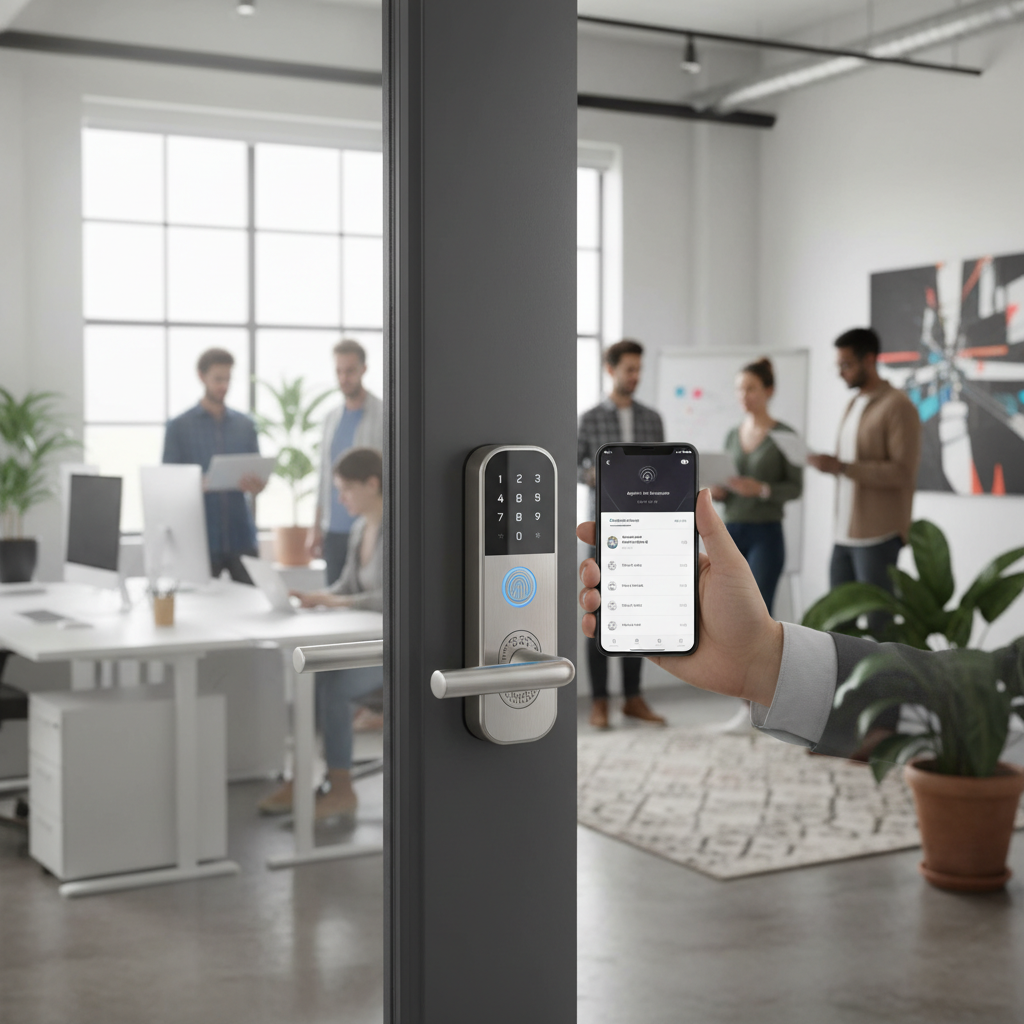
What is a Smart Door Lock? Why Use One for Your Agency?
A Smart Door Lock is an electromechanical locking device that can be controlled and monitored wirelessly, typically through a smartphone app, web portal, or integrated access control system, replacing traditional keys with digital credentials. For a bustling agency office, these locks are more than just a gadget; they are a critical component of modern security and operational efficiency.
The primary benefits for an agency include enhanced security, unparalleled convenience, and flexible remote management. Smart locks offer advanced encryption and authentication protocols, making them more secure against traditional lock-picking methods. They eliminate the physical key exchange, reducing the risk of lost or duplicated keys. The convenience comes from multiple keyless entry options, such as PIN codes, fingerprints, RFID cards, or smartphone apps, which speed up entry for employees and visitors. Remote management allows administrators to grant or revoke access instantly, set time-sensitive permissions for cleaners or contractors, and view detailed audit trails of who entered when and where, all from a centralized dashboard. This level of control is invaluable for tracking activity and maintaining a secure environment.
Common use cases for smart door locks in an agency office span across main entrance doors, individual offices, meeting rooms, server rooms, and even storage closets. They are ideal for managing access for full-time staff, part-time employees, freelancers, clients, and service providers, ensuring that only authorized individuals can enter specific areas during designated times. The adaptability of smart locks addresses the dynamic nature of an agency, where personnel and access requirements frequently change.
Types of Smart Door Locks Popular in the Market
The smart door lock market offers a diverse range of options, each with unique features suitable for different agency needs. Understanding these classifications will help pinpoint the ideal solution for your specific operational requirements.
By Unlocking Method
Smart locks provide a variety of keyless entry methods, offering flexibility and convenience.
- Fingerprint Recognition: This method offers quick, secure, and hands-free access. It’s excellent for employees who need frequent entry and for high-security areas where individual identification is paramount.
- Passcode/PIN Entry: Users enter a unique numerical code on a keypad. This is highly flexible for temporary access, visitors, or staff who prefer not to use a phone. It’s also a reliable backup method.
- RFID Cards/Fobs: Proximity cards or fobs provide a quick tap-and-go entry. Ideal for environments with a large number of users, allowing for easy distribution and revocation of credentials.
- Smartphone App: Control access directly from a mobile device. This often includes remote unlocking, managing user permissions, and monitoring entry logs, providing administrators with ultimate flexibility from anywhere.
- Mechanical Key Backup: Essential for emergencies, power outages, or technical issues, a traditional key override ensures access is always possible.
|
Our Picks for the Best Smart door lock in 2026
As an Amazon Associate I earn from qualifying purchases.
|
||
| Num | Product | Action |
|---|---|---|
| 1 | TEEHO TE001 Keyless Entry Door Lock with Keypad - Smart Deadbolt Lock for Front Door with 2 Keys - Auto Lock - Easy Installation - Satin Nickel |

|
| 2 | Schlage Encode Smart Wi-Fi Deadbolt Lock with Touchscreen Keypad, Keyless Front Door Entry, App Control, Alexa, Google Home and Airbnb Compatible, Matte Black, BE489WB CEN 622 |
|
| 3 | Keypad Smart Door Lock with Knob, Yamiry Keyless Entry Digital Lock with Handle, Fingerprint Electronic Knob for Front Door |
|
| 4 | TEEHO TE001 Keyless Entry Door Lock with Keypad - Smart Deadbolt Lock for Front Door with 2 Keys - Auto Lock - Easy Installation - Matte Black |
|
| 5 | Philips Wi-Fi Door Lock, WiFi Smart Lock Keyless Entry Deadbolt for Front Door, Compatible with Alexa & Google Assistant, Remote Control, Built-in WiFi, APP Fingerprint Passcode Unlock, Auto Locking |
|
| 6 | Smart Door Handle Lock with Keypad: Yamiry Fingerprint Smart Knob - Keyless Entry Digital Lock for Front Door - Deadbolt with APP - Generate Passcode Remotely - DIY Installation |
|
| 7 | eufy Security Smart Lock C30, Keyless Entry Door Lock, Built-in WiFi Keypad Deadbolt for Front Door, No Bridge Required, Easy Installation, App Remote Control, Reliable Power, BHMA Grade 3 |
|
| 8 | eufy Security Smart Lock C220, Fingerprint Keyless Entry Door Lock, Built-in Wi-Fi, App Remote Control, Front Door Smart Lock Deadbolt, 8Months Battery, Reliable Power, IP53 Waterproof, BHMA Grade 3 |
|
| 9 | Veise VE017 Fingerprint Smart Door Lock, App Control, 8-in-1 Keyless Entry, Auto Lock, Emergency Power Port, Electronic Touchscreen Keypad, Biometric Smart Locks for Front Door, Matte Black |
|
| 10 | Philips WiFi Keypad Door Lock with Handle, Built-in WiFi, APP Remote Control, Voice & Fingerprint Unlock, Smart Locks for Front Door with Auto Lock, Digital Front Door Lock Set, Keyless Entry Deadbolt |
|
By Connectivity Type
The connectivity of a smart lock dictates its management capabilities and integration potential.
- Bluetooth: Often used for local control, where the smartphone needs to be within a certain range of the lock to operate. Some offline locks sync user data via Bluetooth.
- Wi-Fi: Allows for real-time remote management, notifications, and integration with cloud-based platforms without the need for additional hubs, making it highly convenient for busy offices.
- Z-Wave/Zigbee: These are mesh networking protocols primarily used in smart home ecosystems. While less common for standalone commercial locks, they can be part of a broader integrated building management system if your agency has one.
By Design
Smart locks come in various designs to fit different door types and aesthetic preferences.
- With Handle/Lever: These are common for office doors, integrating the locking mechanism into the door handle itself, often featuring keypads or card readers.
- Deadbolt Style: Replaces an existing deadbolt, offering strong security. Often paired with a separate handle.
- For Glass Doors: Specialized locks designed for the unique requirements of glass partitions and storefronts, common in modern agency aesthetics. These often utilize clamps or adhesives rather than traditional drilling.
Comparing Leading Smart Door Lock Brands for Agencies
When selecting a smart door lock for your agency, several brands stand out for their commercial-grade offerings. Here’s a comparison of some top contenders, focusing on criteria relevant to busy office environments.
| Brand | Price Range (Approx.) | Key Features for Agencies | Durability & Security | User Management & Integration | Support & Warranty |
|---|---|---|---|---|---|
| Schlage | Mid to High | RFID, PIN, Mobile App, Auto-locking, Passage Mode. Engage App. | Commercial Grade 1/2, UL Fire Rated, Tamper-resistant, High-traffic design | Robust user scheduling, audit trails, integration with access systems | Good, Industry Standard |
| Yale | Mid to High | PIN, Mobile App, Virtual Keys, Auto-locking, Z-Wave/Wi-Fi options | Durable construction, BHMA certified, tamper alerts. | Easy user creation, remote access, integrates with smart home/office hubs | Good, Industry Standard |
| Dormakaba | High | PIN, Key Fob, Virtual Keys, High user capacity, Wi-Fi connectivity | BMHA-grade certified, built for heavy use, robust commercial security. | Stores up to 2000 users, cloud-based management, ButterflyMX integration | Excellent, Commercial-focused |
| Master Lock | Mid | Keypad, Remote Access, Auto-lock, Tamper Alarms. | Durable, pick-resistant, meets commercial standards, UL 20 min fire rating. | Up to 500 unique codes, remote lock/unlock, DoorSense alerts | Good |
| SALTO | High | RFID, Mobile App, Virtual Network Data-on-Card, Scalable. | Robust hardware, advanced encryption, designed for high-security commercial use. | Comprehensive access control, detailed audit trails, enterprise-level integration | Excellent, Enterprise-focused |
| Centrios | Mid | Mobile App, PIN, Fob, Card, Offline operation with phone sync | Commercial-grade, reliable for small to mid-size businesses. | Cloud control without building Wi-Fi, mobile credential management | Good |
Schlage and Yale are strong all-rounders, offering a balance of features, security, and integration, suitable for various office doors. Dormakaba and SALTO lean towards more robust, enterprise-level solutions with higher user capacities and advanced integration capabilities, ideal for larger agencies or those with complex access control needs. Master Lock and Centrios provide reliable options for small to medium-sized agencies looking for essential smart lock features with good security.
Top Smart Door Lock Models for Agency Offices
Choosing the right smart door lock involves balancing features, security, and cost. Here’s a comparison of five excellent models suitable for busy agency environments:
| Model | Price (Approx.) | Unlocking Methods | Special Features for Agencies | User Reviews (Summary) |
|---|---|---|---|---|
| Schlage NDEB | $500 – $800 | RFID Card, PIN, Mobile App | Easy installation, ENGAGE app for remote management, audit trails, Passage Mode. | Highly durable, reliable for high traffic, excellent user management. |
| Yale Assure 2 WF1 Deadbolt | $250 – $350 | PIN, Smartphone (Wi-Fi), Virtual Keys | Auto-locking, long battery life, Wi-Fi built-in (no hub), slim design, virtual key sharing. | User-friendly, good for front entrances, seamless smartphone integration. |
| Dormakaba EVO LZ | $1000+ | PIN, Key Fob, Virtual Keys | Stores up to 2000 users, BMHA-grade certified durability, WiFi connectivity without hub, ButterflyMX integration. | Excellent for large-scale commercial use, very robust, reliable. |
| Centrios Cylindrical Lock | $400 – $600 | Mobile App, PIN, Fob, Card | Cloud control without touching building Wi-Fi, offline function with phone sync, easy mobile credential changes. | Great for small/mid-size offices, flexible access rules, cost-effective. |
| Master Lock Connected Mortise Lock | $700 – $1000 | Keypad (Push Button/Touchscreen), Remote App, Key Backup | High-security standards, up to 500 codes, DoorSense, tamper alarm, durable finishes. | Strong security, good for high-traffic entryways, solid build quality. |
The Schlage NDEB is a robust choice for interior and common area doors, offering excellent wireless access control and easy management via its mobile app. The Yale Assure 2 WF1 Deadbolt is perfect for main entrances, providing sleek design and multiple keyless options with integrated Wi-Fi. For larger agencies or those needing extensive user capacity and extreme durability, the Dormakaba EVO LZ stands out. The Centrios Cylindrical Lock offers a unique offline cloud management approach, making it ideal for businesses cautious about network integration. Finally, the Master Lock Connected Mortise Lock delivers strong security and high-traffic performance for main office entrances.
Guide to Choosing the Right Smart Door Lock for Your Agency
Selecting the perfect smart door lock system for your agency requires careful consideration of your specific operational context and security needs. A thoughtful approach ensures that your investment delivers maximum value and peace of mind.
Determine Your Agency’s Usage Needs
First, assess who will be using the locks and how often.
- Family/Small Team Office: If your agency is small with consistent staff, simpler systems with PINs and smartphone access might suffice.
- Large Agency/High Traffic: For numerous employees, freelancers, and frequent client visits, prioritize locks with high user capacity, quick credential management, and robust audit trails. Features like Passage Mode for business hours become essential.
- Specific Areas: Consider if locks are for main entry, internal offices, server rooms, or storage. Each might require different security levels and access methods (e.g., fingerprint for server room, PIN for meeting room).
Set a Realistic Budget
Smart locks vary significantly in price. While it’s tempting to opt for the cheapest, remember that commercial-grade locks often have a higher upfront cost but offer superior durability, advanced features, and better support.
- Entry-Level (for basic needs): ~$250-$400
- Mid-Range (good features, durability): ~$400-$800
- High-End (enterprise-grade, advanced features): $800+
Factor in potential installation costs and any subscription fees for cloud management.
Essential Features to Look For
Prioritize features that align with a busy agency office:
- Multiple Access Methods: Offer flexibility with PINs, cards, fobs, fingerprints, and mobile app access.
- Remote Management: The ability to add/delete users, set schedules, and monitor activity from a web dashboard or app is crucial for agile operations.
- Audit Trails/Activity Logs: Detailed records of entry and exit enhance security and accountability.
- Auto-Locking: Ensures the door is always secured after entry, preventing accidental oversight.
- Passage Mode: Allows the door to remain unlocked during designated business hours for high traffic.
- Integration Capabilities: Check for compatibility with existing security systems, video surveillance, or smart office platforms (e.g., ButterflyMX, Z-Wave hubs).
- Mechanical Key Override: A non-negotiable backup for power failures or system malfunctions.
Check Door Type and Thickness
Before purchasing, physically inspect your doors.
- Door Compatibility: Ensure the lock is suitable for your door material (wood, metal, glass) and type (single bore, mortise).
- Thickness: Verify that the lock’s specifications match your door’s thickness. Many commercial doors are thicker than residential ones.
- Handing: Some lever locks are handed (left-hand or right-hand swing), so confirm compatibility.
Choose a Reputable Brand with Good Support
Reliability, warranty, and customer support are critical for a commercial installation. Stick to established brands known for durable hardware and responsive technical assistance. Check warranty periods and the availability of local service if needed. A robust support system means less downtime and quicker resolution of any issues.
“For an agency, the true value of a smart lock isn’t just about keyless entry; it’s about the ability to dynamically control access, enhance accountability, and adapt to operational changes without sacrificing security.” – Michael Chen, Commercial Security Systems Consultant
Installing and Using Your Smart Door Lock
Proper installation and ongoing maintenance are crucial for the optimal performance and longevity of your agency’s smart door lock system. While many modern smart locks are designed for straightforward installation, professional help is often recommended for commercial environments to ensure security standards are met.
Necessary Tools
Basic installation typically requires:
- Phillips head screwdriver
- Measuring tape
- Drill (if new holes are needed, though many are retrofit-friendly)
- Chisel (for strike plate adjustment)
- Batteries (usually AA or AAA, often included)
Basic Installation Steps
- Remove Old Hardware: Carefully take off your existing lock, ensuring you don’t damage the door.
- Install Deadbolt/Latch: Insert the new smart lock’s deadbolt or latch mechanism into the door.
- Mount Exterior Assembly: Place the exterior keypad or reader assembly on the door, threading any necessary cables through the door bore.
- Install Interior Assembly: Attach the interior portion of the lock, connecting cables as per the manufacturer’s instructions. Secure with screws.
- Test Mechanism: Ensure the lock operates smoothly mechanically before powering it on.
- Insert Batteries: Power up the lock with the specified batteries.
- Pair and Program: Follow the manufacturer’s guide to pair the lock with its app or system. Set up master codes, administrator access, and initially test all unlocking methods.
Note: Always refer to the specific installation manual for your chosen model. For complex integrations or multiple locks, consider professional installation.
Setting Up and Using Features
Once installed, the real power of a smart lock for an agency comes from its software and features:
- User Management: Use the mobile app or web portal to create unique PINs, register fingerprints, or assign RFID cards for each employee.
- Access Schedules: Implement time-based access for specific individuals or groups (e.g., staff access 8 AM-7 PM, cleaning crew 7 PM-9 PM on specific days).
- Passage Mode: Activate this feature during peak business hours to keep the door unlocked, then automatically re-engage locking after hours.
- Activity Monitoring: Regularly check audit trails to track entry and exit events.
- Remote Control: Lock or unlock doors, grant temporary access, or receive alerts from your smartphone, even when you’re off-site.
Maintenance Tips to Extend Lock Lifespan
- Regular Cleaning: Wipe down keypads and readers with a soft, damp cloth. Avoid harsh chemicals.
- Battery Replacement: Smart locks operate on batteries. Pay attention to low-battery warnings and replace batteries proactively. Most locks provide ample warning.
- Software Updates: Keep the lock’s firmware and accompanying app updated to ensure optimal performance, security, and access to new features.
- Physical Inspection: Periodically check for any loose screws, alignment issues, or signs of wear and tear.
Common Issues and Troubleshooting for Smart Door Locks
Even the most reliable smart door locks can encounter issues. Knowing how to troubleshoot common problems can minimize disruption in a busy agency environment.
Sudden Battery Drain
Problem: The lock’s batteries die unexpectedly, leaving users locked out or in.
Cause: Frequent usage, weak battery quality, extreme temperatures, or a faulty component drawing excessive power.
Solution:
- Use Quality Batteries: Always use reputable, high-quality alkaline batteries.
- Carry Backup Key: Utilize the mechanical key override.
- External Power: Some locks have terminals for a 9V battery to temporarily power them for emergency access.
- Check Usage: High traffic increases battery consumption; plan for more frequent replacements.
Forgotten Passwords or Lost Cards
Problem: An employee forgets their PIN, or an RFID card is misplaced.
Cause: Human error, lack of documentation.
Solution:
- Administrator Access: As an administrator, you can easily reset PINs or deactivate lost cards/fobs via the management app/portal.
- Temporary Codes: Issue temporary access codes for immediate entry while a permanent solution is being set up.
- Biometric Backup: Fingerprint access can bypass this issue if implemented.
Fingerprint Reader Malfunction
Problem: The lock fails to recognize fingerprints consistently.
Cause: Dirty sensor, wet/damaged finger, sensor calibration issue, extreme temperatures.
Solution:
- Clean Sensor: Gently wipe the fingerprint sensor with a clean, dry cloth.
- Reregister Fingerprints: If issues persist, try deleting and re-registering the user’s fingerprint. Ensure the finger is clean and dry during registration.
- Multiple Fingerprints: Register multiple fingers for each user to provide alternatives.
Connectivity Issues
Problem: The smart lock cannot connect to Wi-Fi, Bluetooth, or the app.
Cause: Router issues, Wi-Fi signal interference, app glitches, out-of-range Bluetooth.
Solution:
- Check Wi-Fi Router: Ensure the router is working and within range. Consider a Wi-Fi extender if the signal is weak.
- Restart Devices: Try restarting both the smart lock (if applicable, by removing/reinserting batteries) and your smartphone/router.
- App Reinstallation: If the app is acting up, try reinstalling it.
- Bluetooth Proximity: For Bluetooth-only locks, ensure your phone is close enough.
- Firmware Update: Ensure the lock’s firmware is up to date, as updates often fix connectivity bugs.
By understanding these common scenarios and their solutions, your agency can maintain a smooth and secure access experience with minimal downtime.
Conclusion
Embracing smart door lock technology is a pivotal step for any busy agency office looking to modernize its security and streamline operations. These advanced systems offer unparalleled control, flexibility, and convenience, eliminating the traditional headaches associated with physical keys. By providing multiple access methods, robust remote management capabilities, and detailed audit trails, a well-chosen smart door lock empowers agencies to manage diverse access needs, enhance accountability, and maintain a secure environment with ease.
Investing in the best smart door lock for your agency means selecting a commercial-grade solution that aligns with your specific traffic, security requirements, and budget. Brands like Schlage, Yale, Dormakaba, Master Lock, and Centrios offer a range of reliable options, each with unique strengths. Prioritize features such as remote user management, auto-locking, passage mode, and a dependable mechanical key override. With proper installation and consistent maintenance, your agency can enjoy a seamless, secure, and highly efficient access control system for years to come.
Are you ready to transform your agency’s security and operational efficiency with the power of smart door technology?
Frequently Asked Questions
How do commercial smart locks differ from residential ones?
Commercial smart locks are built for higher traffic, enhanced durability, and more complex user management needs than residential versions. They often feature commercial-grade hardware, robust access control software for many users, and deeper integration capabilities with enterprise security systems.
Can smart locks integrate with existing office security systems?
Many commercial smart locks are designed for integration with existing access control platforms, video surveillance, and smart office ecosystems like Z-Wave or ButterflyMX. It’s crucial to check compatibility specifications before purchase.
What happens if the internet goes down?
Most commercial smart locks are designed with redundancies. They typically retain stored access credentials, allowing entry via PINs, fingerprints, or key fobs even without an internet connection. Additionally, mechanical key overrides are a standard feature for emergency access.
Are smart locks vulnerable to hacking?
Reputable commercial smart locks use advanced encryption and secure communication protocols to protect against hacking attempts. Regular firmware updates also address potential vulnerabilities, making them generally more secure than traditional locks, which can be picked or copied.
How long do smart lock batteries typically last in an office setting?
Battery life varies based on usage frequency, lock model, and connectivity type. In a busy office, batteries might last anywhere from 6 to 12 months. Most locks provide low-battery warnings, allowing ample time for replacement.