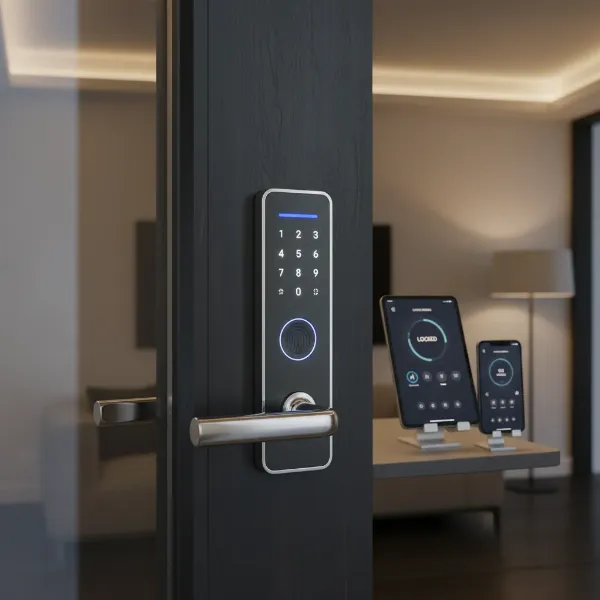
In today’s fast-paced professional world, managing office security can be a complex challenge. Traditional keys often lead to headaches: they get lost, copied, and require costly rekeying when staff changes. The solution for many businesses lies in upgrading to a sophisticated smart door lock system. These systems offer a blend of enhanced security, unparalleled convenience, and robust control, transforming how professional offices manage access and protect their assets. This article will guide you through the intricacies of selecting the ideal smart door lock, ensuring peace of mind for you and your team.
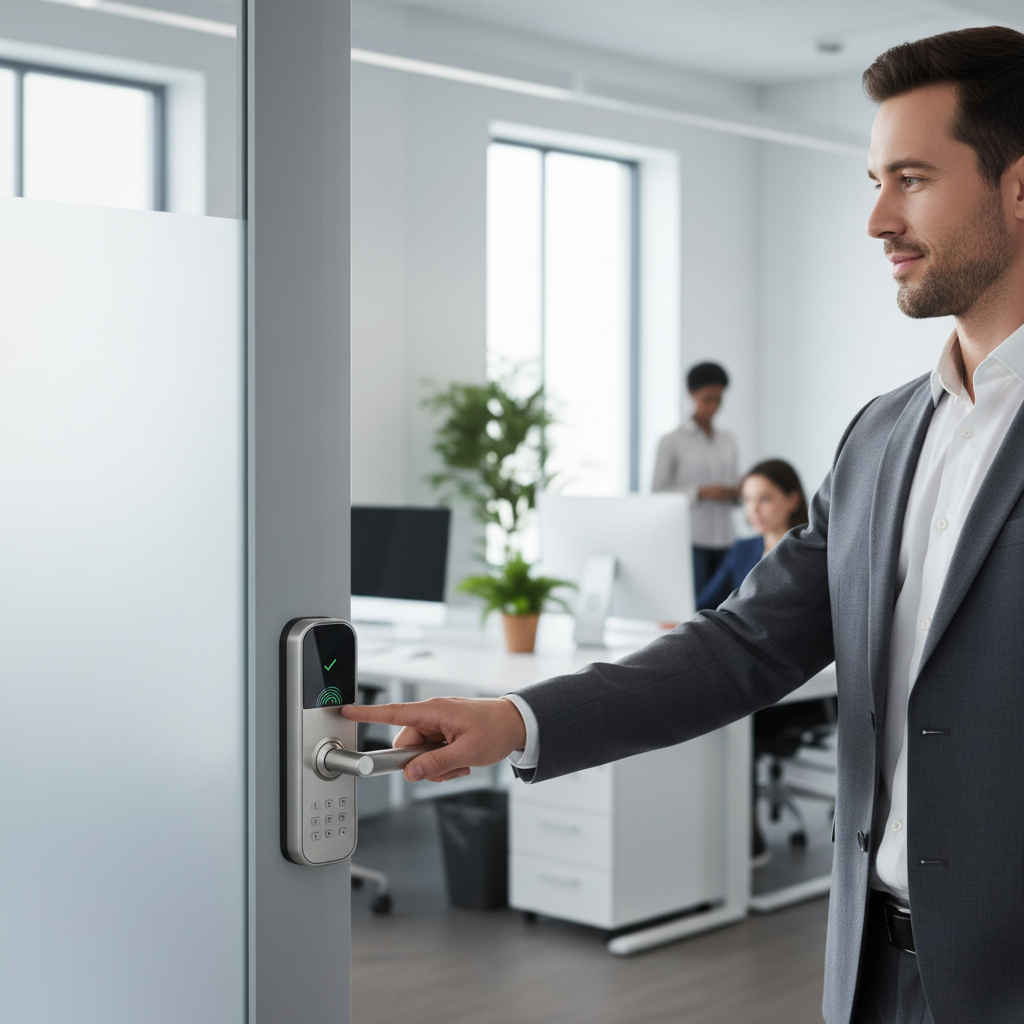
What is a Smart Door Lock? Why Use One in Professional Offices?
A smart door lock is an electronic-mechanical lock designed to perform locking and unlocking operations on a door when it receives instructions from an authorized device using a wireless protocol. While common in homes, smart door locks for professional offices are engineered with a distinct emphasis on durability, scalability, and advanced access management capabilities, rather than just aesthetics or basic home integration.
The benefits of implementing smart door locks in a professional office environment are substantial. Firstly, enhanced security is paramount; these systems move beyond the vulnerabilities of physical keys by offering encrypted digital credentials, real-time monitoring, and detailed audit trails that record every entry and exit. This level of accountability is critical for tracking personnel movement and investigating security incidents. Secondly, unmatched convenience allows authorized individuals to gain access using various methods like fingerprints, PIN codes, or smartphone apps, eliminating the hassle of carrying and managing physical keys. For office managers, this means less time spent on key distribution and more on core business operations. Lastly, remote management capabilities allow administrators to grant or revoke access instantly from anywhere, set specific access schedules for employees or contractors, and receive alerts for unusual activity, offering unparalleled control and flexibility. Smart locks are particularly useful for offices with fluctuating staff, diverse access needs, or multiple locations.
Common use cases for smart door locks in professional offices include securing main entrances, restricting access to sensitive areas like server rooms or executive offices, managing access for part-time staff or cleaning crews with time-sensitive permissions, and simplifying visitor management by issuing temporary access codes.
Popular Types of Smart Door Locks for Offices
The market offers a diverse range of smart door locks, each suited for different office requirements. Understanding these categories is crucial for making an informed decision for your professional space.
By Unlocking Method
|
Our Picks for the Best Smart door lock in 2026
As an Amazon Associate I earn from qualifying purchases.
|
||
| Num | Product | Action |
|---|---|---|
| 1 | Keypad Smart Door Lock with Knob, Yamiry Keyless Entry Digital Lock with Handle, Fingerprint Electronic Knob for Front Door |

|
| 2 | eufy Security Smart Lock C30, Keyless Entry Door Lock, Built-in WiFi Keypad Deadbolt for Front Door, No Bridge Required, Easy Installation, App Remote Control, Reliable Power, BHMA Grade 3 |
|
| 3 | TEEHO TE001 Keyless Entry Door Lock with Keypad - Smart Deadbolt Lock for Front Door with 2 Keys - Auto Lock - Easy Installation - Satin Nickel |
|
| 4 | Smart Door Handle Lock with Keypad: Yamiry Fingerprint Smart Knob - Keyless Entry Digital Lock for Front Door - Deadbolt with APP - Generate Passcode Remotely - DIY Installation |
|
| 5 | Veise VE017 Fingerprint Smart Door Lock, App Control, 8-in-1 Keyless Entry, Auto Lock, Emergency Power Port, Electronic Touchscreen Keypad, Biometric Smart Locks for Front Door, Matte Black |
|
| 6 | Philips WiFi Keypad Door Lock with Handle, Built-in WiFi, APP Remote Control, Voice & Fingerprint Unlock, Smart Locks for Front Door with Auto Lock, Digital Front Door Lock Set, Keyless Entry Deadbolt |
|
| 7 | Philips Wi-Fi Door Lock, WiFi Smart Lock Keyless Entry Deadbolt for Front Door, Compatible with Alexa & Google Assistant, Remote Control, Built-in WiFi, APP Fingerprint Passcode Unlock, Auto Locking |
|
| 8 | Schlage Encode Smart Wi-Fi Deadbolt Lock with Touchscreen Keypad, Keyless Front Door Entry, App Control, Alexa, Google Home and Airbnb Compatible, Matte Black, BE489WB CEN 622 |
|
| 9 | TEEHO TE001 Keyless Entry Door Lock with Keypad - Smart Deadbolt Lock for Front Door with 2 Keys - Auto Lock - Easy Installation - Matte Black |
|
| 10 | eufy Security Smart Lock C220, Fingerprint Keyless Entry Door Lock, Built-in Wi-Fi, App Remote Control, Front Door Smart Lock Deadbolt, 8Months Battery, Reliable Power, IP53 Waterproof, BHMA Grade 3 |
|
Smart office locks provide various methods for entry, catering to different security preferences and user convenience. Biometric locks utilize unique physical characteristics such as fingerprints or facial recognition for highly secure, personalized access. These are excellent for high-security areas or when a truly keyless experience is desired. Keypad locks require users to enter a PIN code, offering a straightforward and easily manageable solution. Codes can be changed frequently and distributed remotely. Card/Fob entry systems, often using RFID or NFC technology, are common in larger corporate environments, allowing employees to tap an ID card or fob for quick access. Smartphone app control enables users to unlock doors directly from their mobile devices, often with additional features like remote locking/unlocking and activity logs. Finally, most commercial smart locks include a mechanical key override to ensure access during power outages or system malfunctions, providing a critical layer of emergency backup.
By Connectivity
The connectivity method of a smart lock dictates how it communicates and integrates with other systems. Bluetooth-enabled locks offer localized control via a smartphone app when within close range, often suitable for smaller offices or individual rooms where remote access isn’t a primary need. Wi-Fi connected locks provide direct internet connectivity, enabling remote management from anywhere with an internet connection. This is ideal for offices requiring real-time control and monitoring. Z-Wave and Zigbee locks integrate into existing smart office hubs or access control systems, offering a more robust and scalable network solution, particularly beneficial for larger facilities with multiple smart devices. Some advanced commercial systems also utilize Ethernet/PoE (Power over Ethernet) for wired, highly reliable, and secure network integration, common in enterprise-level access control setups.
By Design
The physical design of a smart door lock must align with the existing door hardware and aesthetic of a professional office. Cylindrical locks are a popular and robust choice for most office doors, featuring a heavy-duty mechanism. Mortise locks offer high security by integrating deeply into the door itself, rather than simply attaching to the surface, and are often found in high-traffic or high-security commercial settings. Deadbolt conversion kits can upgrade existing deadbolts to smart functionality, providing a simpler retrofit option. Additionally, specialized electronic locks for glass doors cater to modern office aesthetics, often utilizing magnetic locking mechanisms or discreet surface-mounted designs that don’t compromise the glass structure.
Comparing Leading Smart Door Lock Brands for Office Environments
When equipping a professional office, selecting a reputable brand is critical for security, reliability, and support. Several manufacturers stand out in the commercial smart lock space, offering solutions tailored to business needs.
| Brand | Key Features for Offices | Durability/Security | Connectivity Options | Target Office Size |
|---|---|---|---|---|
| SALTO | Wire-free ecosystem, extensive door type options, robust software management, audit trails. | High (Commercial Grade) | Bluetooth LE, RFID, NFC, Cloud-managed | Medium to Large, Multi-site |
| Schlage | Commercial-grade security, mobile-enabled, easy integration, strong Wi-Fi options. | High (ANSI Grade 1/2) | Wi-Fi, Bluetooth, Z-Wave | Small to Large |
| Dormakaba | Highly flexible platform (mortise, cylindrical, exit trim), standalone to wireless system. | Very High (Heavy-duty) | Keypad, RFID, Wireless (optional integration) | Varied, good for phased rollouts |
| SARGENT | True Wi-Fi smart lock, commercial Grade 1 pedigree, built for LAN integration. | Very High (Commercial Grade 1) | Wi-Fi (LAN integration) | Medium to Large, Network-centric |
| Centrios | Offline-first Bluetooth workflow, cloud management (flexible subscription), easy deployment. | Good (Retrofit/Small Business) | Bluetooth, Cloud-managed | Small to Medium, Budget-conscious |
| Assa Abloy Aperio | Wireless access control for internal doors, integrates with existing mechanical locks. | High | Wireless (integrates with ACS) | Medium to Large, for existing systems |
- Price: Commercial smart locks typically range from mid-hundreds to several thousand dollars per unit, depending on features, durability, and system integration complexity. Centrios offers more budget-friendly options, while SALTO, Schlage, Dormakaba, and SARGENT represent higher-end commercial solutions.
- Tính năng: Office-focused locks prioritize audit trails, user role management, scheduling, and integration with broader access control or security systems. Consumer-grade locks often lack these granular control features necessary for a business.
- Độ bền: Commercial locks are built to withstand high-traffic use and adverse conditions, often meeting ANSI/BHMA Grade 1 or 2 standards for heavy-duty performance.
- Bảo mật: Beyond physical strength, digital security, encryption, and multi-factor authentication are key for professional environments. Look for systems with robust cybersecurity policies and secure cloud platforms.
- Dịch vụ hỗ trợ: For businesses, comprehensive technical support, professional installation services, and long-term maintenance plans are essential for seamless operation.
“For professional offices, the focus shifts from simple convenience to robust access control, accountability, and seamless integration with existing IT infrastructure. Choosing a lock means choosing a security partner, not just a gadget.” – Alex Chen, Commercial Security Systems Engineer
Top Smart Door Lock Models for Professional Offices Today
Selecting the best smart lock for a professional office involves evaluating models that offer a strong balance of security, functionality, and ease of management. Here’s a comparison of some highly-rated and commercially viable smart door lock models:
| Model | Price Range (Approx.) | Unlocking Methods | Special Features for Offices | User Reviews (Office Context) |
|---|---|---|---|---|
| SALTO XS4 One | $$$$+ | Card (RFID/NFC), Mobile, Key | Extensive access control software, audit trails, scalable ecosystem. | Praised for comprehensive management, reliability in large settings. |
| Schlage NDEB Wireless Lock | $$$ | Keypad, Mobile (Bluetooth), Key | Mobile-enabled, easy to install, robust security, reporting features. | Good for schools/medical offices, balances features and cost. |
| Dormakaba E-Plex 7900 | $$$+ | Keypad, Card (RFID), Key | Highly flexible (cylindrical, mortise, exit trim), standalone/network. | Valued for flexibility in mixed environments and phased rollouts. |
| SARGENT IN120 | $$$$+ | Wi-Fi, Card, Keypad, Key | True Wi-Fi, commercial Grade 1, built for network integration. | Ideal for organizations requiring fully networked solutions. |
| Centrios Cylindrical Lock | $$ | Bluetooth, Mobile, Keypad, Key | Offline-first, flexible cloud subscription (starts free), easy setup. | Great for small businesses and quick retrofits, budget-friendly. |
| Assa Abloy Aperio H100 | $$$ | Card (RFID), Mobile | Converts mechanical locks to wireless, integrates with ACS. | Excellent for upgrading existing doors without major overhaul. |
- Price Guide:
$$: $200 – $400$$$: $400 – $800$$$+: $800 – $1500$$$$+: $1500+ (often system-based pricing)
These models represent a range from robust retrofit options for small businesses to comprehensive, networked solutions for larger enterprises, all designed with the unique demands of a professional office in mind.
[image-1|office-smart-door-lock-overview|A professional office main entrance featuring a sleek, modern smart door lock with a keypad and fingerprint scanner.|
A realistic, eye-level shot of a modern glass office door with a polished metallic smart door lock. The lock features a subtle keypad and a fingerprint reader. The background shows a clean, well-lit office lobby with minimalist decor. Soft, natural light streams in from the side. The overall style is professional and inviting, emphasizing security and technology.]
Guide to Choosing the Right Smart Door Lock for Your Office
Selecting the perfect smart door lock for your professional office requires careful consideration of your specific needs, budget, and existing infrastructure. It’s a strategic investment that impacts both security and operational efficiency.
Determine Office Needs
Start by assessing the scale and specific requirements of your office. For a small business or startup, simpler, cloud-managed solutions that are easy to deploy and scale might be ideal. These often focus on keyless entry and basic user management. Larger corporations or multi-departmental offices will likely require more sophisticated access control systems with granular permissions, comprehensive audit trails, and integration with existing HR or security platforms. Consider areas with shared spaces or specific department access where different levels of security are needed, and where temporary access for visitors or contractors is a common occurrence.
Budget Considerations
Smart door locks for professional offices come in a wide price range. It’s important to set a realistic budget that accounts for not just the hardware cost per lock, but also potential installation fees (especially for complex systems), ongoing software subscriptions for cloud management, and maintenance. While a lower upfront cost might be appealing for smaller operations, consider the long-term total cost of ownership, including scalability and support, as a more robust system may prove more cost-effective in the long run.
Essential Features
Prioritize features that directly address your office’s security and operational needs. Audit trails are crucial for accountability, providing a digital log of who entered and exited, and when. User management capabilities should allow for easy addition, modification, and revocation of access credentials, ideally with role-based permissions. Remote access and control via a smartphone app or web portal is a significant convenience, allowing you to manage doors even when off-site. For high-security doors, multi-factor authentication (e.g., PIN + fingerprint) adds an extra layer of protection. Additionally, features like scheduled access for employees or cleaning crews, and integration with existing security cameras or alarm systems, can greatly enhance overall office security.
Check Door Type and Thickness
Before purchasing, verify the type and thickness of your office doors. Most commercial smart locks are designed to fit standard commercial door preparations (e.g., cylindrical, mortise, or exit trim), but variations exist. Ensure the lock’s backset, bore hole dimensions, and door thickness compatibility match your existing doors to avoid installation issues. Special door types, such as glass doors, aluminum storefront doors, or fire-rated doors, will require specific smart lock solutions compliant with relevant building codes and safety standards.
Select a Reputable Brand with Strong Warranty & Support
For commercial applications, choosing a brand with a proven track record in security and business solutions is paramount. Reputable brands like Schlage, Yale, SALTO, and Dormakaba offer robust products, comprehensive warranties, and dedicated technical support tailored for business clients. This ensures you have reliable assistance for installation, troubleshooting, and ongoing system maintenance. Look for companies that provide detailed documentation, training resources, and responsive customer service, as these elements are critical for long-term operational success.
Installation and Usage Guide for Smart Office Door Locks
Implementing smart door locks in a professional office typically involves more than a simple DIY approach. While some basic models can be self-installed, commercial-grade solutions often benefit from professional installation to ensure optimal security and functionality.
Prepare Necessary Tools
For basic installations, you might need common tools like screwdrivers (Phillips and flathead), a measuring tape, a drill with appropriate bits for new holes (if required), and possibly a chisel. However, for most commercial-grade smart locks, specialized tools and expertise are often necessary to ensure proper fitting, wiring (if applicable), and integration with existing door hardware and access control systems. Always consult the manufacturer’s installation manual for a precise list of required tools and components.
Basic Installation Steps
While specific steps vary by model, the general process for installing a smart door lock involves:
- Removing the existing lock hardware: Carefully disassemble the old lock, ensuring not to damage the door.
- Preparing the door: Check that the existing bore holes and backset align with the new smart lock’s specifications. New holes may need to be drilled or existing ones modified.
- Installing the exterior and interior components: This typically involves mounting the keypad or biometric scanner on the outside and the battery pack/control unit on the inside, feeding connecting cables through the door.
- Connecting wiring (if applicable): Some commercial locks may require connecting to power or network cables.
- Installing the strike plate and door sensor: Ensure the strike plate on the door frame aligns perfectly with the lock’s bolt. Install any included door position sensors for accurate status monitoring.
- Testing the mechanical operation: Manually test the deadbolt or latch to ensure smooth operation before configuring electronic features.
For offices, it is highly recommended to engage a certified locksmith or a security system integrator. They possess the expertise to handle complex commercial hardware, ensure compliance with fire codes, and properly integrate the smart lock into your broader access control system.
Setting Up and Using Features
Once physically installed, the digital setup is crucial. This usually involves:
- Pairing the lock with its management system: This could be a mobile app, a web-based portal, or an on-premise access control server.
- Creating administrator accounts: Establish secure administrator credentials to manage the lock.
- Adding user profiles and credentials: Enroll employees’ fingerprints, issue PIN codes, or distribute RFID cards/fobs.
- Configuring access schedules: Set specific times and days when certain users can access particular doors.
- Enabling remote access features: If Wi-Fi or cloud-connectivity is used, set up remote locking/unlocking and monitoring.
- Integrating with other systems: Link your smart lock with your existing HR software for automated user management or with video surveillance for enhanced security.
Maintenance Tips to Extend Lock Lifespan
Proper maintenance ensures the longevity and reliability of your smart door locks:
- Regular battery checks: Most smart locks operate on batteries. Monitor battery levels through the app or management system and replace batteries proactively. Many commercial locks offer low-battery alerts.
- Software updates: Keep the lock’s firmware and associated management software updated to benefit from the latest security patches and features.
- Cleaning: Periodically clean keypads and biometric sensors with a soft, dry cloth to prevent dust and grime from affecting performance.
- Lubrication: Occasionally lubricate the mechanical parts of the lock with a silicone-based lubricant, especially for high-traffic doors, to ensure smooth operation.
- Physical inspection: Regularly inspect the lock for any signs of wear, damage, or tampering, and address issues promptly.
Common Issues and Troubleshooting when Using Smart Door Locks in Offices
Despite their advanced technology, smart door locks can occasionally encounter issues. Understanding common problems and their solutions can minimize downtime and maintain office security.
Lock Battery Depletion
One of the most frequent issues is the lock running out of battery unexpectedly. Commercial smart locks are designed with longer battery lives and often provide low-battery warnings well in advance via their apps or management systems.
- Solution: Pay attention to these alerts and replace batteries immediately. Always keep spare batteries on hand. Most smart locks also feature a mechanical key override or external battery jump-start terminals, allowing emergency access even if the batteries are completely dead.
Forgotten Passcodes or Lost Credentials
In an office setting, employees may forget their PIN codes or lose their access cards/fobs.
- Solution: For forgotten passcodes, administrators can easily reset or issue new codes remotely through the management software. For lost cards or fobs, their access can be instantly revoked, and new credentials issued, preventing unauthorized use. This is a significant advantage over traditional keys.
Biometric Sensor Malfunctions
Fingerprint or facial recognition sensors may occasionally fail to recognize authorized users, often due to dirty sensors, minor injuries on the finger, or changes in appearance.
- Solution: Ensure the sensor is clean and dry. Instruct users to try different fingers or angles. Re-enrollment of biometric data might be necessary if the issue persists. Most biometric locks offer alternative entry methods like keypad or mobile app as a backup.
Connectivity Problems
Smart locks rely on stable connectivity (Wi-Fi, Bluetooth, Z-Wave, etc.) for remote features. Issues with Wi-Fi signal, network interference, or Bluetooth pairing can hinder functionality.
- Solution: Check your office’s network connection and router. Ensure the lock is within range of the Wi-Fi router or smart home hub. Restarting the router or the lock itself can often resolve minor connectivity glitches. For larger offices, consider network extenders or mesh Wi-Fi systems to improve coverage. If using a cloud-based system, verify the internet service provider is operational.
By understanding these common challenges and having a proactive approach to maintenance and troubleshooting, professional offices can maximize the benefits of their smart door lock systems while ensuring consistent security.
Conclusion
The evolution of smart door lock technology has profoundly impacted how professional offices manage their security, offering a dynamic alternative to traditional key-based systems. By providing enhanced security through audit trails and digital credentials, unparalleled convenience with multiple entry methods, and robust remote management capabilities, smart door locks are an indispensable asset for any modern office environment. Choosing the right system involves carefully assessing your office’s specific needs, budget, and desired features, always prioritizing reputable brands that offer strong support and long-term reliability. Moving beyond simply securing a door, a well-implemented smart door lock system transforms office access into an intelligent, scalable, and highly efficient process. Are you ready to unlock a new era of office security and convenience?
Frequently Asked Questions
What security certifications should I look for in an office smart door lock?
For professional offices, prioritize smart locks that meet ANSI/BHMA Grade 1 or Grade 2 standards. These certifications indicate high levels of durability, strength, and operational reliability, crucial for commercial environments that experience frequent use and require robust security against forced entry.
Can smart door locks integrate with existing office security systems?
Yes, many commercial-grade smart door locks are designed for seamless integration with broader office access control systems, video surveillance, and alarm systems. Look for locks that support open standards like Z-Wave, Zigbee, or offer APIs for integration with specific access control platforms, enabling centralized management and enhanced security automation.
How do smart locks handle power outages in a professional office?
Most commercial smart locks are equipped with several fail-safe mechanisms for power outages. They typically have a mechanical key override for manual access. Additionally, many systems feature internal battery backups that ensure continued functionality even if the main power supply is interrupted, preventing lockouts and maintaining security.
Is professional installation necessary for office smart locks?
While some basic models can be self-installed, professional installation is highly recommended for smart door locks in a professional office. Certified locksmiths or security integrators ensure proper fitting, correct wiring, compliance with building and fire codes, and optimal integration with existing security infrastructure, maximizing both security and reliability.
How do I manage employee access with a smart door lock system?
Smart door lock systems for offices typically come with a dedicated management platform, either a mobile app or a web-based portal. This allows administrators to easily add or remove users, assign specific access credentials (PINs, fingerprints, cards), set time-based access schedules, and view detailed audit logs of all entry and exit events from a centralized location.
Are smart locks vulnerable to hacking in an office setting?
Reputable commercial smart lock brands prioritize cybersecurity. They use strong encryption protocols for communication and data storage, often include multi-factor authentication, and regularly release firmware updates to patch vulnerabilities. While no system is entirely impervious, choosing a high-quality, well-maintained commercial smart lock significantly mitigates hacking risks.