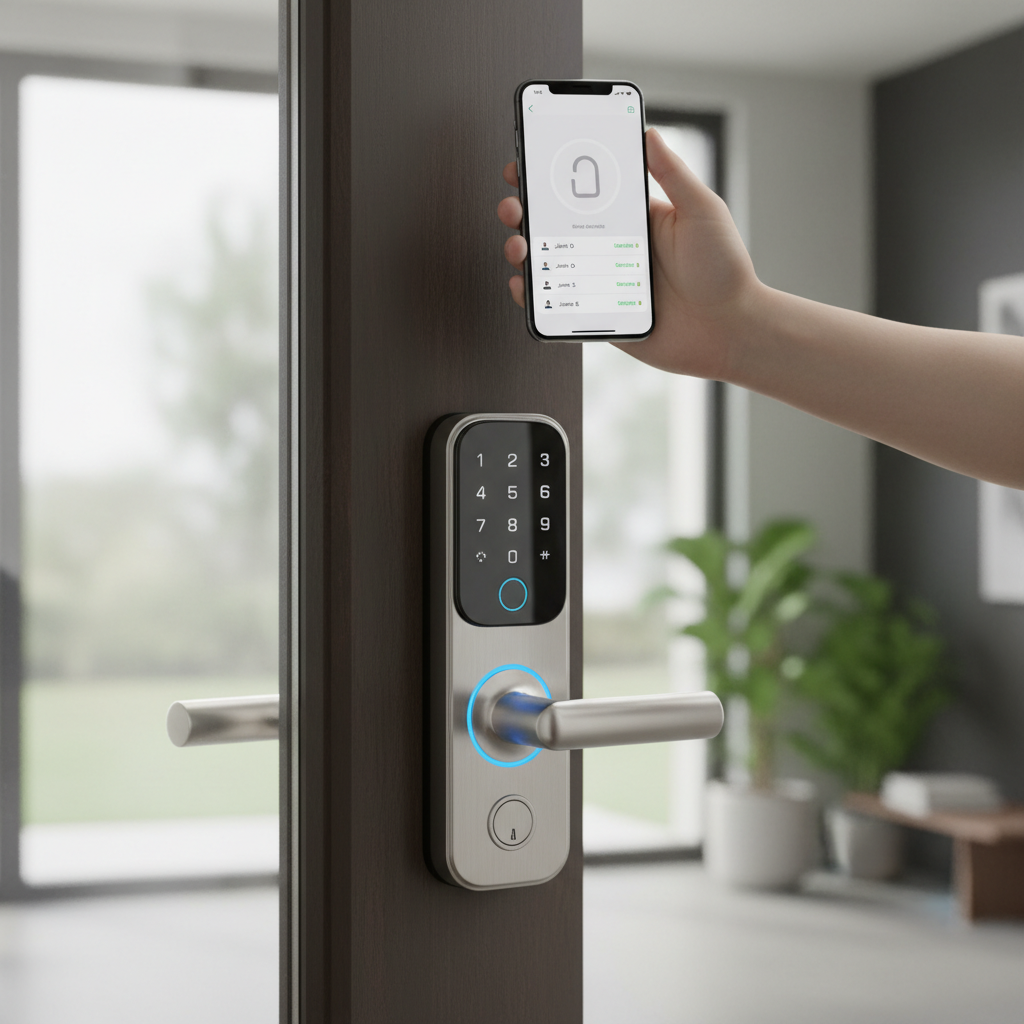
Managing rental properties in today’s dynamic market, whether they are bustling Airbnb listings, long-term residential units, or commercial spaces, presents a unique set of challenges. The traditional lock-and-key system often leads to logistical nightmares: lost keys, unauthorized copies, the hassle of physical key handovers, and costly rekeying between tenants. This antiquated approach not only drains time and resources but also introduces significant security vulnerabilities. Property owners are increasingly seeking modern solutions that offer peace of mind, operational efficiency, and an enhanced tenant experience. This article delves into the world of smart door locks, exploring how these innovative devices address the pain points of property management, offering unparalleled security, convenience, and scalability for every rental scenario.
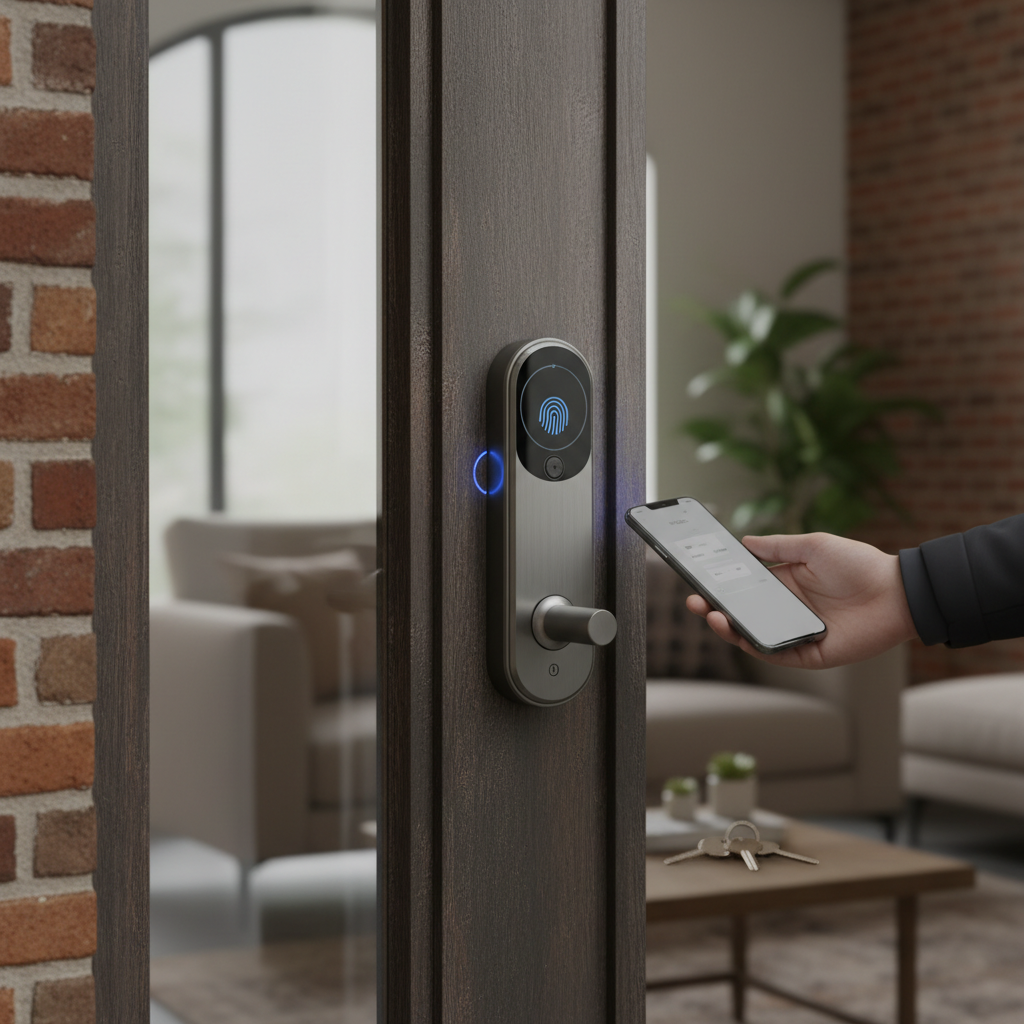
What is a Smart Door Lock for Rental Properties? Why Use Them?
A smart door lock is an electronic locking device that enables keyless entry and offers advanced control and monitoring capabilities beyond traditional mechanical locks. For rental properties, these locks are designed to streamline access management, enhance security, and significantly improve operational efficiency. They transform the way property owners interact with their units, moving from reactive key management to proactive digital control.
The primary benefits of integrating smart door locks into your rental portfolio are multifaceted. Firstly, enhanced security is paramount. Smart locks allow for the generation of unique, time-sensitive access codes for each guest or tenant, eliminating the risk of lost or duplicated physical keys. Activity logs provide a clear record of who enters and exits the property, fostering accountability. Secondly, unmatched convenience reshapes the check-in and check-out process. Automated check-ins mean guests receive their codes before arrival, allowing them to access the property at their convenience without requiring an in-person key exchange. For long-term tenants, mobile app access removes the burden of carrying physical keys. Lastly, simplified management is a game-changer. Property managers can remotely lock or unlock doors, revoke access instantly when a tenant moves out, or grant temporary access to maintenance staff and cleaners, all from a smartphone app. This capability drastically reduces administrative overhead and makes managing multiple properties more efficient.
Smart door locks are particularly beneficial for various use cases. For vacation rentals and Airbnb properties, they facilitate automated check-ins and check-outs, allowing hosts to generate expiring passcodes and manage guests remotely. For long-term residential rentals, they provide keyless entry for tenants, eliminate the need for costly lock changes between occupants, and allow property managers to grant temporary access for inspections or repairs. Commercial spaces also benefit from customizable access permissions for multiple businesses and employees, integrating seamlessly into existing security systems.
Types of Smart Door Locks Popular for Rental Properties
Understanding the different types of smart door locks is crucial for selecting the best fit for your rental properties. They can be categorized based on how access is granted, their connectivity features, and their installation method.
By Access Method
Smart locks offer a variety of ways to grant entry, moving beyond the traditional key.
- Keypad (PIN Code): This is one of the most popular methods for rental properties. Guests or tenants receive a unique numerical code, often temporary or time-sensitive, which they enter directly on the lock’s keypad. Keypads are reliable and don’t require a smartphone.
- Mobile App: Many smart locks can be controlled via a dedicated smartphone app. Users can lock and unlock doors, check door status, and manage access codes from anywhere, provided there’s an internet connection.
- Biometric (Fingerprint): Offering a high level of security and convenience, fingerprint recognition allows authorized individuals to unlock the door with a touch. While excellent for personal use, managing multiple fingerprints for fluctuating rental populations can be complex.
- Smart Card/Fob: Similar to hotel key cards, these small, programmable devices can be tapped against the lock for entry. They are easy to distribute but can be lost, requiring reissuance.
- Physical Key Override: Crucially for rental properties, most quality smart locks include a traditional physical keyhole as a backup, ensuring access is always possible even in power outages or technical issues.
|
Our Picks for the Best Smart door lock in 2026
As an Amazon Associate I earn from qualifying purchases.
|
||
| Num | Product | Action |
|---|---|---|
| 1 | Philips WiFi Keypad Door Lock with Handle, Built-in WiFi, APP Remote Control, Voice & Fingerprint Unlock, Smart Locks for Front Door with Auto Lock, Digital Front Door Lock Set, Keyless Entry Deadbolt |

|
| 2 | eufy Security Smart Lock C30, Keyless Entry Door Lock, Built-in WiFi Keypad Deadbolt for Front Door, No Bridge Required, Easy Installation, App Remote Control, Reliable Power, BHMA Grade 3 |
|
| 3 | Smart Door Handle Lock with Keypad: Yamiry Fingerprint Smart Knob - Keyless Entry Digital Lock for Front Door - Deadbolt with APP - Generate Passcode Remotely - DIY Installation |
|
| 4 | TEEHO TE001 Keyless Entry Door Lock with Keypad - Smart Deadbolt Lock for Front Door with 2 Keys - Auto Lock - Easy Installation - Matte Black |
|
| 5 | Keypad Smart Door Lock with Knob, Yamiry Keyless Entry Digital Lock with Handle, Fingerprint Electronic Knob for Front Door |
|
| 6 | eufy Security Smart Lock C220, Fingerprint Keyless Entry Door Lock, Built-in Wi-Fi, App Remote Control, Front Door Smart Lock Deadbolt, 8Months Battery, Reliable Power, IP53 Waterproof, BHMA Grade 3 |
|
| 7 | Philips Wi-Fi Door Lock, WiFi Smart Lock Keyless Entry Deadbolt for Front Door, Compatible with Alexa & Google Assistant, Remote Control, Built-in WiFi, APP Fingerprint Passcode Unlock, Auto Locking |
|
| 8 | Veise VE017 Fingerprint Smart Door Lock, App Control, 8-in-1 Keyless Entry, Auto Lock, Emergency Power Port, Electronic Touchscreen Keypad, Biometric Smart Locks for Front Door, Matte Black |
|
| 9 | TEEHO TE001 Keyless Entry Door Lock with Keypad - Smart Deadbolt Lock for Front Door with 2 Keys - Auto Lock - Easy Installation - Satin Nickel |
|
| 10 | Schlage Encode Smart Wi-Fi Deadbolt Lock with Touchscreen Keypad, Keyless Front Door Entry, App Control, Alexa, Google Home and Airbnb Compatible, Matte Black, BE489WB CEN 622 |
|
By Connectivity
The connectivity method determines how your smart lock communicates and its range of remote features.
- Wi-Fi: Locks with built-in Wi-Fi connect directly to your home network, allowing for full remote control and monitoring from anywhere without an additional hub. This is often preferred for rental properties for its simplicity in setup and management.
- Bluetooth: Bluetooth-enabled locks offer proximity-based control, meaning you must be within a certain range (typically 30-40 feet) to operate the lock via your smartphone. While simpler and often more affordable, their limited range makes them less ideal for remote management of rental units.
- Z-Wave/Zigbee: These are mesh networking protocols designed for smart home devices. They require a central hub to connect to the internet, but offer robust, scalable networks with good battery life. They are suitable for multi-unit properties where a centralized smart home system is in place.
- Offline Code Generation: Some advanced locks (e.g., Igloohome, Lockly) can generate access codes that work offline, meaning the lock doesn’t need to be constantly connected to the internet. This is a significant advantage in areas with unreliable Wi-Fi, as codes can be created remotely and shared with guests, who then use them at the lock.
By Installation Type
The installation method impacts compatibility and ease of setup.
- Full Replacement Deadbolt: These locks replace your existing deadbolt entirely. They offer a complete smart lock solution, often with integrated keypads and advanced features. Brands like Schlage and Yale frequently offer these.
- Retrofit Smart Locks: These locks install over your existing interior deadbolt, leaving the exterior hardware untouched. They are ideal for renters or properties with strict HOA rules, as they retain the original key functionality and external appearance. The August Smart Lock is a prime example.
- Smart Lockboxes: While not a true door lock, these are key lockboxes with smart features. They store a physical key but allow remote generation of PIN codes for access. They are a low-effort upgrade and good for properties where direct lock replacement is not feasible.
Comparing Top Smart Door Lock Brands for Rental Properties
Choosing a smart lock involves weighing various factors like price, features, security, and integration capabilities. Here’s a comparison of some leading brands popular among rental property owners.
| Brand | Price Range | Key Features for Rentals | Security Rating | Connectivity | Best For |
|---|---|---|---|---|---|
| August | $150 – $250 | Retrofit design, virtual keys, activity logs, auto-lock | High | Bluetooth, Wi-Fi (bridge/built-in) | Landlords needing easy install, Airbnb, existing deadbolts |
| Schlage | $200 – $350 | Keypad, Wi-Fi built-in, HomeKey, robust construction, alarms | ANSI/BHMA Grade 1 | Wi-Fi, Z-Wave, HomeKit | High-security needs, direct remote management |
| Yale | $180 – $300+ | Keypad, touchscreen, Airbnb integration, sleek design | High | Wi-Fi (bridge/built-in), HomeKit, Matter | Style-conscious owners, Airbnb integration, diverse access |
| Kwikset | $150 – $280 | Keypad, SmartKey Security, built-in Wi-Fi, voice control | High | Wi-Fi, Bluetooth | Budget-conscious, easy re-keying, voice commands |
| Lockly | $250 – $400+ | PIN Genie keypad, offline access codes, video doorbell | High | Bluetooth, Wi-Fi (hub/built-in) | Advanced security, offline access, video features |
| Igloohome | $150 – $250 | Offline PIN generation (algoPIN™), Bluetooth access, smart keybox | High | Bluetooth, Wi-Fi (bridge) | No internet at door, short-term rentals, keyboxes |
| Eufy | $200 – $350 | Fingerprint, built-in Wi-Fi, auto-lock, tamper alerts | High | Wi-Fi | Biometric preference, comprehensive security |
Top Smart Door Lock Models for Rental Property Owners
Selecting specific models can simplify the decision-making process. Here are five highly-rated smart door locks that cater well to the needs of rental property owners.
| Model | Price | Key Access Methods | Unique Features for Rentals | Connectivity | Pros | Cons | Ideal Use |
|---|---|---|---|---|---|---|---|
| August Wi-Fi Smart Lock | ~$200-$250 | Mobile App, Physical Key (retains existing), Voice | Retrofit design, auto-lock/unlock, activity feed, virtual keys, integrates with Airbnb | Wi-Fi (built-in) | Easy installation, keeps existing keys, good for HOAs | No keypad by default (add-on available) | Short-term rentals, long-term rentals (tenant retains key) |
| Schlage Encode Plus | ~$300-$350 | Keypad, Apple Home Key, Mobile App, Physical Key | Built-in Wi-Fi, ANSI/BHMA Grade 1 security, 100 user codes, HomeKit integration | Wi-Fi, HomeKit | Robust security, direct Wi-Fi, Apple Home Key | Higher price point, full deadbolt replacement | High-security rentals, Apple ecosystem users |
| Yale Assure Lock 2 | ~$180-$250 | Keypad, Mobile App, Physical Key (optional) | Airbnb integration, sleek design, auto-lock, Matter compatible | Bluetooth, Wi-Fi (optional module), Matter | Stylish, strong integration with Airbnb, flexible access options | Wi-Fi module often sold separately | Airbnb hosts, design-conscious owners |
| Kwikset Halo Smart Lock | ~$200-$280 | Keypad, Mobile App, Physical Key | Built-in Wi-Fi, SmartKey Security, voice control, activity alerts | Wi-Fi | Easy re-keying, direct Wi-Fi connection, reliable | Limited smart home ecosystem integration | General rental properties, budget-friendly options |
| Lockly Secure Pro | ~$300-$400 | PIN Genie Keypad, Fingerprint, Mobile App, Offline Access Code, Physical Key | Patented PIN Genie (randomizes numbers), offline access codes, video doorbell (Vision model) | Bluetooth, Wi-Fi (hub included) | Strong security, offline access, video option, durable keypad | More complex features, higher price | High-security rentals, unreliable internet areas |
How to Choose the Right Smart Door Lock for Your Rental Property
Choosing the ideal smart door lock requires a careful assessment of your specific needs and the characteristics of your rental property. It’s not a one-size-fits-all decision, but rather a strategic investment that impacts security, tenant satisfaction, and operational efficiency.
Assess Your Rental Type & Needs
First, consider the nature of your rental. For short-term vacation rentals (Airbnb, VRBO), features like automatic code generation and expiration tied to booking schedules, seamless integration with booking platforms, and robust remote management are crucial. August and Yale locks are often favored here for their Airbnb integrations. For long-term residential rentals, reliability, ease of use for tenants, and the ability to quickly rekey digitally between tenants are key. Retrofit options like the August Smart Lock can be appealing as they allow tenants to retain their physical keys. For multi-unit buildings or commercial spaces, scalability, centralized management software, and potentially Z-Wave/Zigbee compatibility for broader smart home integration might be more important.
Budget & ROI
Smart locks represent an investment, so consider your budget. While a higher upfront cost might seem daunting, weigh it against the long-term return on investment. The savings from eliminating physical key replacements, reducing administrative time for key handovers, avoiding costly rekeying by locksmiths, and potentially increasing property value and attractiveness can quickly offset the initial expense.
Essential Features
Prioritize features that directly address your pain points as a property owner.
- Remote Code Management: The ability to generate, modify, and delete access codes from anywhere is indispensable.
- Activity Logs: Detailed records of entry and exit provide accountability and peace of mind.
- Backup Access: A physical key override or an alternative keypad entry method is critical for reliability.
- Ease of Integration: Ensure the lock works with your existing property management software or preferred smart home ecosystem (Alexa, Google Assistant, HomeKit).
- Auto-Lock/Unlock: For busy property owners, automatic locking ensures security even if a tenant forgets.
Compatibility & Installation
Check the compatibility of the smart lock with your existing door hardware. Most smart locks are designed for standard deadbolts. Measure your door’s thickness and backset to ensure a proper fit. Decide if you prefer a full deadbolt replacement or a retrofit option, which can be simpler for those unwilling to modify their existing setup. While many smart locks boast DIY installation, having clear instructions or access to professional installation services can be beneficial.
Security & Reliability
Look for locks with strong security ratings, such as ANSI/BHMA Grade 1, which indicates high resistance to forced entry. Consider the battery life and ensure the lock provides low battery alerts. Reliability extends to customer support; choose brands known for good warranties and responsive technical assistance. Trustworthy brands will also offer encrypted communication to protect digital access credentials.
“For rental property owners, a smart lock isn’t just about convenience; it’s about control, security, and maximizing operational efficiency. The right lock reduces headaches and elevates the guest experience.” – Dr. Elena Petrova, Smart Home Technology Consultant
Installation and Maintenance Tips for Smart Door Locks
Proper installation and consistent maintenance are crucial for ensuring your smart door locks operate reliably and securely for years. While installation can seem daunting, many modern smart locks are designed for relatively straightforward DIY setup.
Prepare Your Tools and Door
Before you begin, gather the necessary tools, which typically include a screwdriver, tape measure, and potentially a drill (though often not required). Always refer to the manufacturer’s specific instructions. Ensure your door and door frame are in good condition. The boreholes (holes in the door) should be the correct size, and the deadbolt should operate smoothly without sticking or rubbing against the strike plate on the door frame. A poorly aligned door can cause mechanical issues for a smart lock.
Basic Installation Steps
While each model varies, the general steps for installing a smart deadbolt replacement involve:
- Remove Existing Deadbolt: Unscrew and remove the interior and exterior components of your old deadbolt.
- Install New Latch/Bolt: Insert the new smart lock’s latch or bolt into the edge of the door.
- Attach Exterior Keypad/Assembly: Place the exterior portion of the smart lock (keypad, touchscreen) through the door.
- Install Interior Assembly: Align the interior assembly with the exterior components and secure them with screws.
- Connect Battery Pack: Install the batteries according to the instructions.
- Test Functionality: Manually test the lock with the thumb turn and then electronically to ensure it locks and unlocks smoothly.
For retrofit locks like August, the process is even simpler, typically involving attaching the smart lock assembly to the interior side of your existing deadbolt and calibrating it through the app.
Setup and App Configuration
Once the physical lock is installed, the next step is typically to download the manufacturer’s smartphone app. You will then:
- Pair the Lock: Follow the in-app instructions to pair your new smart lock with your smartphone via Bluetooth or Wi-Fi.
- Create User Codes: Set up your primary access codes. For rental properties, create unique codes for yourself, any property managers, and specific codes for each tenant or guest.
- Set Schedules: Utilize features to schedule code activation and deactivation for guests, cleaners, or maintenance teams.
- Integrate with Platforms: Connect your smart lock with property management software, Airbnb, or smart home ecosystems like Amazon Alexa or Google Assistant for enhanced control.
Maintenance for Longevity
Regular maintenance will extend the life of your smart lock and prevent issues.
- Battery Replacement: Smart locks run on batteries (usually AA). Most apps provide low battery warnings, but it’s wise to proactively check and replace batteries every 6-12 months, or as recommended by the manufacturer, especially for high-traffic rental units. Always keep spare batteries on hand.
- Software Updates: Keep the lock’s firmware and the accompanying smartphone app updated to ensure optimal performance, security, and access to new features.
- Cleaning: Periodically wipe down keypads and exterior surfaces with a soft, dry cloth to prevent dirt buildup. Avoid harsh chemicals that could damage electronic components.
- Mechanical Check: Occasionally check that the deadbolt operates smoothly. If it feels stiff, the door alignment might need adjustment, or the mechanism might need light lubrication (use graphite lubricant, not oil).
Common Smart Door Lock Issues and Troubleshooting for Landlords
Even the best technology can encounter hiccups. For rental property owners, understanding common smart lock issues and their quick fixes can save time, money, and tenant frustration.
Battery Depletion
- Issue: The most frequent problem is a dead battery, leaving the lock unresponsive.
- Troubleshooting:
- Low Battery Alerts: Most smart locks send notifications to your smartphone when batteries are low. Pay attention to these and replace batteries proactively.
- Backup Power: Many smart locks have external terminals where a 9V battery can be temporarily connected to provide enough power for a single entry.
- Physical Key Override: This is why a physical key is essential. Ensure you always have access to the backup key.
Connectivity Problems
- Issue: The lock might lose connection to Wi-Fi, Bluetooth, or its smart home hub, preventing remote control or app-based entry.
- Troubleshooting:
- Check Wi-Fi Router: Ensure the router is working and the signal reaches the lock. A Wi-Fi extender might be needed for locks far from the router.
- Restart Devices: Try restarting your router, smart home hub (if applicable), and the smart lock itself (by removing and reinserting batteries).
- Bluetooth Range: If using Bluetooth-only locks, ensure you are within range.
- Offline Access: Utilize offline code features if your lock supports them for continued access during internet outages.
Code Management Errors
- Issue: Tenants or guests report their access codes aren’t working, or you can’t create/delete codes remotely.
- Troubleshooting:
- Verify Codes: Double-check the code you’ve provided against what’s programmed in the app.
- Check Expiry Dates: Ensure the code hasn’t expired or been set for the wrong time window.
- Sync Issues: If you’ve made changes in the app, ensure the lock has synchronized with the new settings. Sometimes a manual sync or a brief internet connection can resolve this.
- Network Strength: Poor connectivity can prevent code updates from reaching the lock.
Lock Malfunctions
- Issue: The lock mechanism jams, fails to retract the bolt, or the keypad becomes unresponsive.
- Troubleshooting:
- Physical Obstructions: Check for any debris in the door frame or strike plate that might be impeding the bolt.
- Door Alignment: A misaligned door can put pressure on the deadbolt, causing it to stick. Adjust the door hinges or strike plate if necessary.
- Reset the Lock: Many smart locks have a reset button or sequence. Refer to the manual for a factory reset, but be aware this will erase all stored codes, so plan accordingly.
- Manufacturer Support: If these steps don’t resolve the issue, contact the manufacturer’s customer support for technical assistance or warranty claims.
Conclusion
The evolution of smart door locks has revolutionized rental property management, offering an indispensable blend of enhanced security, unparalleled convenience, and streamlined operations. For property owners, moving beyond traditional keys means eliminating logistical headaches, ensuring peace of mind, and ultimately creating a more appealing and efficient rental experience for both tenants and management. By carefully considering the various types of locks, comparing leading models, and prioritizing features that align with your specific property needs, you can make an informed decision that elevates your rental business. Embracing this technology is not just about keeping pace with modern demands; it’s about proactively safeguarding your investments and simplifying your role as a property owner. Are you ready to unlock the full potential of your rental properties with smart technology?
Câu Hỏi Thường Gặp
Are smart locks truly secure for rental properties?
Yes, reputable smart locks are highly secure. They utilize digital encryption for access codes, offer activity logs, and many boast ANSI/BHMA Grade 1 security ratings, the highest residential security standard. This often surpasses the security of physical keys, which can be easily lost, copied, or picked.
What happens if the internet goes down at my rental property?
Most quality smart locks offer multiple backup entry methods. This includes a physical key override, a keypad for PIN entry (which often works locally without internet), or the ability to generate offline access codes. Always ensure your chosen lock has robust offline functionality.
Can tenants tamper with smart locks?
While any device can theoretically be tampered with, smart locks are designed with security in mind, often including tamper alerts that notify property owners of any attempted interference. Furthermore, the ability to remotely monitor activity logs helps detect and address unauthorized actions quickly.
How do I manage access for cleaners and maintenance staff?
Smart locks simplify this greatly. Through the accompanying smartphone app, you can generate temporary or scheduled access codes that are valid only for specific dates and times. These codes automatically expire, ensuring controlled access without the need for key handovers.
What about the battery life of smart locks?
Battery life varies by model and usage, but most smart locks last between 6-12 months on a single set of AA batteries. They typically provide low battery warnings via the smartphone app, allowing property owners to replace them proactively before they run out.